
Router Bit Speed Guide: Choosing RPM by Bit Diameter and Material
To prevent burning wood or damaging your tools, you must adjust your router speed based on the bit diameter and the material you are cutting. Larger bits require slower speeds for safety, while smaller bits need higher speeds to ensure a clean cut. This guide explains how to match these settings to your project.
Understanding Feed Rates and Tool Speed
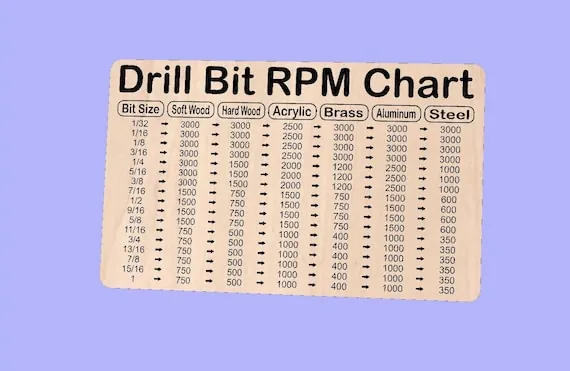
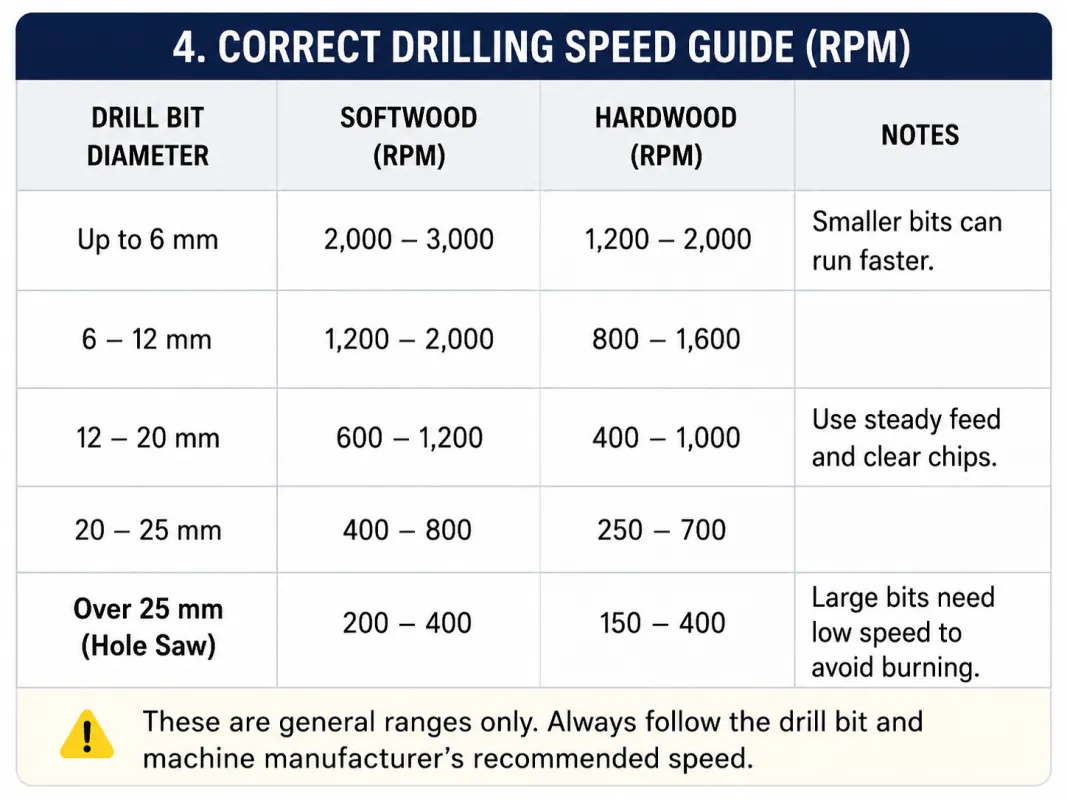
Router bits work by spinning at high speeds to shave away material. If the bit spins too fast, it creates friction, which burns the wood and dulls the cutting edges. If it spins too slow, the tool will tear or chip the wood surface rather than slicing it clean. The right speed is a balance between your bit’s diameter and the hardness of your workpiece.
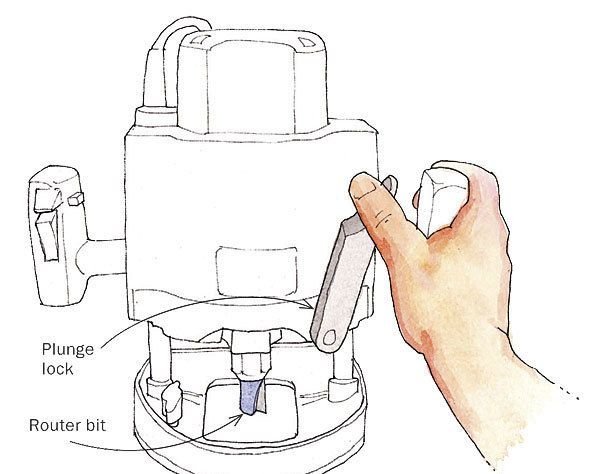
Most modern routers have a dial to adjust the rotations per minute (RPM). You must always check your bit’s packaging for the maximum speed rating, as some larger bits will shatter if pushed beyond their limit. This assumes you’re using a standard plunge or fixed-base router; for CNC machines, follow the specific software feed rate settings.
Setting Router Speed by Bit Diameter and Material
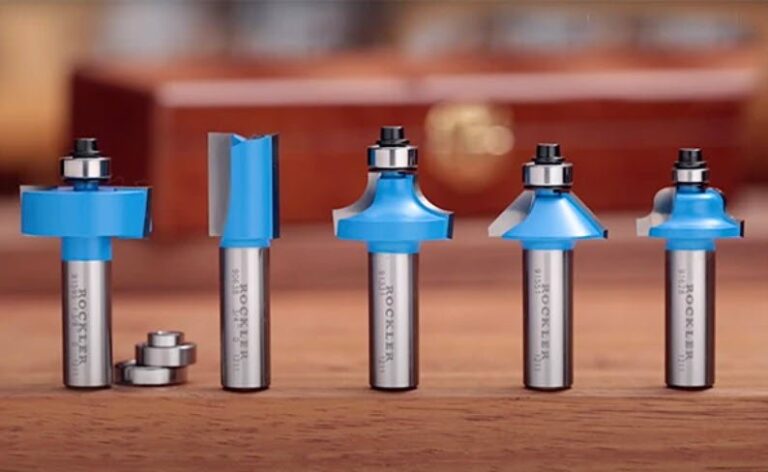
- Check the bit diameter. A bit with a 1-inch diameter or larger should run at 10,000 to 14,000 RPM.
- Adjust for bit size. Mid-sized bits between 1/2-inch and 1-inch work best at 16,000 to 18,000 RPM.
- Select speed for small bits. Use 20,000 to 24,000 RPM for bits smaller than 1/2-inch in diameter.
- Consider material density. Reduce your speed by 2,000 RPM when working with hardwoods like oak or maple.
- Increase speed for softwoods. You can safely increase the speed by 2,000 RPM when cutting pine or cedar.
- Always start with a test pass on scrap wood of the same thickness to check for burning.
- Wear proper eye protection, as the Occupational Safety and Health Administration lists flying debris as a primary risk for router users.
If you hear a high-pitched whining sound, your speed is likely too high. If you hear a deep, chattering vibration, your speed is likely too low for the cut.
Recommended Settings for Common Bits
| Bit Diameter | Softwood RPM | Hardwood RPM | Watch For |
|---|---|---|---|
| Under 1/2″ | 24,000 | 22,000 | Chattering |
| 1/2″ to 1″ | 18,000 | 16,000 | Burning |
| 1″ to 2″ | 14,000 | 12,000 | Vibration |
| Over 2″ | 10,000 | 8,000 | Heat buildup |
These settings serve as baseline starting points for standard router operations. If you notice smoke, stop immediately and reduce either your spindle speed or the depth of your cut.
Always prioritize the feed rate over speed adjustments when dealing with burning. If the wood chars despite using these RPMs, increase your feed speed to clear chips more efficiently. A common mistake is slowing the bit down too far, which causes the cutter to rub rather than slice. This friction ruins carbide edges in seconds.
Steel dulls rapidly under high heat. If you can’t maintain a clean cut at these speeds, take two shallow passes rather than one deep one.
Getting the Best Surface Finish
Experienced woodworkers know that the secret to a smooth finish is the combination of speed and feed rate. If you push the router too slowly, the bit stays in one spot too long and burns the wood. If you push it too fast, the bit can’t clear the shavings, causing it to grab and tear the grain.
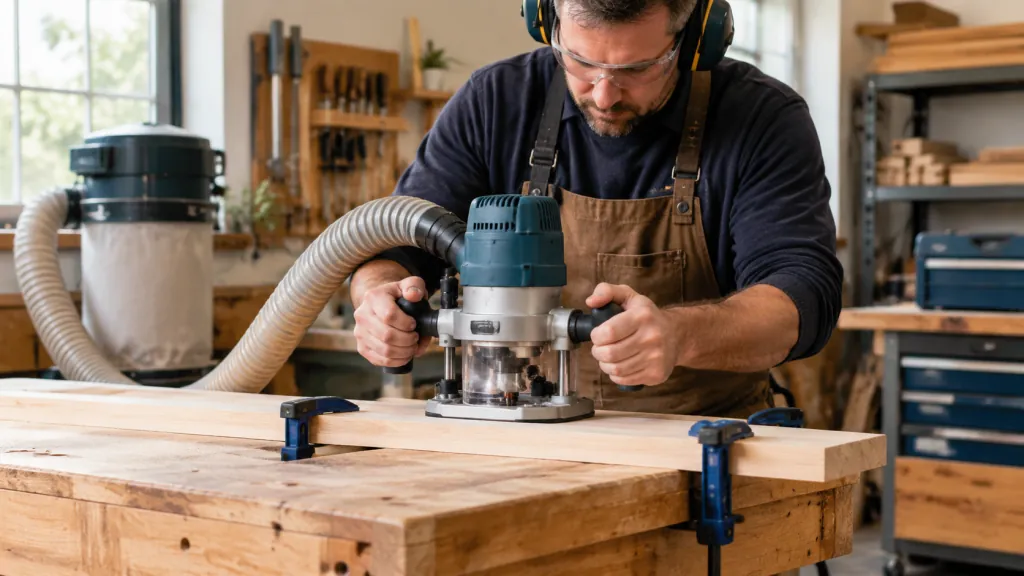
Always aim for a steady, rhythmic pace. If you’re using a table-mounted router, use a push block to keep your hands away from the cutter. If you’re using a handheld router, keep the base flat and move in the direction that forces the router against the wood’s resistance. Never attempt to remove too much material in a single pass; take multiple shallow passes instead.
Addressing Common Router Issues
| What you notice | What it usually means | What to do first |
|---|---|---|
| Dark burn marks | Speed is too high | Reduce RPM |
| Jagged, torn edges | Feed rate is too fast | Slow your movement |
| Excessive vibration | Bit is loose or damaged | Tighten the collet |
| Router stalls | Depth of cut too deep | Take shallower passes |
Always inspect your bits for chips or cracks before starting. A damaged bit is dangerous regardless of the speed setting.
Safety Rules for Router Operation
Operating a router requires strict adherence to safety standards to prevent injury. Always disconnect the power before changing bits or adjusting the depth, as accidental activation can cause severe cuts. Never wear loose clothing or jewelry that could catch in the rotating parts.
If you’re new to using a router, practice on scrap material until you feel comfortable with the tool’s torque. For any task involving large surface-leveling bits or complex custom shapes, ensure your router is secured to a stable table. If you feel the machine pulling away from your control, turn it off immediately. You must always refer to the manual provided by your specific router manufacturer for unique safety protocols or weight limits.
Caring for Your Router Bits
After finishing your project, clean your bits with a resin remover to prevent buildup. Sticky sap and wood dust act like glue, which makes the bit run hotter and dulls the edge faster. Store your bits in a wooden case or a dedicated rack where the cutting edges don’t touch each other.
If you notice that your cuts are no longer clean even at the correct speed, the bit is likely dull. You can send professional-grade carbide bits to a sharpening service, but standard consumer bits are usually replaced. Never try to sharpen a bit by hand with a file, as this will destroy the balance and make the tool unsafe to use.
When to Change Your Strategy
This guide assumes you’re using standard carbide-tipped bits. If you’re using specialized high-speed steel bits, you should run them at lower speeds than carbide bits to prevent premature dulling. If your project involves plastic or metal, the rules for RPM change entirely, and you should use a variable-speed control adjusted for those materials.
If you’re working with very small, delicate parts, a router might be the wrong tool. Use a Dremel or a CNC engraver instead, as these provide better control for fine detail work. When in doubt about a bit’s speed rating, always choose the lower end of the range to stay safe.
Related guides
- Choosing a Corded Drill for Metal: Speed, Bits & Setup
- 10 Best Wood Routers for Woodworking: Top Picks for Projects
Frequently Asked Questions
Can I use the same speed for all bits?
No, you can’t use the same speed for all bits because larger diameters move faster at the outer edge. This creates more heat and vibration, meaning large bits must run at lower speeds to remain stable.
How do I know if my router speed is too high?
Yes, you’ll see dark burn marks on the wood or smell smoke. If you see these signs, immediately reduce your RPM or increase your feed rate to move the bit through the material faster.
Is it safe to run a router at max speed?
No, it isn’t safe for all bits, especially those with large diameters. Always check the bit’s packaging for the maximum rated speed, as exceeding this limit can cause the bit to break during operation.
Why does my router chatter during a cut?
It usually means your feed rate is too fast or your RPM is too low. Try increasing the speed slightly or slowing down your hand movement to see if the vibration stops during the cut.
How often should I clean my bits?
You should clean your bits after every project or whenever you see dark resin buildup on the cutting edges. Clean bits cut cooler and last much longer than those covered in wood sap.
What happens if I use a dull bit?
It will require more force to push the router, which increases the chance of slipping. Always replace or sharpen your bits as soon as you notice you have to push harder than usual.
Conclusion
Regular maintenance and choosing the right speed for your specific bit size will keep your tools sharp and your projects looking professional. Take your time with the initial setup, and your router will remain a reliable part of your workshop for a long time.