Best Cordless Drill Driver for Homeowners: Choosing the Right Tool
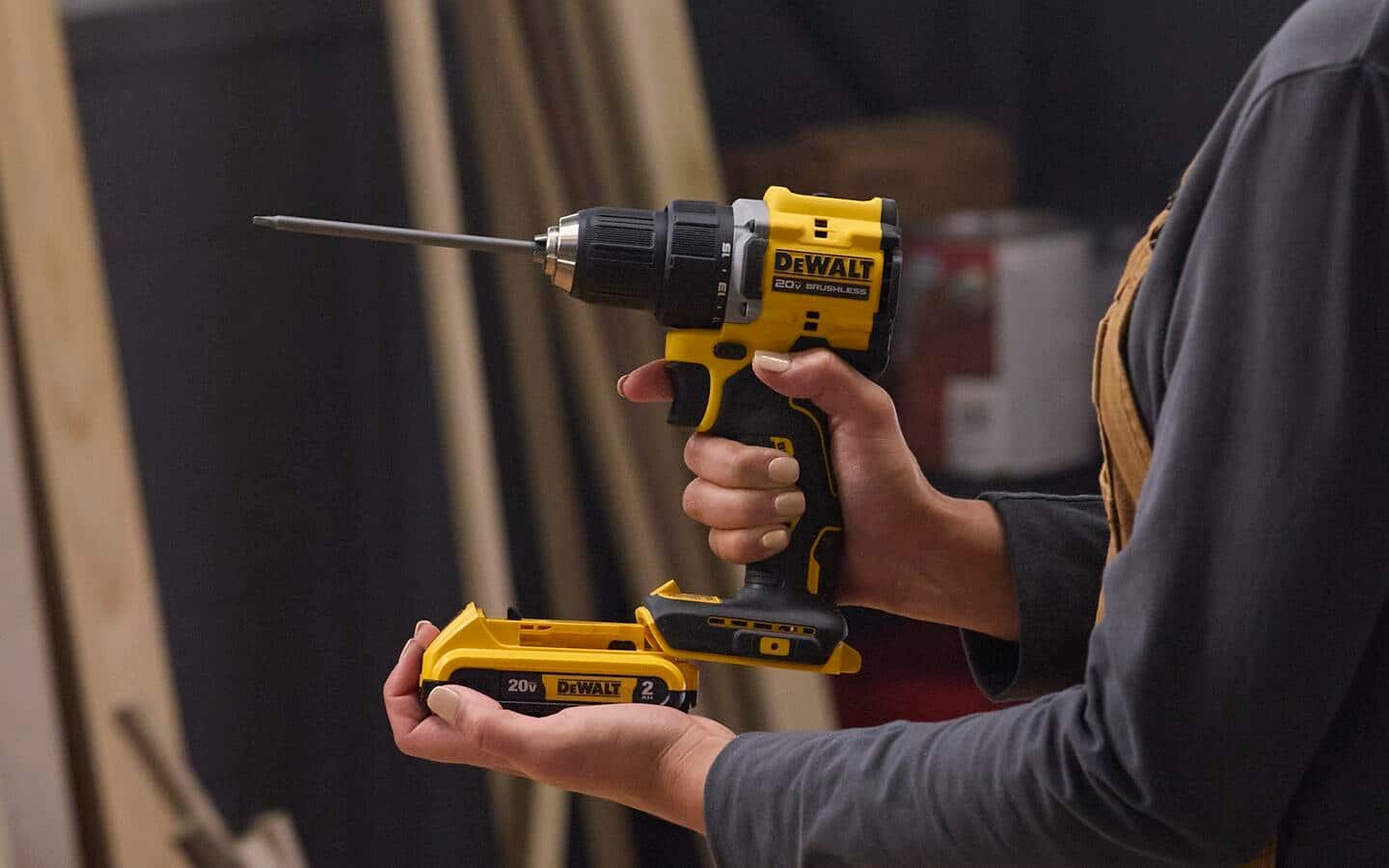
The best cordless drill driver for homeowners is a compact 18-volt drill with a keyless chuck and a two-speed gearbox, because it drills holes and drives screws around the house without a power cord. If you need serious masonry work or heavy framing, a corded hammer drill wins instead.
Cordless drill drivers compared
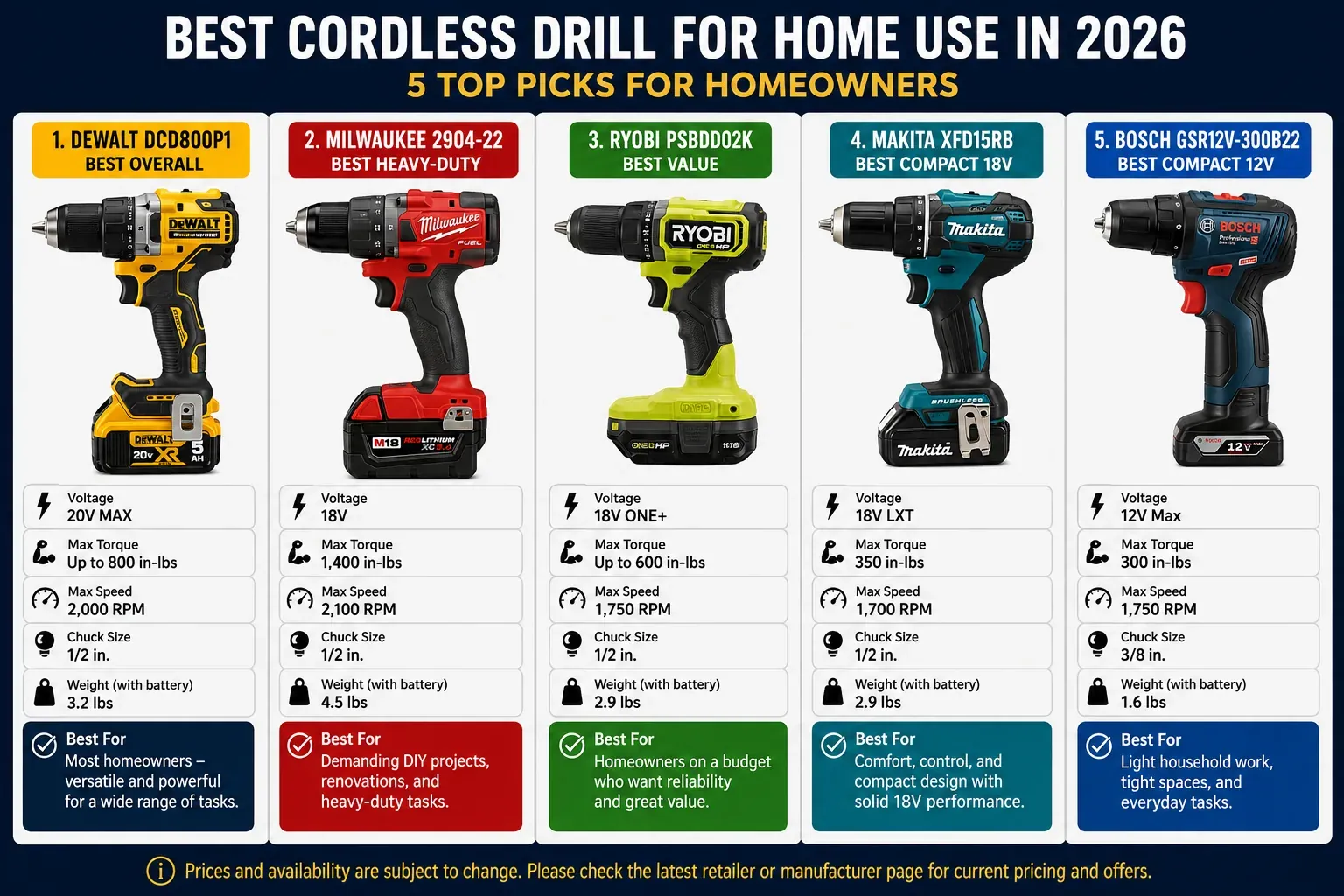
Homeowners usually pick from three real options: a standard drill driver, an impact driver, or a drill/driver kit that includes both tools.
| Method | How long | Effort | Cost | Best for |
|---|---|---|---|---|
| Drill driver only | Hours per project | Low | Medium | Holes and screws around the home |
| Impact driver only | Minutes per fastener | Medium | Medium | Driving long screws and bolts |
| Drill and impact kit | Hours per project | Low | High | Everything a homeowner faces |
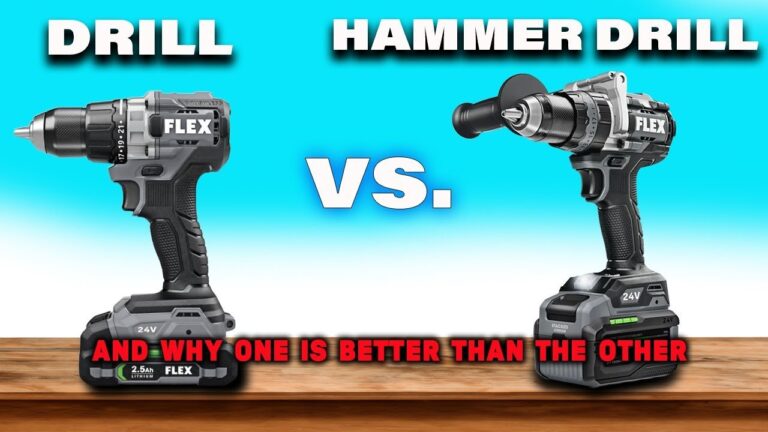
A drill driver spins a bit and lets you set how tightly it turns, which protects wood and drywall. An impact driver hammers as it turns, so it drives fasteners quickly but can snap small screws or crack material. Neither tool replaces the other completely.
Choosing the right drill driver
Look for an 18-volt class battery, which provides sufficient torque for most home tasks without adding excessive weight. If you plan to drive long deck screws or spade bits, prioritize a brushless motor; it runs cooler and lasts significantly longer than brushed alternatives.
Pick a keyless 3/8-inch or 1/2-inch chuck to swap bits by hand. A 1/2-inch chuck is the better investment if you anticipate using larger drill bits for metal or wood.
Choose a model with a clutch featuring at least 15 settings to prevent over-driving screws. When working with soft pine or delicate cabinetry, start at the lowest setting to avoid stripping the material. If the screw head sits proud, increase the clutch tension by one increment until it seats flush.
Always purchase a kit that includes two batteries. This ensures you never stop mid-project while waiting for a charge.
This tool excels at hanging shelves, assembling furniture, and boring holes in wood or drywall. It fails against masonry; use a hammer drill for concrete or brick. If the drill creates a high-pitched whine without advancing, you have hit aggregate and must stop immediately to prevent burning out the motor.
Impact driver for fasteners
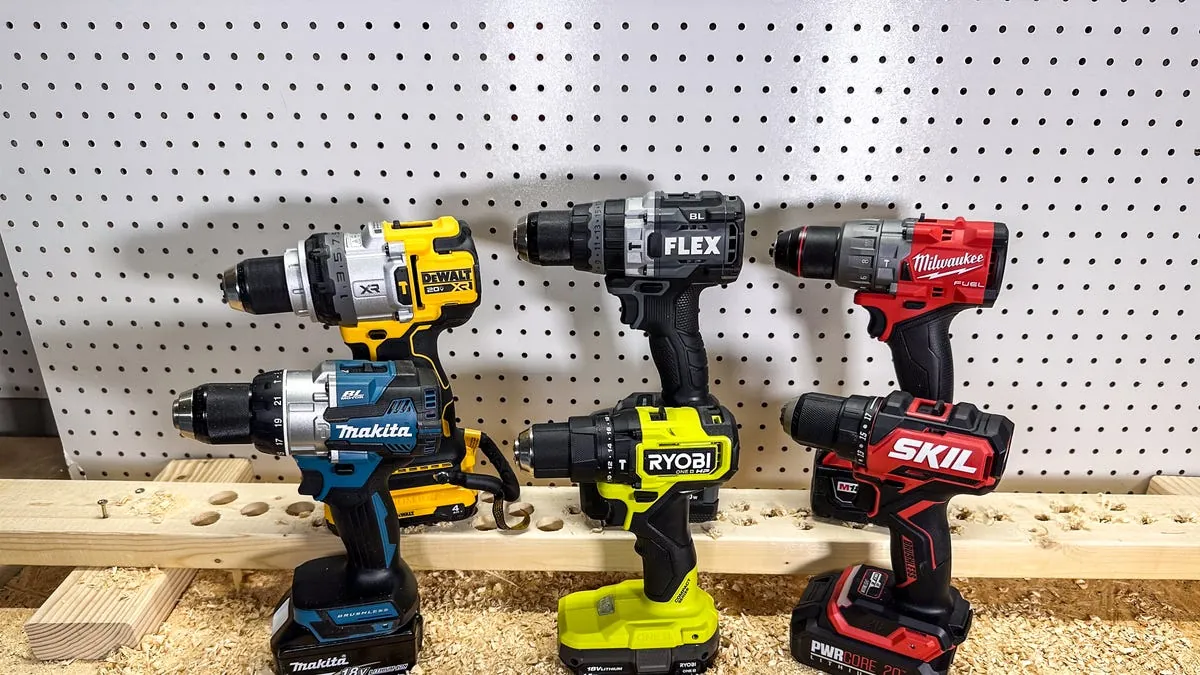
Insert a hex-shank bit into the quick-release chuck until it clicks into place. Set the speed or mode switch if your model offers variable settings. Press the trigger gently to start, then squeeze fully to drive the fastener. Stop as soon as the screw head sits flush with the surface.
An impact driver drives long screws and lag bolts faster and with less wrist strain than a drill driver. Its weakness is precision work; the hammering action makes it poor for drilling and easy to snap small screws. If you’re driving fasteners under two inches long, switch to a standard drill driver to avoid stripping the heads or cracking the wood.
Use the impact driver for structural assembly, like framing or decking, where speed and torque matter most. If you’re working with delicate trim or soft pine, use a drill driver with a clutch set to a low torque setting. This prevents the fastener from sinking too deep, which ruins the finish and weakens the joint.
Drill and impact kit
Use the drill driver for pilot holes and smaller screws. Its clutch prevents you from stripping delicate threads or cracking wood.
Switch to the impact driver for long screws, bolts, and tough fasteners. The hammering action provides the rotational force needed to sink three-inch deck screws without burning out the motor.
Charge both batteries after each project so neither dies mid-job. Lithium-ion cells perform best when topped off, but leaving them drained for months can permanently reduce their capacity.
Keep the kit in its case so bits and accessories stay together. Losing a proprietary hex bit mid-project often costs more in time than the initial investment in the kit itself.
This setup handles nearly every homeowner job, from furniture assembly to deck repairs. Its weakness is cost; buying two tools and two batteries costs more than a single drill. If you only hang pictures occasionally, a single drill driver is enough.
Which drill driver should you buy?
When you’re in a hurry, choose the drill and impact kit because both tools are ready for different tasks without swapping bits. When you’re doing this for the first time, choose a single drill driver because one tool is simpler to learn and cheaper to own. When you want the best possible result whatever it takes, choose the kit because the impact driver drives fasteners cleanly while the drill drills holes precisely.
If you’re assembling flat-pack furniture, a single 12-volt drill driver is sufficient and prevents you from stripping delicate screws. If you’re building a deck or framing a wall, the 18-volt impact driver is mandatory to drive long structural screws without burning out the motor.
Most beginners make the mistake of buying a heavy, high-torque industrial kit for light household tasks. This adds unnecessary fatigue and makes it difficult to control depth. If you plan to work on projects for more than two hours a week, prioritize a brushless motor; it generally offers better efficiency and longer runtime than brushed alternatives. Buy what matches the work you actually have, not the work you might have someday.
What matters with any cordless drill
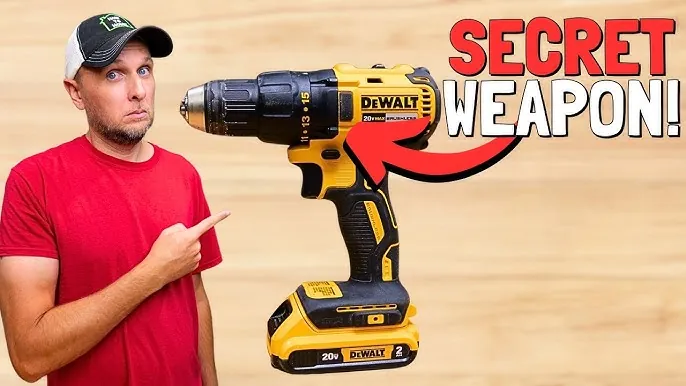
Check the voltage and battery amp-hours before you buy; higher numbers mean more runtime and power, but also more weight. Aim for 18V or 20V for general home repairs, as anything lower often struggles with hardwood or masonry. If you feel the tool dragging, you’re likely pushing too hard; let the drill’s speed do the work to prevent motor burnout.
Tighten the chuck by hand until you hear a distinct click, ensuring the bit doesn’t wobble. Test the clutch on a scrap piece before driving screws into your wall. If the screw head strips or the bit slips, lower your clutch setting to prevent damage to the surface.
Wear eye protection when drilling, and stop immediately if the tool smells hot or slows down under load. A hot motor indicates you’re overloading the tool, which can cause permanent damage to the motor windings or internal electronics.
If a job involves electrical wiring behind walls, gas lines, or structural framing, stop and call a licensed professional. The tool itself is safe for normal home use, but what lies behind the surface can be lethal. Check the manufacturer’s website for specific battery disposal guidance to avoid fire risks.
Frequently asked questions
Can I drill into concrete with a cordless drill driver?
No. A standard cordless drill driver lacks the hammering action needed for concrete or brick. Use a hammer drill or hire someone with one.
How long does the battery last on one charge?
It depends on the battery’s amp-hour rating and how hard you work the tool. Check the manufacturer’s specifications for the exact runtime of your model.
Is it safe to leave the battery on the charger?
Most modern chargers stop when the battery is full, but you should still unplug it once charged. Read your charger’s manual for the specific guidance.
What happens if I overdrive a screw?
The screw head strips or the wood splits, and you’ll have to remove the damaged screw and start a new hole. Use the clutch setting to stop before this happens.
What size drill driver do I need for home use?
An 18-volt model with a 3/8-inch or 1/2-inch keyless chuck handles nearly every homeowner task. Confirm the chuck size on the product page before buying.
Why does my drill driver stop mid-screw?
The clutch likely reached its setting, or the battery is low. Adjust the clutch higher or swap in a charged battery.
Conclusion
For most homeowners, an 18-volt drill driver with two batteries and a clutch is the right place to start. Add an impact driver later if you find yourself driving long screws often.