
Bosch Colt vs. Makita RT0701C: Which Compact Router Is Better
The best choice for most woodworkers is the Makita RT0701C because its variable speed control and superior ergonomics offer more versatility for varied projects. If you need a compact router that fits specifically into a Bosch-compatible edge-forming guide system or prefer a smaller palm grip for one-handed detail work, the Bosch Colt wins out.
Comparing Bosch Colt and Makita RT0701C compact router features
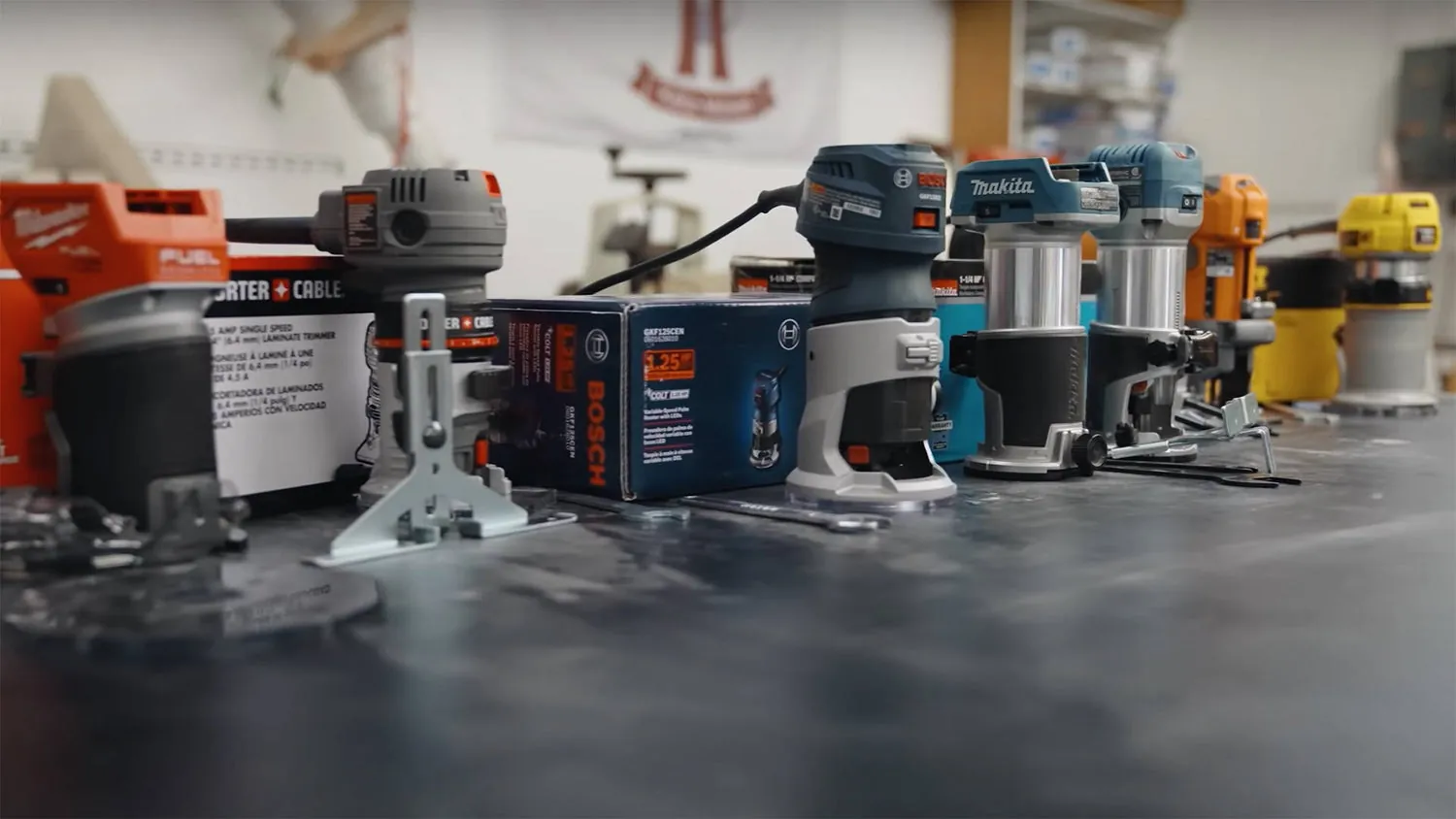
Choosing between these two models depends on how you plan to use the tool in your shop. While both are built for trimming and edge work, their internal motor designs and base adjustments differ significantly.
| Method | How long | Effort | Cost | Best for |
|---|---|---|---|---|
| Makita RT0701C | Long-term use | Low | Medium | General edge work |
| Bosch Colt | Long-term use | Low | Medium | Detail trimming |
| Fixed Base Trim | Short-term use | Medium | Low | Basic laminates |
The Makita model features a soft-start motor that prevents the tool from jumping when you pull the trigger. This helps you maintain control, though it requires a slightly larger hand span than the Bosch.
Using the Makita RT0701C effectively
The Makita RT0701C features a 1.25 HP motor that handles hardwoods with less stalling than smaller trimmers. Its design focuses on stability during long passes.
Unlock the base cam-lock lever to adjust the depth of cut. Turn the fine-adjustment dial to set the bit height accurately. Rotate the speed control dial to match the cutter size. Grip the main housing firmly and engage the soft-start trigger.
If you’re using a bit larger than one inch in diameter, set the speed dial to 3 or lower. Running wide bits at full speed causes chatter that ruins the finish. For standard edge-rounding bits, dial 5 or 6 provides the cleanest cut.
A common mistake is tightening the cam-lock lever while the motor is still vibrating. This wears down the plastic housing over time. Wait for the bit to stop spinning entirely before making adjustments.
The power cord exits the top of the unit, which can catch on your workbench edge. Loop the cord over your shoulder or use a ceiling-mounted retracting reel to prevent sudden tugs that ruin your pass. If the router jerks mid-cut, you’ll likely leave a permanent divot in the stock.
Using the Bosch Colt effectively
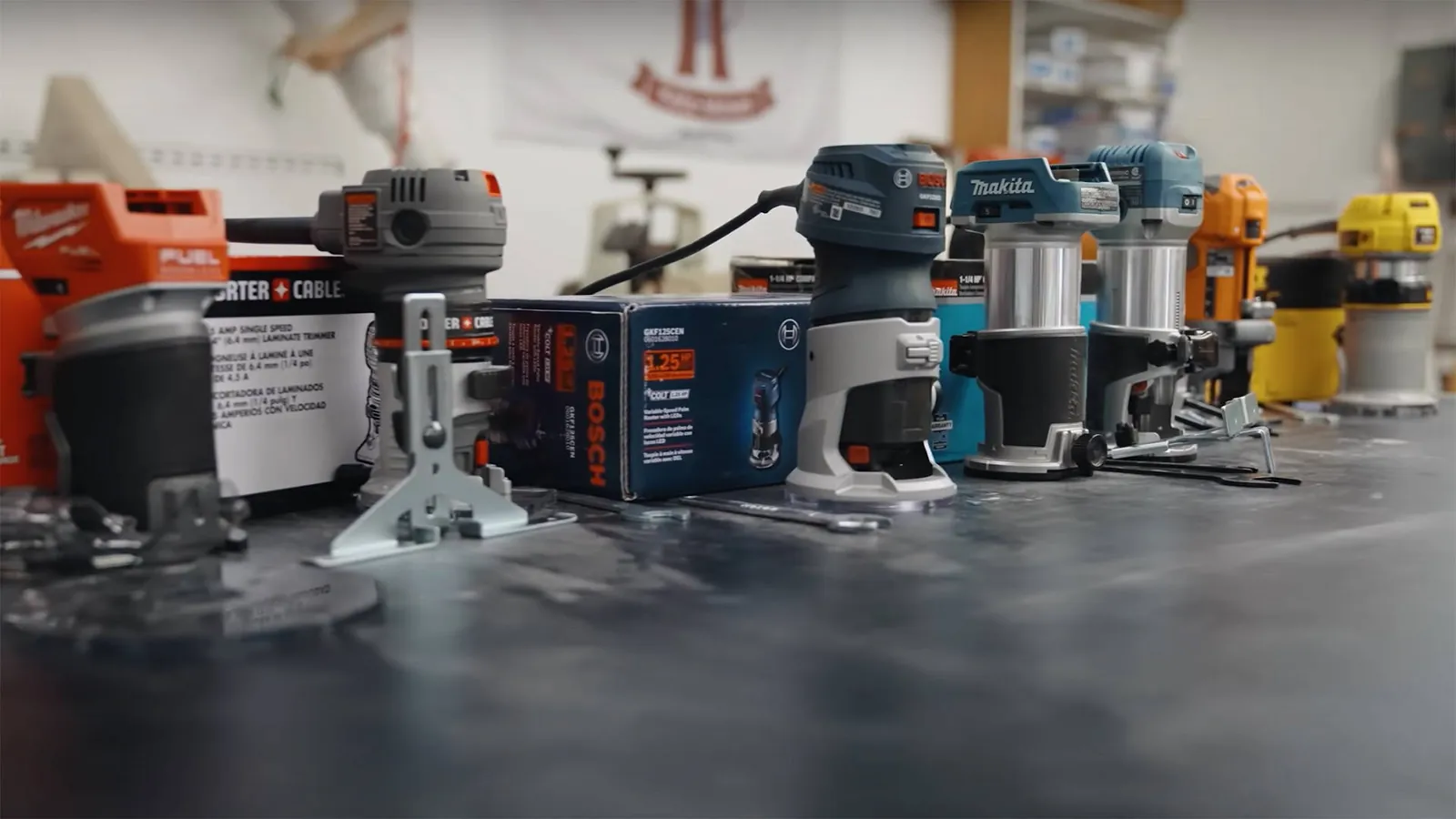
The Bosch Colt is famous for its compact, rounded shape that fits comfortably in the palm of your hand. It’s designed for fine control rather than heavy stock removal.
- Press the spindle lock button to hold the shaft steady.
- Use the provided wrench to secure your 1/4-inch router bit.
- Adjust the depth by turning the threaded collar on the base.
- Tighten the locking lever before plugging the tool into an outlet.
This model is a favorite for template work because the housing is easy to grip and maneuver. However, its smaller base plate can feel unstable if you’re routing near the very edge of a wide board. If you don’t have experience with these tools, seek a local woodworking class to learn safe operation.
Using a fixed base trim router
A fixed base router is the simplest way to handle edge profiles on cabinetry or laminate projects. These tools are lightweight and stay at a single depth for consistent results.
- Check that the router is unplugged before changing any bits.
- Set your depth on a scrap piece of wood first.
- Tighten the base clamp securely so the motor can’t slip during use.
- Feed the router so that the bit’s rotation pulls the tool into the wood, which is against the direction of the bit’s rotation.
These routers are perfect for repetitive tasks where you don’t need to change settings between boards. A major downside is that they lack the variable speed control found on the more expensive models, which limits the size of bits you can safely use. If you only ever trim thin laminate edges, this basic setup is usually enough for your needs.
Which router should you use?
When you’re in a hurry, the Makita RT0701C is the better choice because the quick-release base allows for faster bit changes. If you’re doing this for the first time, the Makita also wins due to its soft-start feature, which prevents the tool from kicking back when you power it on. For those who want the absolute best result regardless of cost or weight, the Makita remains the winner for its consistent power delivery and robust depth adjustment system.
You face a trade-off between the portability of a smaller tool and the power of a larger motor. If your work involves mostly thin veneers, a smaller, lighter router is better for your wrist. If you work with oak or walnut, the extra power of the 1.25 HP motor is worth the added weight. Your own hand size also matters; test the grip of each model to see which one feels secure in your palm.
The rules that apply whichever way you choose

Regardless of the model you pick, safety remains the most important factor in your shop. Always verify that your bit is rated for the RPM of the router motor, as using an underrated bit can cause it to shatter at high speeds. Before starting, ensure your workpiece is clamped to a stable surface to prevent movement while you cut.
Always check your bit depth on a piece of scrap wood before working on your final project. This simple step saves you from ruining expensive lumber if your setting is off by even a millimeter. If your router starts to vibrate excessively, stop immediately and check that the collet is clean and the bit is tightened properly. Using worn or dull bits is a common mistake that causes the motor to overheat and burns the wood surface.
Frequently asked questions
Can I use 1/2-inch bits in these routers?
No, these compact routers are designed only for 1/4-inch shank bits. Using a larger shank size won’t fit the collet correctly and poses a serious safety risk to the operator. Always verify the collet size listed in your specific owner’s manual before attempting to insert any cutting tool.
Why is my router burning the wood?
Burning happens when your feed rate is too slow or the bit is dull. Try moving the tool across the edge of the wood faster to prevent the bit from rubbing in one spot for too long. If the problem continues, replace the bit with a sharp one to reduce friction.
How long do these routers last?
These tools can last for many years if you keep the motor vents clear of dust. Regular maintenance, such as blowing out the motor housing with compressed air and checking the carbon brushes, will significantly extend the life of the tool. Refer to the manufacturer’s manual for the specific service interval for your model.
Is it safe to use these without a base?
No, you must always use the router with its base attached to guide the bit and protect your hands. The base provides the necessary stability to keep the bit at a consistent depth and prevents it from cutting into the workbench. Never attempt to hold the motor housing by hand while the bit is spinning.
What happens if I lose the wrench?
You won’t be able to change bits safely if you lose the specific wrench provided by the manufacturer. Most brands sell replacement wrenches online, but you should buy the exact part number for your model to ensure it fits the nut perfectly. Never use pliers or a standard wrench, as these can damage the collet.
How much power do I need for edge work?
You need at least 1.0 HP for standard edge work like rounding over or chamfering. If you plan to cut deep grooves or work with very hard wood, a 1.25 HP motor is the better choice to prevent stalling.
Conclusion
Ultimately, your perfect tool depends on how you plan to handle your upcoming projects. Don’t worry if you’re still undecided; just head to your local shop and hold both models to see which one feels most natural in your hand. You’ll quickly find the right fit for your workshop’s needs.