Best Electric Screwdrivers for Building and Repairing PCs
For most people, a compact 4V cordless tool is the best choice for building and repairing pcs because it provides enough torque to drive screws without damaging delicate components. While manual screwdrivers are always safer for very fragile work, an electric model wins when you have a full build to finish or need to remove many screws quickly.
Choosing electric screwdrivers for building and repairing
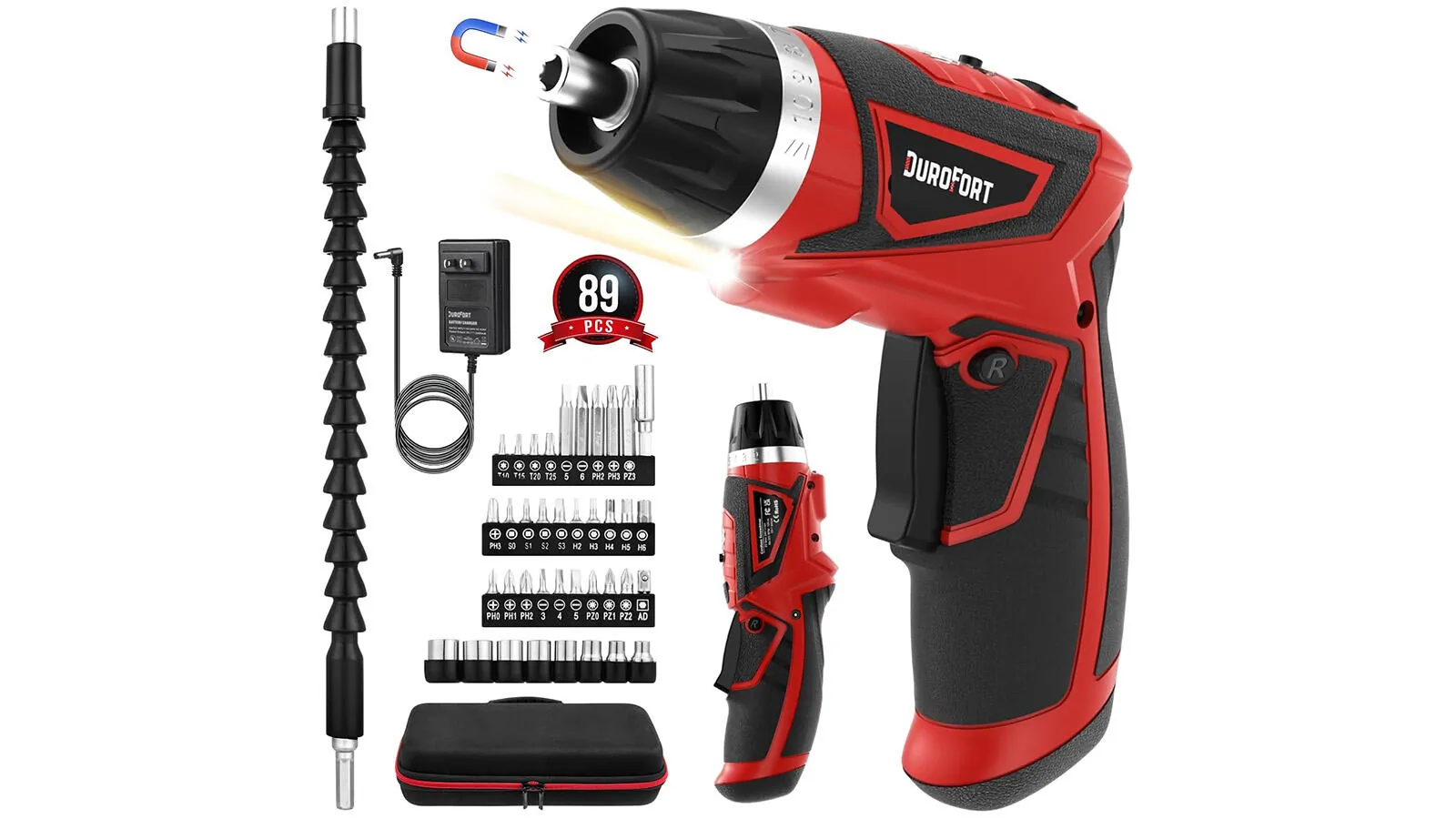
You should pick a tool based on your specific needs, as some offer more precision while others focus on raw speed. The following table compares common options for PC builders.
| Method | How long | Effort | Cost | Best for |
|---|---|---|---|---|
| Precision 4V driver | Minutes | Low | Medium | Daily repairs |
| Manual kit | Hours | High | Low | Rare builds |
| Impact driver | Seconds | Very low | High | Not for PCs |
Most builders prefer a 4V tool because it fits into tight spaces inside a computer case. If you’re doing this for the first time, stick with a model that has an adjustable torque setting to prevent stripping the small screws found on motherboards and drive bays.
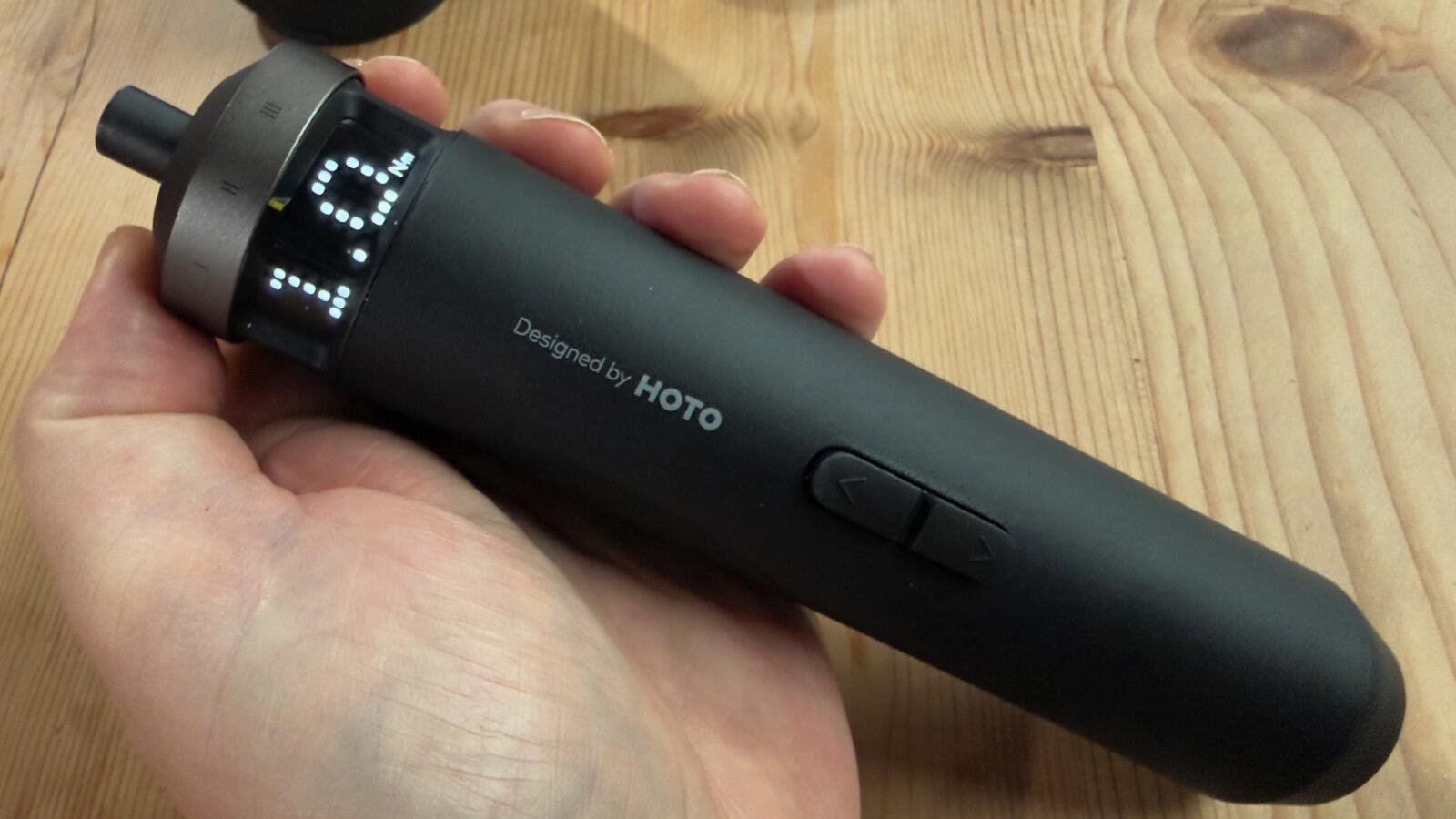
Precision 4V cordless screwdrivers
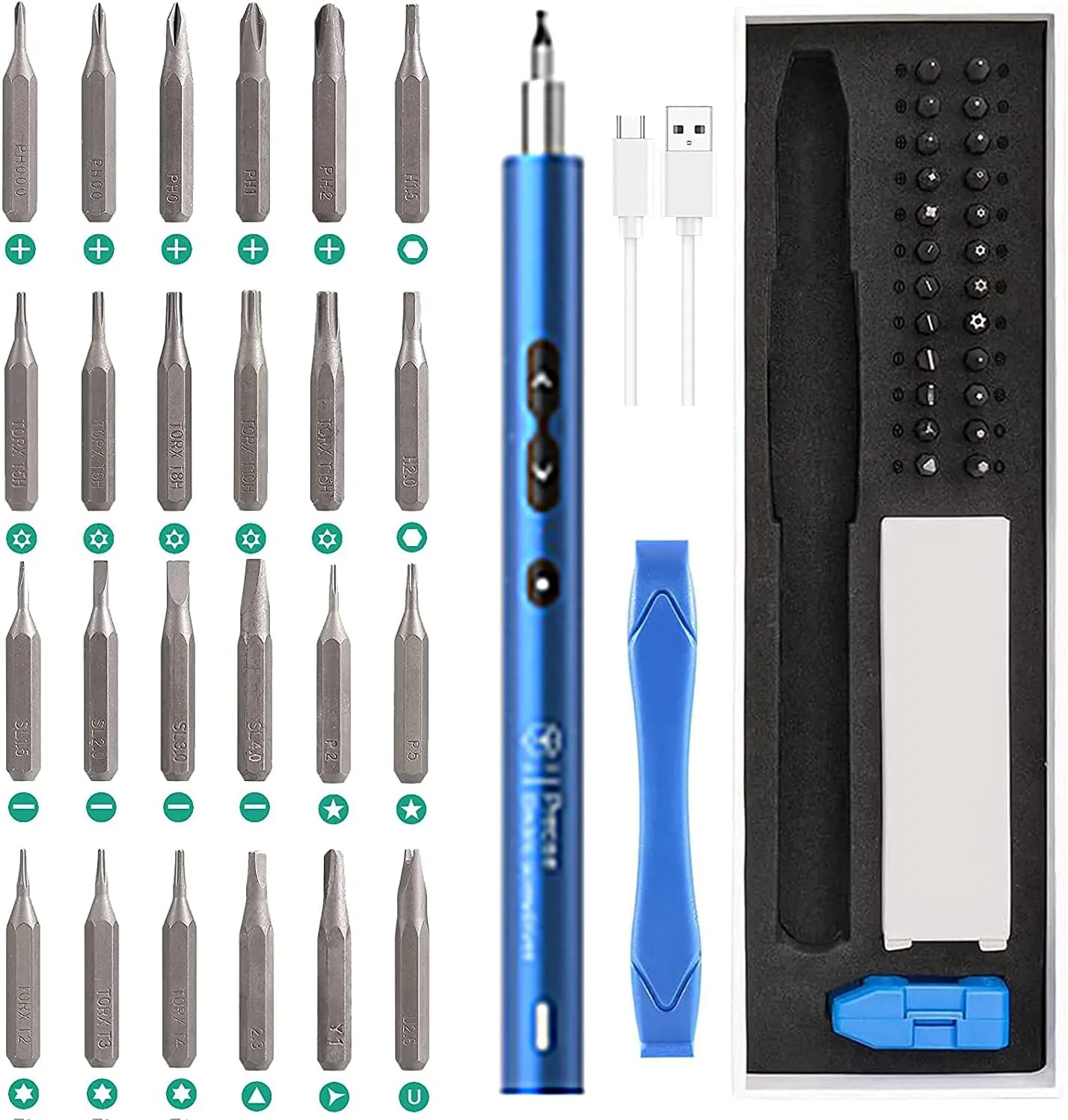
These tools are designed specifically for small electronics. They feature slim handles that allow you to reach into cramped computer cases easily.
- Select a bit size that matches the screw head, usually PH0 or PH1 for most PC components.
- Set the tool to its lowest torque setting to avoid overtightening.
- Hold the driver straight to ensure the bit doesn’t slip and damage the surrounding plastic or metal.
These drivers offer excellent control and often include built-in LED lights to illuminate dark corners of a case. The main weakness is that they rely on internal batteries that eventually lose capacity over years of use. If you work on computers professionally, you must ensure your tools meet safety standards for hand-held motor-operated tools to avoid electrical hazards.
Manual precision screwdriver sets
A manual set is the gold standard for high-end builds where you can’t risk even a small amount of extra force. These kits come with a wide variety of interchangeable bits that fit almost every screw type in existence.
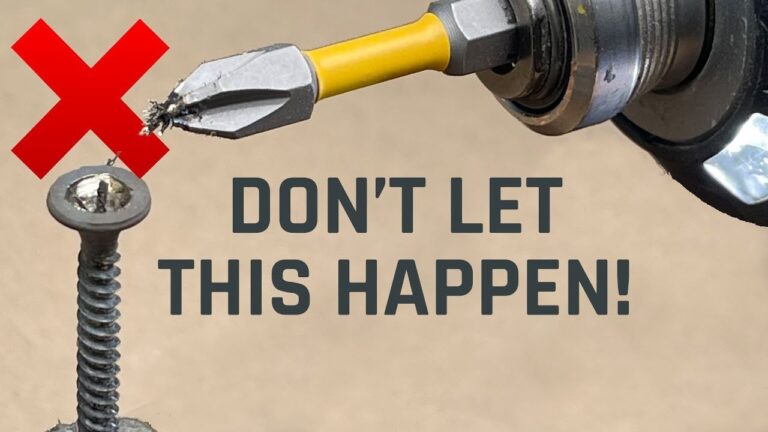
Choose the correct bit size for the specific screw you’re removing. If the bit wobbles in the head, you’re using the wrong size and risk stripping the threads. Apply firm, downward pressure on the handle while turning slowly. This force keeps the bit seated, preventing the cam-out that ruins delicate fasteners.
Stop immediately once you feel the screw seat against the component to avoid cracking the board. If you’re working with plastic housings, back the screw out slowly until you feel it drop into the start of the existing thread path to avoid cross-threading.
Manual sets are reliable and never run out of power. The downside is that they require significant physical effort if you’re installing dozens of screws during a large build. If your project exceeds twenty fasteners, switch to a motorized driver to prevent wrist fatigue.
High-torque power drills
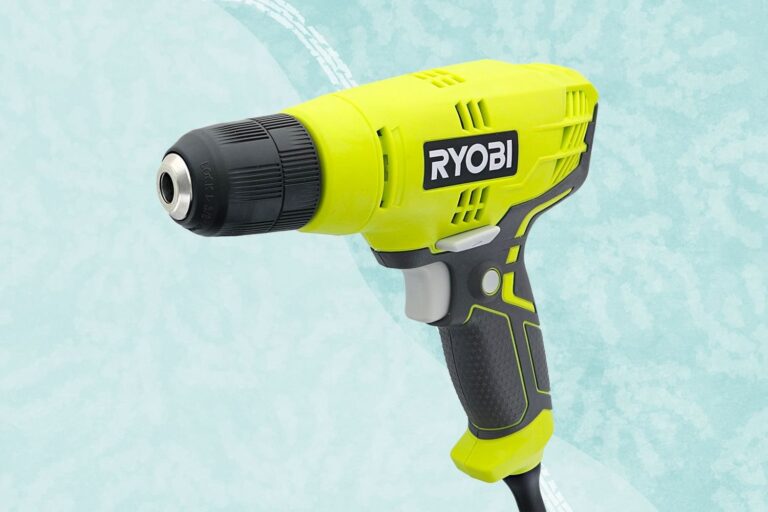
Some people try to use full-sized power drills for PC work because they already own them. This is almost always a mistake because these tools are far too powerful for delicate electronics.
- Ensure the drill clutch is set to the absolute lowest setting.
- Use the slowest possible trigger speed to control the rotation.
- Stop the moment the screw touches the surface.
These tools are useful for building furniture or home repairs, but they’re generally too bulky for the interior of a standard computer case. If you use one, you risk stripping the threads on your motherboard or cracking the delicate PCB. It’s much better to invest in a dedicated, low-torque tool that’s built for small electronics.
Which tool should you use?
Choosing the right tool depends on your current task and your experience level. If you’re in a hurry, a 4V precision driver is the best method because it speeds up the process without the bulk of a full-sized drill. If you’re doing this for the first time, a manual screwdriver set is the better choice because it gives you the most tactile feedback, helping you learn how much force is safe.
Finally, if you want the best possible result regardless of the time it takes, use a manual set for the motherboard and sensitive components, and a 4V driver for the rest of the case. The trade-off is always between speed and the risk of damaging your hardware.
Rules for safe assembly and repair
Regardless of the method you choose, safety and component protection must come first. Always work on a clean, non-conductive surface to prevent accidental shorts. Before you begin, touch a grounded metal object to discharge static electricity from your body.
During the process, stop and check that you’re using the correct bit size if you feel any resistance; forcing a loose bit will ruin the screw head. If the bit slips or wobbles in the slot, you’re using the wrong size. Switch to a tighter fit immediately to avoid stripping the metal.
Once you finish, perform a final visual check to ensure no loose screws are resting on your motherboard. A stray screw left behind can cause a catastrophic short circuit when power is restored. If you’re ever unsure about a connection or a specific component, consult your hardware manufacturer’s manual for guidance on torque requirements. Never exceed these specifications, as overtightening can crack delicate circuit boards.
Related guides
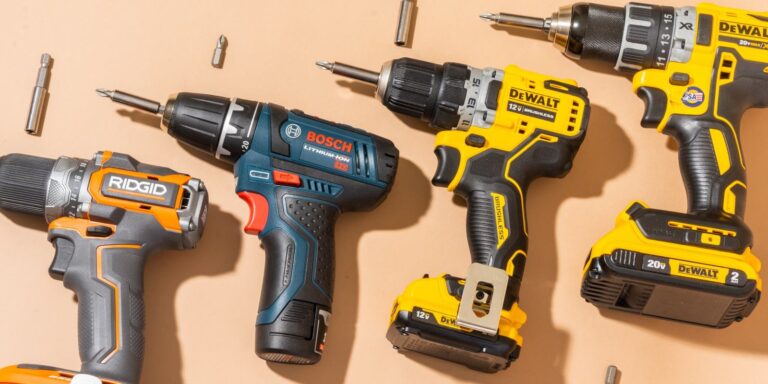
- Electric Screwdriver vs Drill: Key Differences and When to Use Each
- 10 Best Cordless Drill for Apartment Use Picks for Home Repairs
Frequently asked questions
How long does a 4V screwdriver battery last?
A standard 4V screwdriver battery usually lasts for several hours of continuous use on a single charge. This assumes you’re using the tool for light electronics work; for heavier tasks, the battery life will decrease faster. You can check your specific model’s manual for the exact amp-hour rating to estimate your total runtime.
Is it safe to use an electric screwdriver on a motherboard?
Yes, it’s safe as long as you use a low-torque, precision-rated electric screwdriver. You should never use a high-torque impact driver or a standard household drill, as these can easily strip screws or crack the motherboard. Always use the lowest torque setting available on your tool to ensure maximum safety.
How do I know if I am using the right bit size?
You’re using the right bit size when it fits snugly into the screw head without any side-to-side wobble. If the bit turns inside the screw head without moving the screw, it’s too small and will strip the metal. Always test the fit before applying any force to the tool.
What happens if I overtighten a screw?
Overtightening a screw can strip the threads in the case or, worse, crack the circuit board or component you’re installing. This often leads to permanent damage that’s difficult or impossible to repair. Always stop turning the moment you feel the screw become firm against the component.
Why does the screw feel stuck?
A screw usually feels stuck because of thread locking compound, corrosion, or because it was overtightened during the initial assembly. If you encounter resistance, stop and try a manual screwdriver to gain better control. Forcing a stuck screw with an electric tool is the most common way to strip the head.
Conclusion
Choosing the right tool makes your next project much smoother and less tiring. Once you’ve picked a model that feels comfortable in your hand, try practicing on an old case before diving into your main build. You’ll find that everything comes together faster, and you won’t have to worry about hand fatigue anymore.