Hammer Drill Torque Explained: How It Works and Why It Matters
A hammer drill produces rotational force, known as torque, to turn a fastener or bit, while simultaneously delivering rapid percussive strikes to break through masonry or concrete. You’ll typically measure this strength in inch-pounds or newton-meters, with most standard residential models providing between 300 and 700 inch-pounds of force to handle demanding construction tasks.
How Hammer Drill Torque Affects Results
Torque is the twisting power your tool applies to the material. When you drill into soft wood, you don’t need much force, but drilling into dense concrete requires high torque to keep the bit spinning against the resistance of the aggregate. If your tool lacks sufficient torque, the motor will bog down, stall, or overheat when it encounters a hard spot in the material.
Choosing the right level of force depends on the diameter of your hole and the hardness of the surface. A higher torque rating allows for larger drill bits and faster progress, but it also increases the risk of the tool twisting out of your hands if the bit suddenly catches. You should always use the side handle provided with your tool to maintain control when working at high settings.
If you’re drilling into metal, use the lowest torque setting possible to prevent the bit from snapping. Conversely, masonry work demands the highest setting to overcome the density of the stone. If the bit begins to smoke or you smell burning insulation, stop immediately. You’re forcing the tool beyond its mechanical limit, which will strip the internal gears or burn out the motor windings.
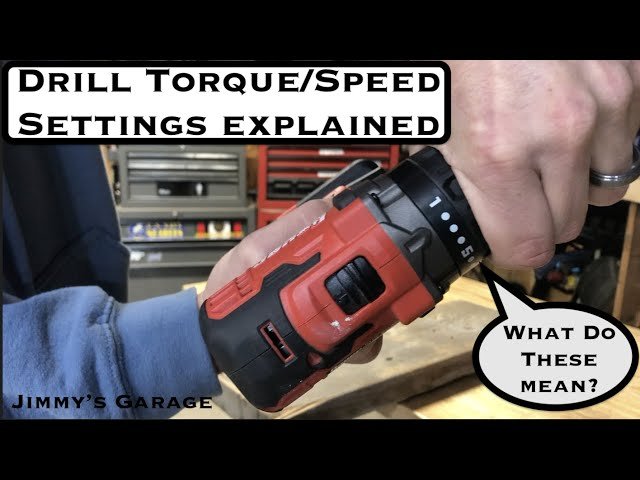
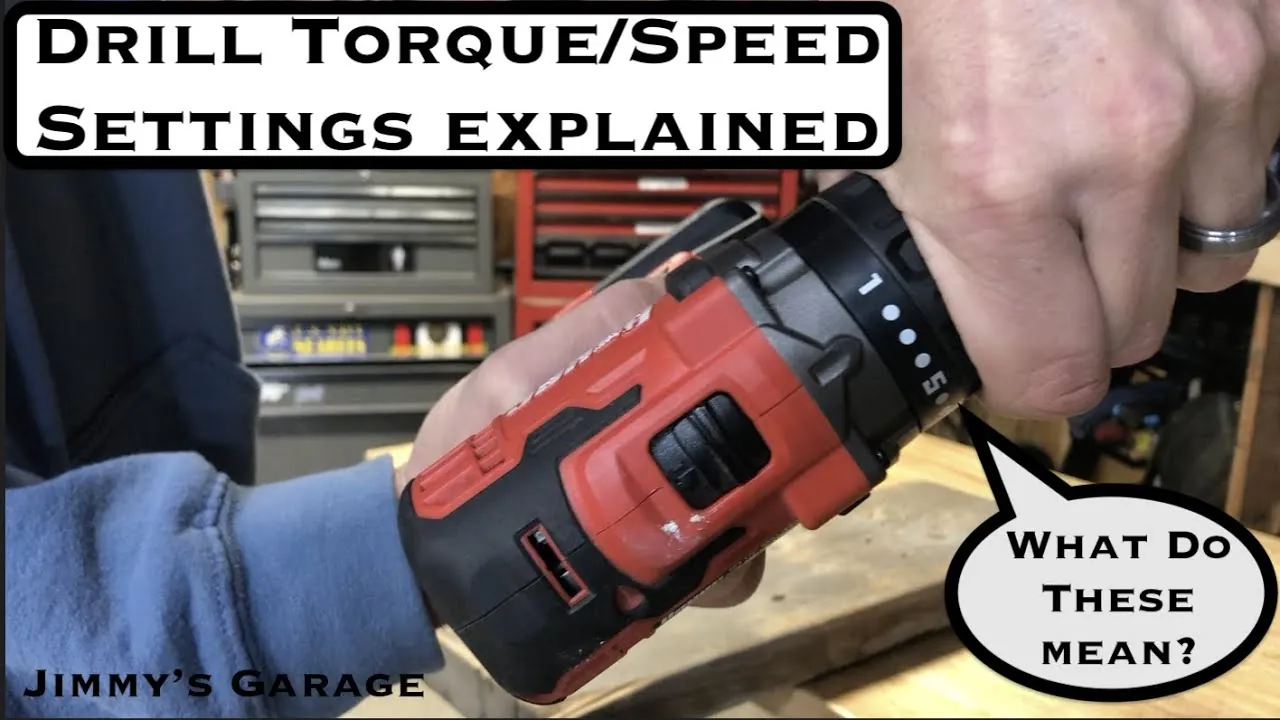
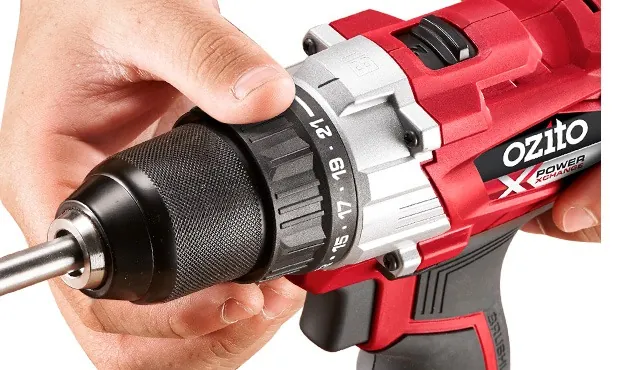
Match your drill’s clutch setting to the material density. If you’re driving screws into soft pine, a low clutch setting prevents the fastener from stripping the wood fibers. If you’re sinking lag bolts into oak, set the clutch to high to ensure the fastener seats completely without the motor stalling mid-turn.
| Bit Diameter | Recommended Torque Setting | Material Type |
|---|---|---|
| 1/8 inch | Low | Drywall or Wood |
| 1/4 inch | Medium | Brick or Block |
| 1/2 inch | High | Poured Concrete |
Is It Safe to Use High Torque Settings?
It’s generally safe to use high torque settings as long as you match the power to the task and keep a firm, two-handed grip on the tool. You must remain aware that high torque creates significant reactive force if the bit jams. If the bit gets stuck in a hole, the tool will try to rotate around the bit, which can cause wrist injuries or knock you off balance.
Always set your clutch to a lower number first when driving screws to avoid stripping the fastener head or cracking the surrounding material. If the screw head sits proud of the surface, increase the clutch setting by one increment at a time until the head sits flush.
Check your tool’s manual to confirm the maximum capacity for your specific model. Never operate a power tool if you feel you can’t maintain complete control over the device during operation. If your drill is consistently stalling or the motor smells like burning insulation, you’re exceeding the tool’s design limits for that material.
In these cases, switch to a pilot hole or a lower gear ratio to reduce the load on the motor. If the tool still struggles, the material is too dense for the current bit or motor capacity. Attempting to force the tool through these stalls will permanently damage the internal gear train.
Common Mistakes When Managing Power
Many users try to force a small tool to perform heavy-duty work by pushing harder, which often leads to motor failure. Pushing harder on the tool doesn’t increase its torque; it only increases the heat inside the motor.
If the drill slows down or the bit stops rotating, you have exceeded the tool’s capacity. Stop immediately to let the motor cool. Instead of applying more pressure, let the hammer mechanism do the work of breaking concrete while you provide just enough steady forward force to keep the bit seated.
Another frequent error is using the wrong gear ratio. Most cordless hammer drills have a two-speed transmission. Use the low-speed setting for high-torque applications, such as drilling holes larger than half an inch in masonry. The high-speed setting is meant for drilling small holes or driving screws into soft materials where torque demands are minimal.
Switching to the correct gear protects internal gears from excessive wear and ensures the motor stays within its efficient operating range. If you feel the tool vibrating or hear a high-pitched whine, you’re likely in the wrong gear. Downshift to maintain power and prevent permanent damage to the transmission.
Frequently Asked Questions
Does more torque always mean a better drill?
Not necessarily, as excessive torque can destroy delicate fasteners or damage soft materials. You want a tool that offers a wide range of adjustable settings so you can match the power to the specific job you’re doing.
Can I increase the torque of my current drill?
No, the maximum torque is fixed by the size of the motor and the internal gearing of your specific tool. You can’t add more power to a tool that wasn’t designed for it, so you must choose a drill with the right specifications for your heaviest planned tasks.
Why does my drill stop spinning when it hits concrete?
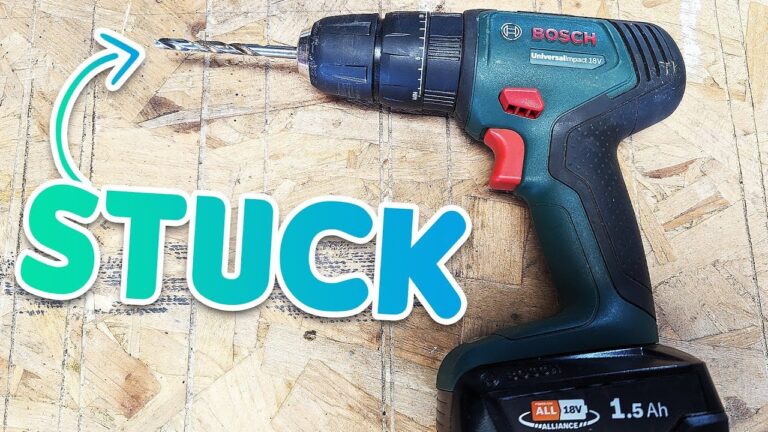
Your drill stops because the resistance of the material exceeds the torque output of the motor or the clutch has tripped to prevent damage. Try switching to a lower gear, using a sharper bit, or applying less forward pressure to see if the tool can maintain its rotation.
Conclusion
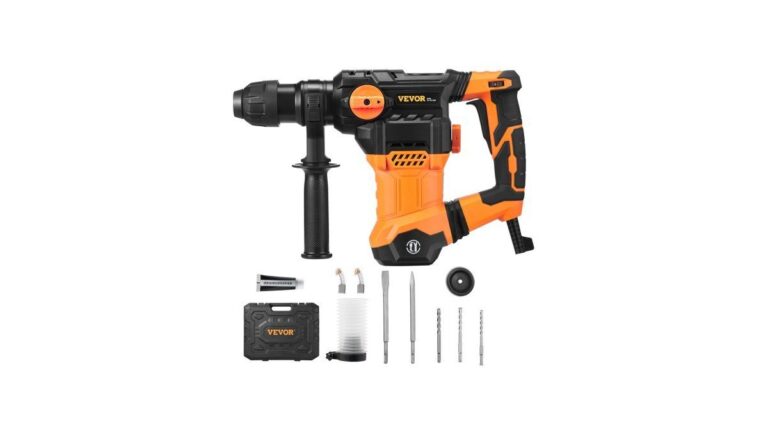
Before starting your next project, verify the maximum torque capacity listed on your drill’s housing or in the manufacturer’s specification sheet. If your planned hole diameter exceeds the tool’s rated capacity, you should use a dedicated rotary hammer instead of a standard hammer drill to ensure your safety and prevent permanent damage to your equipment.