
Wood Router Won’t Start or Keeps Stopping: Troubleshooting Fixes
You can fix a wood router that won’t start or keeps stopping by checking the power source, the brushes, and the thermal overload switch. The most common cause is a tripped circuit breaker or a loose plug, which stops the tool from receiving electricity. If the power supply is secure, the issue likely sits within the motor’s internal safety components or worn-out parts.
Why your wood router stops or won’t start
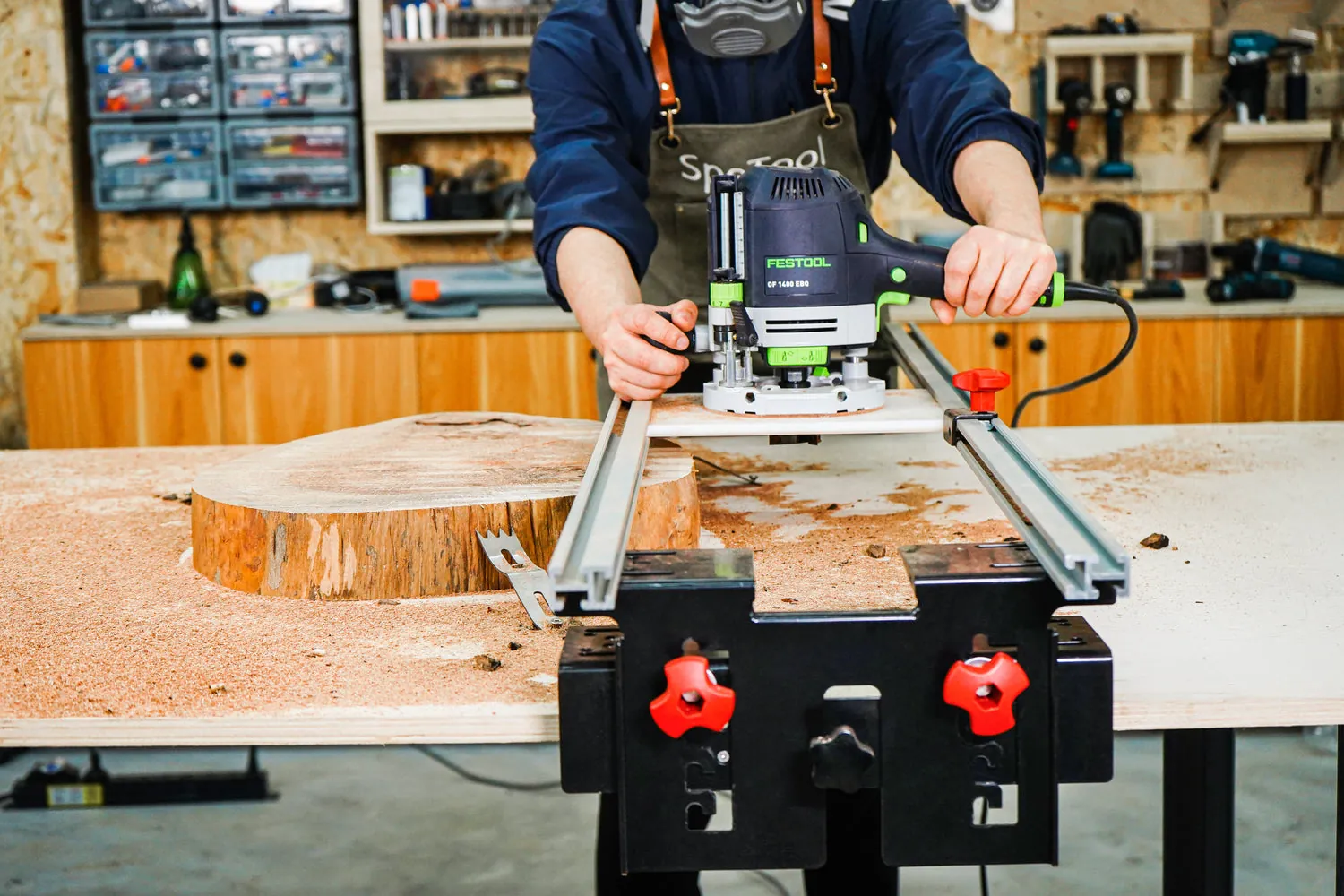
The primary reason a router stops running is often related to the electrical supply or the motor’s safety features. Most modern routers include a thermal overload switch designed to cut power if the motor gets too hot. This prevents permanent damage to the coils when you push the machine too hard during a long cut. If the tool stops suddenly after heavy use, it’s likely just waiting for the internal components to cool down.
Another frequent cause involves the carbon brushes that transfer electricity to the spinning part of the motor. Over time, these brushes wear down until they no longer make contact with the armature. When this happens, the circuit breaks and the motor simply stops working or fails to turn on entirely.
Finally, check for a faulty power cord or a damaged trigger switch. If the cord has internal breaks from being pulled or bent, the intermittent connection will cause the motor to cut out while you’re working.
Check the power supply and cord
Before assuming the motor is broken, verify that electricity is actually reaching the tool. Start by plugging a different lamp or tool into the same outlet to ensure the circuit is live.
If the outlet works, inspect the router’s power cord for any visible cuts, kinks, or frayed areas near the handle. A damaged cord is a serious fire and shock hazard, and it must be replaced by a qualified technician to maintain electrical safety, as noted by the Consumer Product Safety Commission.
If the cord looks perfect, check the plug’s prongs for corrosion or looseness. If the prongs feel wiggly or appear burnt, they can’t carry a steady current to the motor. If you find damage to the cord or plug, stop using the tool immediately. A faulty cord should never be repaired with electrical tape, as this doesn’t restore the necessary insulation or structural integrity required for high-speed power tools.
Inspect the carbon brushes

Carbon brushes are small, replaceable blocks that sit on the sides of the motor housing. To check them, look for the two small plastic caps on the sides of the router body. Use a flat-head screwdriver to remove these caps and pull the brushes out. If the carbon block is shorter than 1/4 inch, or if the spring behind it’s broken or misshapen, the brush is worn out and must be replaced.
If the brushes are dirty but still long enough, clean the contact surface with a soft, dry cloth. Don’t use liquid cleaners or oils, as these can damage the motor windings. Replace the brushes into their slots, ensuring they slide freely and the springs seat correctly against the caps. If the router still doesn’t start after replacing the brushes with new ones, the issue is likely deeper inside the motor, which requires professional repair service.
Reset the thermal overload switch
If your router keeps stopping during deep cuts, it’s likely hitting its thermal limit. When the motor draws too much current, the internal switch cuts power to protect the wiring. If your model has a physical reset button, wait at least 15 minutes for the tool to cool completely before pressing the button. If there’s no button, allow the tool to cool completely in a well-ventilated area until the switch resets automatically.
This fix is only for cases where the router has been running for a long time or under heavy load. If the tool stops after only a few seconds of light use, the switch is likely failing or the motor has an internal short.
In this case, don’t attempt to bypass the switch or force the machine to run. Bypassing safety features can lead to motor burnout or fire. If the tool continues to shut down after cooling, consult the manufacturer’s manual for the nearest authorized service center.
Common mistakes that damage routers
Forcing deep cuts in one pass forces the motor to work harder than it’s designed to, triggering the thermal shutoff. Instead, limit your depth of cut to 1/8 inch per pass when working with hardwoods. This prevents the internal cooling fan from stalling under heavy torque.
Using a dull bit increases friction and heat, causing the motor to draw excessive current and potentially damaging the internal windings. If you notice charred edges on the wood or find yourself pushing harder than usual to move the tool, swap the bit immediately. A dull edge costs you the tool’s longevity and ruins your workpiece.
If you smell ozone or burning plastic, stop immediately. The motor insulation is failing, and continued use will destroy the tool within seconds.
Never tape down the trigger or bridge internal safety switches. These mechanisms prevent the motor from melting under stress. If your router lacks a soft-start feature, always lift the bit clear of the wood before pulling the trigger to prevent a sudden power surge.
Prevent power issues in the future

To keep your router running smoothly, adjust your technique to match the capacity of the motor. If you’re using a compact trim router, take several shallow passes instead of one deep one. For larger routers, ensure the bit is sharp and the speed setting matches the diameter of the cutter.
| If you’re doing this | Do this instead | Why |
|---|---|---|
| Cutting deep grooves | Make multiple shallow passes | Reduces heat and motor strain |
| Using a dull bit | Sharpen or replace the bit | Prevents excess friction and heat |
| Running at max speed | Use the recommended RPM | Prevents overheating and vibration |
| Storing in a damp shed | Store in a dry, cool area | Prevents internal corrosion of parts |
Related guides
- Corded Drill Troubleshooting: Won’t Start, Sparks, or Loses Power
- Impact Driver Bit Keeps Slipping or Falling Out: Quick Fixes
- Cordless Drill Chuck Keeps Slipping: How to Fix the Grip
Frequently asked questions
Can I fix a router that smells like smoke?
No, you should stop using it immediately because a burning smell indicates the motor’s internal insulation is melting. This is a sign of a severe electrical failure that could lead to a fire. Don’t try to run the tool again, as the motor is likely damaged beyond a simple repair. Take the tool to a professional service center for an inspection before plugging it in again.
How long should I wait for a router to cool?
You should wait at least 15 to 30 minutes before trying to restart the tool after a thermal shutdown. The internal components need time to dissipate the heat built up during operation. If the router doesn’t start after 30 minutes of rest, the issue isn’t related to the thermal switch and you should check the power cord and the carbon brushes instead.
Is it safe to replace router brushes myself?
Yes, it’s safe to replace the carbon brushes if you can access them from the outside of the housing without opening the main motor casing. Always unplug the tool before touching the brush caps. If the process requires you to remove the entire housing or touch internal wires, stop and take the tool to a professional. Never work on the motor while it’s plugged in.
Why does my router stop when I move it?
Your router stops when moved because there’s likely a break in the power cord or a loose connection at the plug. If the wire is damaged inside the insulation, movement causes the broken ends to separate and lose electrical contact. This is a fire hazard and indicates that the power cord needs to be replaced by a professional technician as soon as possible.
How often should I check the brushes?
You should check the carbon brushes every 50 to 100 hours of use, depending on the intensity of your projects. If you use the router for long, heavy cuts, check them more frequently. Regular inspection prevents the motor from losing power unexpectedly and protects the armature from being damaged by worn-out, metal-on-metal contact. Always keep a spare set of brushes on hand for your specific model.
Conclusion
If these simple checks don’t get your motor humming again, it’s time to consult your owner’s manual for specific wiring diagrams. You shouldn’t try to force a repair if you aren’t comfortable with electrical components. Reach out to a professional technician instead, as they’ll help you get back to your woodworking safely.