How Much Router Power Do You Need? HP and Project Guide
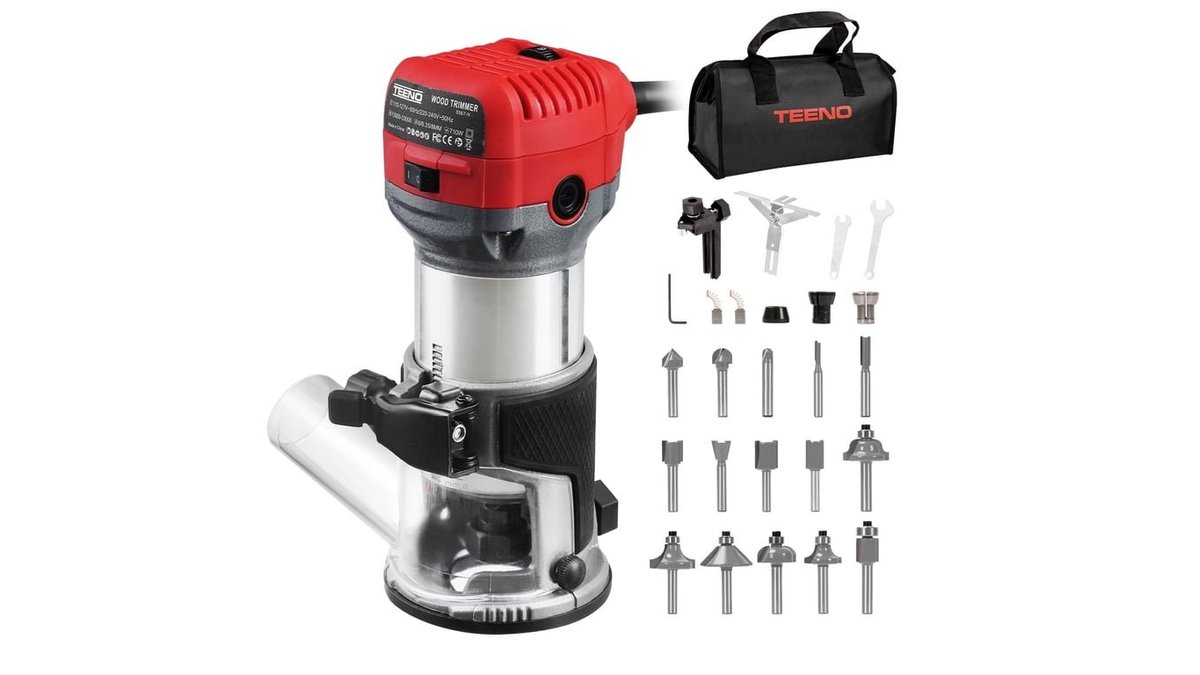
Most woodworkers find that how much router power you need depends on the bit size and material density, with 1.5 to 2.25 HP covering almost every hobby shop task. A 1.25 HP compact router works for light edge trimming, while professional cabinet makers usually prefer 3.0 HP+ motors for heavy production. This guide explains how to match motor specifications to your specific projects.
How much router power and amps you need
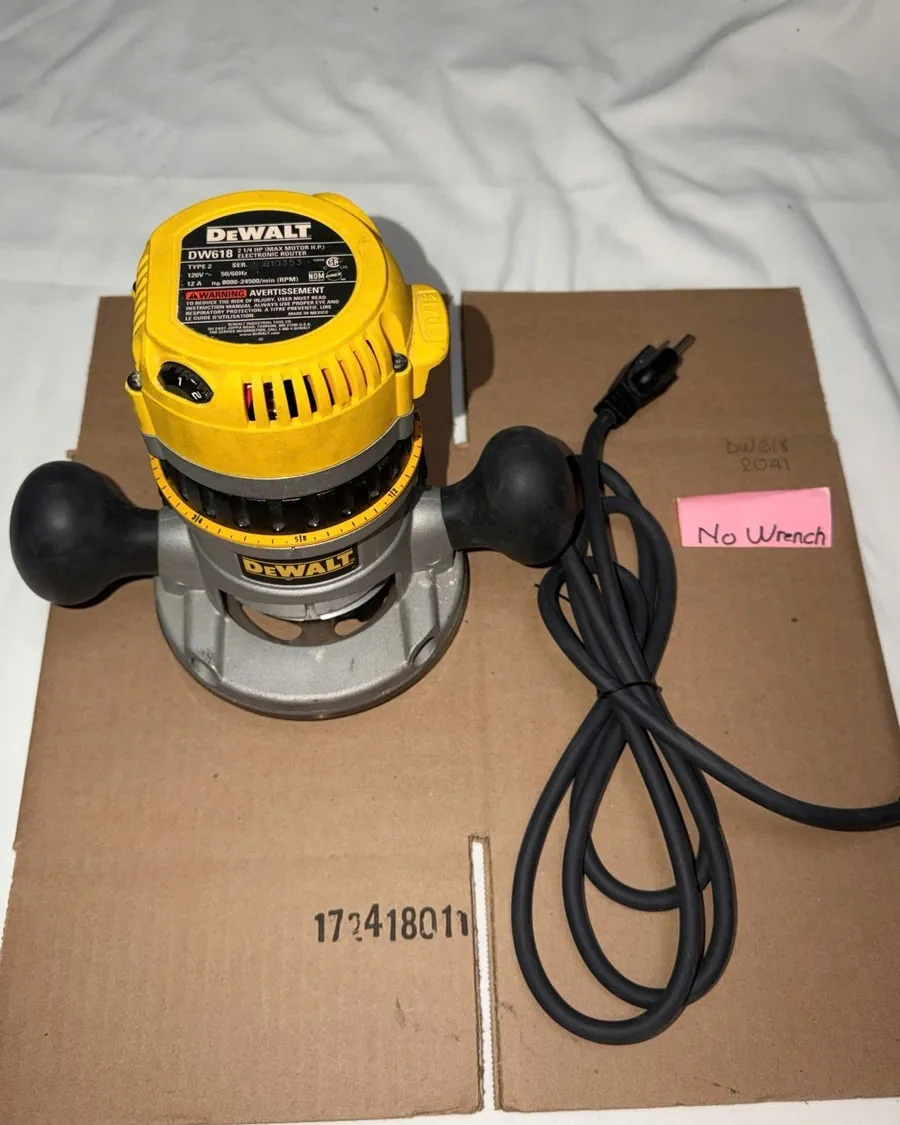
A router uses an electric motor to spin a cutting bit at high speeds, typically between 8,000 and 24,000 RPM. Power is measured in horsepower (HP) or amperage (Amps) on the tool’s data plate. People often mistakenly believe that higher HP always produces a cleaner cut, but excess power in a small tool can make it hard to control.
If you’re working with softwoods like pine, a lower-power motor is fine; if you’re routing dense hardwoods like oak or maple, you’ll need more torque to prevent the motor from bogging down. Always check the tool’s continuous duty rating provided by Underwriters Laboratories to ensure it’s safe for your shop’s electrical load. Remember that a motor’s peak HP is often higher than its sustained working output.
Selecting the Right Tool for Your Project
- Identify your bit diameter: Bits over 1 inch wide require at least 2.0 HP to maintain safe cutting speeds.
- Check your material: Use a 1.25 HP trim router for softwoods under 0.5 inches deep.
- Choose your base: For handheld work, keep the motor under 2.25 HP to reduce fatigue.
- Mount for heavy duty: Use a 3.0 HP motor in a table for large panel raisers or deep grooves.
- Verify your circuit: Most 2.25 HP routers pull 12–15 Amps, which requires a dedicated 20-Amp circuit to avoid tripping breakers.
- Test the feed rate: Move the router slowly; if the motor sound drops significantly, you’re pushing too fast for the available power.
The most important judgement call is matching your feed speed to the tool’s resistance. If you force the router, you’ll burn the wood and dull the bit prematurely.
Power Requirements by Task
| Situation | Recommended Power | Typical Amps | What to watch for |
|---|---|---|---|
| Edge trimming | 1.0 – 1.25 HP | 5 – 7 Amps | Heat buildup in small motors |
| General joinery | 1.75 – 2.25 HP | 10 – 12 Amps | Consistent speed under load |
| Large dadoes | 2.25 – 3.0 HP | 13 – 15 Amps | Vibration at lower RPM |
| Heavy production | 3.0+ HP | 15+ Amps | Circuit breaker capacity |
Precision and Performance Details
Experienced woodworkers know that the secret to a clean cut isn’t just raw power, but how you manage the depth of cut. Never attempt to remove more than 0.25 inches of material in a single pass. If you need to go deeper, make multiple shallow passes to keep the motor in its ideal RPM range.
Always start your cut by moving the router against the rotation of the bit. This is called conventional routing and prevents the tool from “climbing” or pulling away from your control. If you notice the wood scorching, you’re moving too slowly or your bit is dull. Sharpening bits is a technical task; if you lack the right grinding equipment, replace them to avoid burning your workpiece.
Troubleshooting Common Issues

| What you notice | What it usually means | What to do first |
|---|---|---|
| Motor slows down | Overloading the motor | Reduce the depth of cut |
| Black burn marks | Dull bit or slow feed | Change or sharpen the bit |
| Excessive vibration | Imbalanced bit or mount | Check the collet tightness |
| Breaker trips | Circuit overload | Move to a different outlet |
If the motor slows, check the sound. A high-pitched whine indicates you’re pushing the feed rate too hard for the current depth. If the sound is a low, labored growl, you must reduce the cut depth by at least 1/8 inch.
When you see burn marks, check the wood species. Hardwoods require a faster feed rate to prevent heat buildup. If you’re moving at a steady pace and burns persist, your bit is likely dull. Replace it immediately.
Vibration often stems from debris inside the collet. Even a tiny wood chip prevents a true seat, causing the bit to wobble. If the collet is clean and tight, the bit shank is likely bent. Never attempt to straighten a bent shank; discard it to prevent tool failure.
Electrical Safety and Regulations
Operating high-powered tools requires adherence to local electrical codes. In the United States, the National Electrical Code requires that tools pulling over 12 Amps should ideally run on a dedicated circuit to prevent fire hazards from overheated wires. Always inspect your power cord for nicks or exposed copper before every use.
Never use a light-duty extension cord with a high-amperage router, as this causes voltage drops that can permanently damage the motor windings. If you suspect your wiring is insufficient, consult a licensed electrician rather than attempting to modify your shop’s panel yourself.
Tool Maintenance and Longevity
After you finish a project, clean the collet and motor vents with compressed air to remove fine dust. Dust buildup inside the housing traps heat, which shortens the lifespan of the motor brushes. If you store your router in a humid garage, keep it in a sealed plastic bin with a desiccant pack to prevent rust on the collet.
When the motor starts to spark excessively or loses power even on light cuts, the carbon brushes are likely worn down. Refer to your owner’s manual for the specific brush replacement interval for your model.
Choosing Alternative Routing Methods

Sometimes a handheld router is the wrong choice for the job. If you’re trimming veneers under 1/32-inch thick or soft plastics, a router will likely tear the material regardless of the power setting. In these cases, use a sharp block plane or a fresh utility knife blade to shear the edge cleanly.
For massive timber framing where you need to remove large amounts of waste, a router is too slow and risks burning the bit. Use a circular saw or a band saw to remove the bulk of the material first, leaving a 1/8-inch margin. Then, finish the edges with your router for a professional look.
If your workpiece is smaller than the router base, the tool will tip and gouge your project. Build a sacrificial MDF platform to increase the surface area. If the router feels unstable, stop immediately; a jig is mandatory.
Frequently asked questions
Can I use a 1.25 HP router for a table?
No, a 1.25 HP router lacks the torque for most table-mounted bits. These small motors are designed for handheld edge work where the weight of the tool is the limiting factor for the user.
How long can I run a router continuously?
Most handheld routers are designed for intermittent use, not continuous production. You should let the motor cool for 15 minutes after every 30 minutes of heavy cutting to prevent internal heat damage.
Is it safe to use a router on a 15-Amp circuit?
Yes, provided you’re only using one tool at a time and the total load doesn’t exceed the circuit’s rating. Check your router’s label to ensure its total Amps remain below 12 for sustained work.
Why does my router smell like burning?
Burning smells usually mean the motor is struggling due to too deep a cut or a dull bit. Stop immediately and check the bit sharpness and your depth setting before you burn out the motor.
How many Amps does a 3 HP router need?
A 3 HP router typically requires 15 to 17 Amps under full load. This level of power draw usually requires a dedicated 20-Amp circuit to function without tripping your shop’s main breaker.
What happens if I use an extension cord?
Using a thin extension cord causes a voltage drop that forces the motor to draw more current to compensate. This leads to overheating and can cause the motor to fail prematurely.
Conclusion
Choosing the right tool is just the start of your woodworking journey. Once you’ve picked a motor that fits your workshop, try practicing on some scrap wood to get a feel for the speed and control. You’ll soon find that confidence comes naturally as you tackle your first real project.