
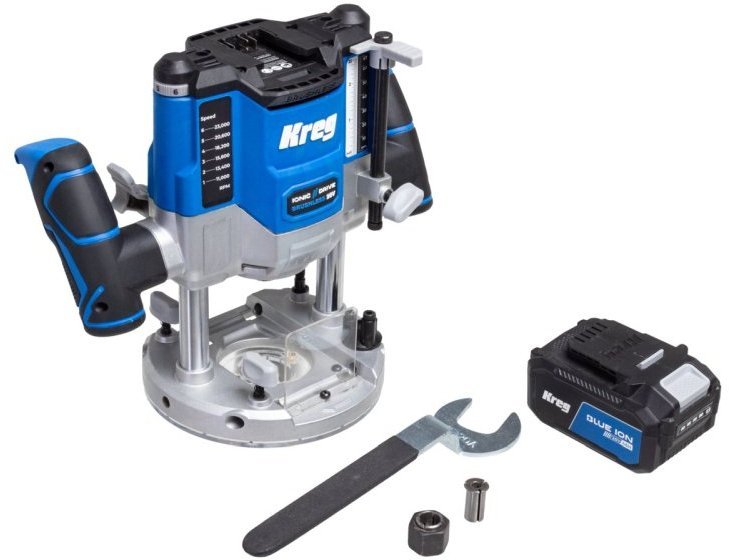
Cordless vs. Corded Plunge Routers: Which Makes More Sense?
A corded router is the best choice for most workshop tasks because it offers unlimited power and consistent performance. You should only switch to a cordless vs. corded plunge routers: which makes more sense? Debate if you need to work away from a power outlet. If you choose the battery-powered route, you’ll gain freedom of movement, but you must accept shorter runtimes and a lower power ceiling.
Comparing router power options
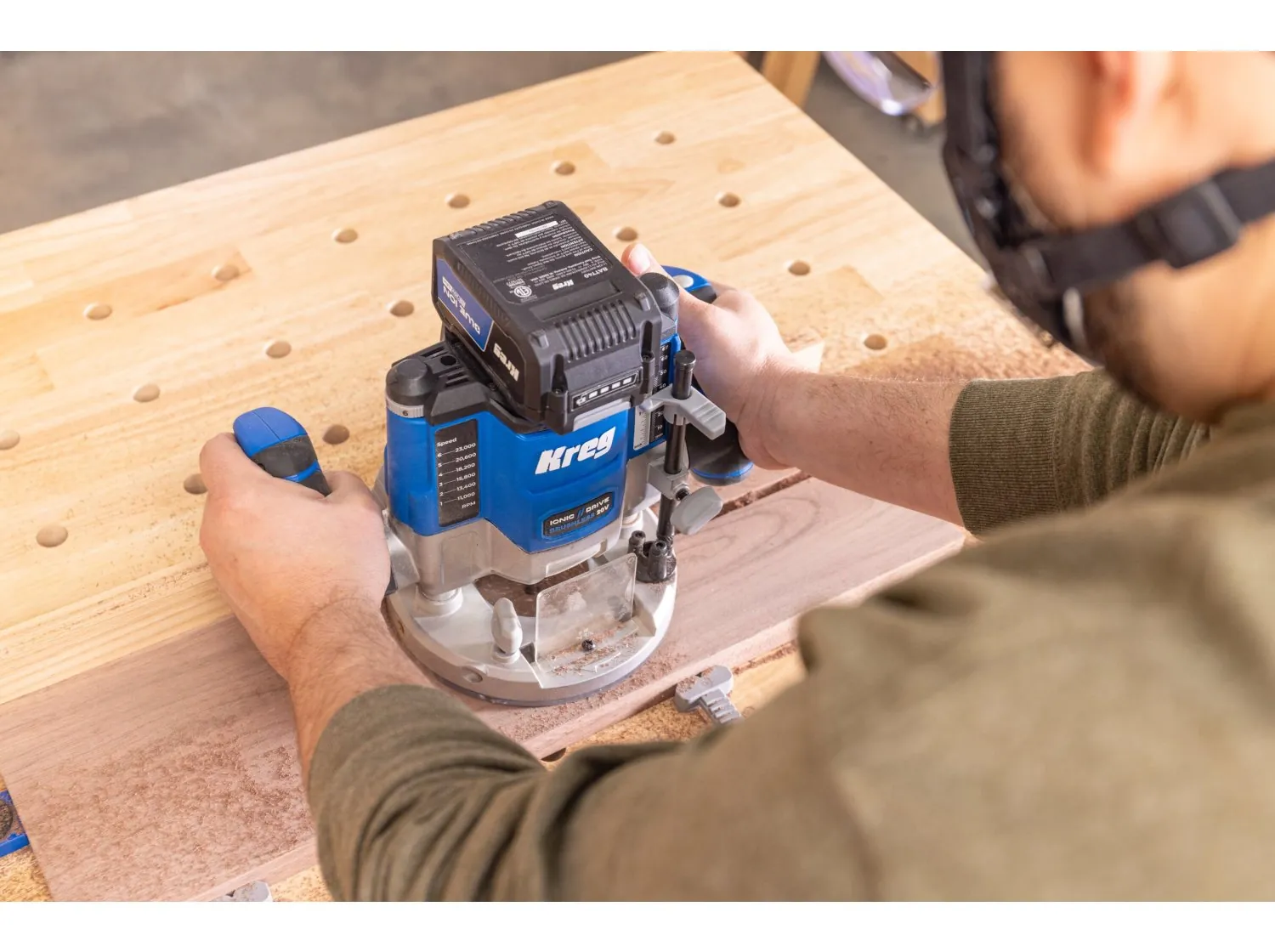
The right tool depends on your project size and your access to electricity. While corded models remain the standard for heavy-duty furniture making, cordless units have improved enough for light joinery and site work.
| Method | How long | Effort | Cost | Best for |
|---|---|---|---|---|
| Corded router | Indefinite | High | Low | Heavy shop work |
| Cordless router | 20-40 mins | Medium | High | Site installation |
| Hybrid router | Limited | High | Medium | All-around utility |
A corded router provides constant torque for deep cuts in hardwood, such as routing a 3/4-inch dado in oak. If you’re building cabinets or tables in a dedicated workshop, the tether of a power cord is a minor inconvenience compared to the risk of a battery dying mid-pass.
Cordless routers excel when you’re installing trim or hardware away from an outlet. Expect 20 to 40 minutes of actual run time per 5.0Ah battery. If you’re trimming laminate or rounding over edges, this is plenty. If you’re clearing large amounts of material, you’ll need at least three batteries on rotation to avoid a forced break.
The cost column reflects the total investment, including batteries for cordless models. If you already own a set of power tool batteries, the entry price for a cordless router drops significantly. Always check the battery platform compatibility before you buy to avoid extra expenses.
Many users make the mistake of buying a cordless router for heavy mortising, only to find the motor bogs down under sustained load. If you feel the tool struggling or hear the pitch drop, stop immediately. Pushing through a stall will overheat the motor and permanently damage the internal windings.
If your project requires more than one hour of total run time per day, stick to a corded model. If you’re working on a ladder or in a room without power, the cordless tool is worth the premium. Use the corded router for the heavy lifting and the cordless unit for the final cleanup.
Using a corded plunge router
Corded routers use a direct connection to a standard wall outlet to maintain constant torque. This setup is ideal for long sessions where you can’t afford to stop.
Secure your workpiece to a stable bench using clamps. If the wood vibrates, the bit will chatter, leaving burn marks that require extra sanding.
Insert the bit into the collet and tighten it firmly with two wrenches to ensure it stays in place. Always seat the shank at least three-quarters of the way into the collet. If you bottom it out, the bit may seize or vibrate loose during operation.
Plug the tool into a grounded outlet and set the depth stop for your specific cut. For deep grooves, don’t attempt to remove all material in one pass. Limit each pass to a depth of one-quarter inch to prevent the motor from stalling.
Turn on the motor and let it reach full speed before you lower the bit into the wood. If you engage the wood while the motor is spinning up, the bit will kick back, potentially ruining your workpiece or causing injury.
These tools excel at deep dadoes and heavy molding profiles that drain batteries quickly. However, the power cord is a constant liability. Drape the cord over your shoulder or use a ceiling-mounted retracting reel to keep it clear of the cutting path. If the cord snags on a workbench corner, you’ll lose control of the router mid-cut, resulting in a gouge.
If you lack a grounded outlet, you must use a Ground Fault Circuit Interrupter to prevent electrical shock. In damp environments, this is a mandatory safety requirement. If you feel a slight tingle while touching the metal housing, stop immediately. This indicates a ground fault that could become lethal under load. When working with hardwoods like oak or maple, decrease your feed rate to prevent the bit from overheating and dulling.
Using a cordless plunge router
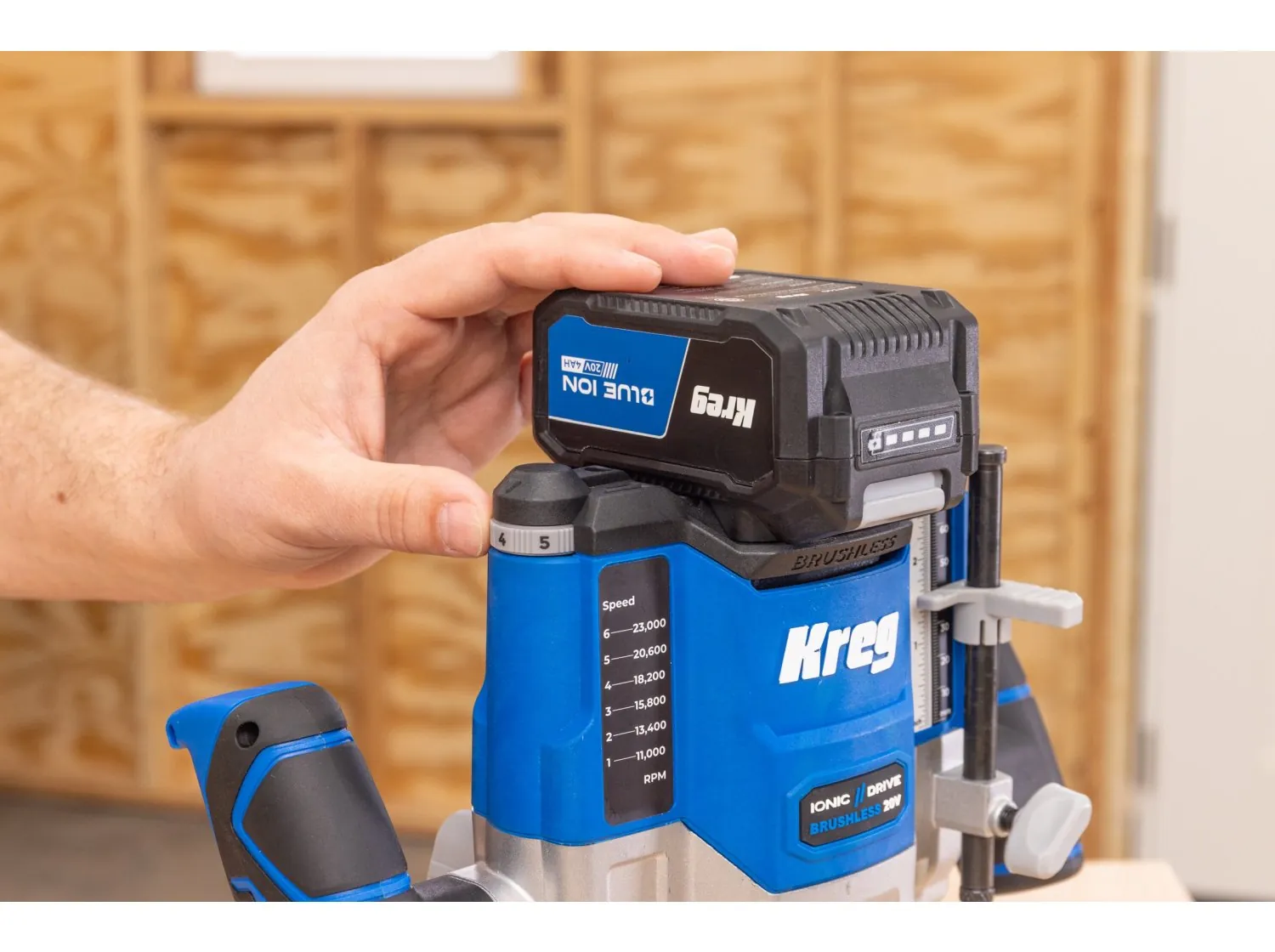
Cordless models rely on lithium-ion battery packs to drive the motor. They allow you to move freely around large projects without worrying about tripping over wires.
Charge your battery pack fully before starting any project. A partially drained battery causes the bit to lose revolutions per minute mid-cut, which leads to burning the wood or causing the tool to chatter.
Snap the battery into the base of the router until it clicks into place. If the battery feels loose, vibration will eventually cause the connection to arc, damaging the terminals.
Adjust the plunge depth using the fine-adjustment knob on the side of the housing. Always perform a test pass on scrap material of the same species to confirm your depth.
Keep a spare battery on the charger so you can swap them when the power drops.
The main drawback is the weight of the battery, which can make the tool feel top-heavy during precise control. To compensate, keep both hands firmly on the handles and maintain a steady, forward pressure. If you feel the router pulling to one side, you’re likely leaning too hard on the battery-heavy rear.
If you’re performing a deep groove, don’t attempt to reach your final depth in a single pass. Take shallow cuts of no more than 1/8 inch at a time to preserve both battery life and bit sharpness.
When the router starts to sound sluggish, stop immediately. Pushing a battery-powered tool through resistance when the motor is struggling will overheat the internal electronics and shorten the tool’s lifespan. If your cut requires significant material removal, reach for a corded router instead. Reserve the cordless model for edge profiling, hinge mortising, or light cleanup work where mobility is the priority.
Using a hybrid or multi-base router
Hybrid systems allow you to switch the motor between a fixed base and a plunge base. This gives you two tools in one, saving space in your workshop.
Release the motor housing from the current base using the quick-release lever. Slide the motor into the plunge base and lock the lever tight. Set your bit depth using the rack-and-pinion adjustment dial. Test the plunge action on a scrap piece of wood to ensure smooth movement.
If you find the motor housing sticks during the transition, apply a light coat of dry PTFE lubricant to the base interior. Avoid oil-based lubricants, as they attract sawdust and turn into a gummy paste that ruins your precision.
Check your base alignment every time you swap. A simple way to verify this is to place the router on a flat surface and ensure the collet axis remains perfectly perpendicular to the base plate. If you notice a slight wobble, tighten the tension screw on the quick-release lever.
Most users make the mistake of leaving the motor in the plunge base for fixed-depth tasks. This is a trap. The added weight of the plunge springs makes the tool top-heavy and difficult to control for edge work. Use the fixed base for edge profiling and the plunge base for stopped dados or mortises.
If you frequently switch between bases, mark the motor housing with a permanent marker to align the depth scale consistently. This removes the guesswork when moving back and forth. If the locking lever feels loose or requires excessive force to close, stop using it immediately. A slipping motor during a cut can ruin your workpiece or cause a dangerous kickback. Replace the tension spring or the lever assembly before resuming your project.
Which router setup is right?

If you’re in a hurry, a corded router is the best choice because it’s ready to go as soon as you plug it in. You don’t have to wait for batteries to charge or worry about power loss during a long cut.
If you’re doing this for the first time, a corded model is also better. Beginners often find that battery management adds an unnecessary layer of complexity to their first projects.
If you want the best possible result whatever it takes, use a corded router for your main shop work. Use a cordless model only for the final touches or site work where a cord would be impossible to use. The trade-off is simple: corded units give you reliability, while cordless units give you mobility.
Safety and maintenance for your router
Regardless of the power source, you must follow basic safety rules to protect yourself. Always wear eye and ear protection while the motor is spinning. If you’re working with fine dust, use a respirator to keep your lungs clear.
Check the collet for debris before each use. A dirty collet won’t hold the bit tightly, which can cause the bit to slip or vibrate during a cut. If you find yourself tightening the nut more than usual to keep a bit secure, stop. This indicates the collet is worn or coated in resin, and forcing it will crack the collet body. Clean the interior with a brass brush and a light solvent to restore its grip.
At the end of every session, blow out the vents with compressed air to prevent dust buildup. If you notice the router motor struggling or making a grinding noise, stop using it immediately and contact the manufacturer for service. Using a damaged tool can lead to kickback, which is a dangerous event where the router jumps out of the cut.
When routing, always feed the material against the direction of the bit rotation. If the bit spins clockwise, move the router from left to right. Moving in the wrong direction causes the bit to climb the wood, pulling the tool forward uncontrollably. If the router feels like it’s trying to pull itself out of your hands, you’re likely feeding in the wrong direction.
Finally, inspect your bits for hairline fractures before mounting them. A bit with a crack in the carbide tip will shatter at high RPMs. If you see a chip or a dull edge, sharpen it or replace the bit entirely. A dull edge creates heat, which burns the wood and strains the motor bearings.
Related guides






One Comment