Plunge Router Speed Settings: How to Choose the Right RPM
Achieving professional results with a woodworking project depends heavily on your ability to calibrate your tools for the specific material at hand. Whether you’re creating intricate joinery, decorative edges, or deep mortises, understanding plunge router speed settings: how to choose the right rpm is the difference between a clean, burn-free cut and a ruined workpiece. Routers are high-speed power tools, and failing to match the rotational speed to the diameter of your bit and the density of your material often results in excessive vibration, heat buildup, or dangerous kickback.
Key Takeaways
- Larger bits require slower speeds to prevent peripheral velocity from exceeding safe limits and causing vibration.
- Hardwoods demand slower speeds than softwoods to prevent friction-induced scorching on the wood surface.
- Always unplug your router before changing bits or adjusting the speed dial to prevent accidental activation.
- Test your settings on a scrap piece of the same material before committing to your final project.
- Listen to your machine; a high-pitched whine or excessive chatter usually indicates the speed is set too high.
Why Speed Control Matters
The primary reason for variable speed control is the physics of bit rotation. A router bit spinning at 22,000 RPM has a specific peripheral speed—the speed at which the cutting edge travels through the wood.
If you use a large-diameter bit, such as a 3-inch panel raiser, at that same high speed, the outer edge moves at an incredibly high velocity, which can cause the bit to chatter, dull rapidly, or even snap. Conversely, small-diameter bits, like a 1/8-inch straight bit, need higher RPMs to ensure they’re taking small, clean bites rather than tearing the wood fibers.
Peripheral speed management is critical for both the longevity of your carbide-tipped cutters and the safety of the operator. Operating a router at the incorrect speed is the leading cause of premature bit dulling, which forces you to apply more pressure, increasing the likelihood of losing control. By mastering the relationship between bit size and material density, you ensure that the router does the work rather than your muscles.
Understanding RPM Ranges
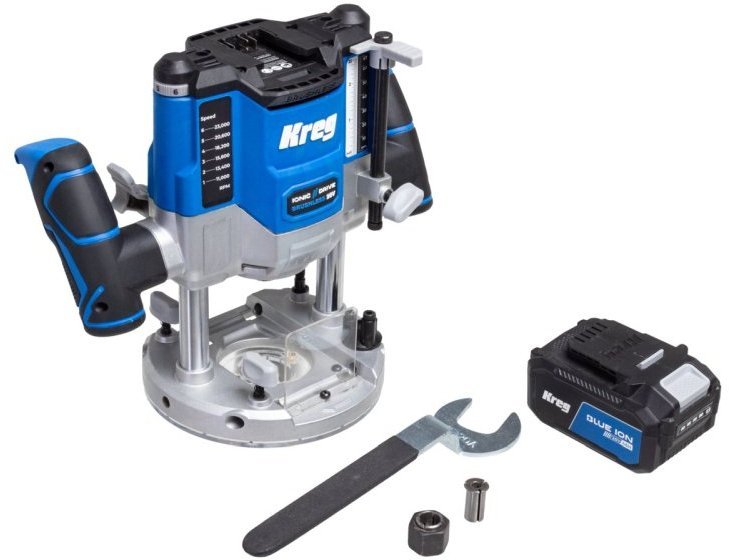
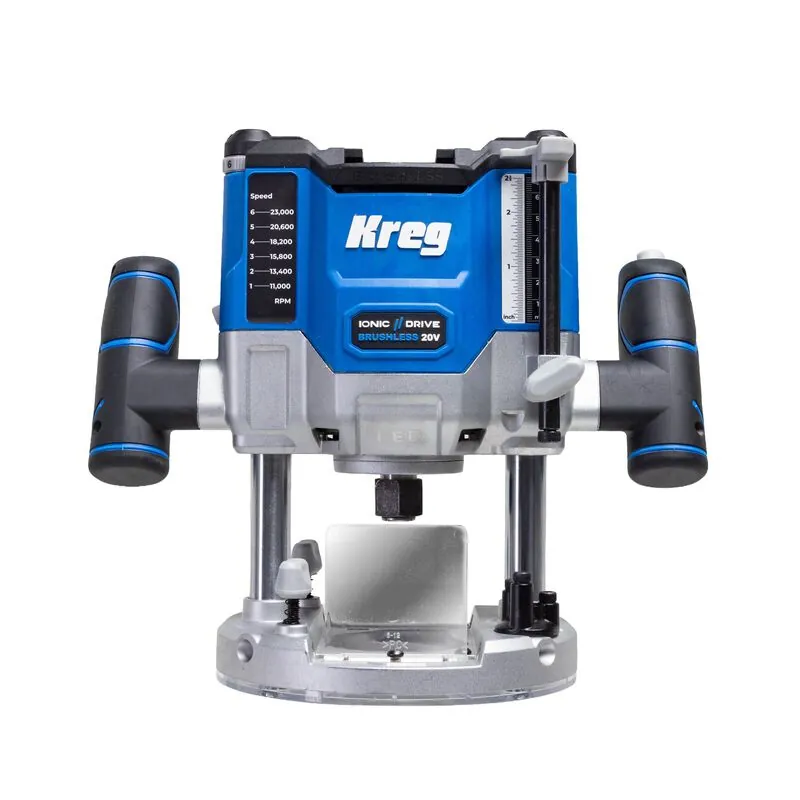
Most modern plunge routers feature a dial that allows you to select a range of speeds, typically spanning from 8,000 to 24,000 RPM. These settings are usually numbered 1 through 6, with each number corresponding to a specific speed range. Because these numbers are arbitrary across different manufacturers, you must consult your owner’s manual to map the dial position to the actual RPM.
| Dial Setting | Typical RPM Range | Best Application |
|---|---|---|
| 1 | 8,000 – 10,000 | Large diameter bits (2″+), molding, plastics |
| 2 | 10,000 – 13,000 | Medium-large bits, hardwoods |
| 3 | 13,000 – 16,000 | Mid-sized bits, general shaping |
| 4 | 16,000 – 19,000 | Standard bits, softwoods, light passes |
| 5 | 19,000 – 22,000 | Small bits, trimming, edge work |
| 6 | 22,000 – 24,000 | Fine detail, small diameter bits, cleanup |
Matching Bits to Material Density
When choosing the right RPM, you must consider the hardness of your lumber. Dense materials like hard maple, white oak, or hickory offer more resistance to the cutter. If you move too slowly through these woods, the bit will spend too much time in one spot, generating intense friction. This friction creates heat buildup, which burns the wood and destroys the temper of the carbide steel.
Softwoods like pine, cedar, or poplar are more forgiving but can still burn if the bit is dull or the speed is too high. A general rule of thumb for material density compensation is to prioritize slower speeds for hardwoods to keep the bit cool, while allowing for higher speeds on softwoods where you need a cleaner finish without tearing the grain.
How to Calculate Peripheral Speed?
While you don’t need to perform complex calculus in the workshop, understanding the concept of surface feet per minute (SFM) helps explain why large bits need slower speeds.
Warning: Never exceed the maximum RPM rating printed on the shank of your router bit. If a bit is rated for a maximum of 18,000 RPM, running it at 22,000 RPM can cause the carbide to shatter.
Recommended Settings for Common Tasks
Different routing tasks require different approaches. A deep plunge cut for a mortise requires more torque, which is best achieved at a moderate speed. A light decorative edge profile, however, can be done at a higher speed to ensure a smooth finish that requires minimal sanding.
| Task Type | Bit Diameter | Recommended RPM Range |
|---|---|---|
| Deep Mortising | 1/2″ to 3/4″ | 12,000 – 16,000 |
| Edge Profiling | 1/4″ to 1″ | 16,000 – 20,000 |
| Large Panel Raising | 2″ to 3-1/2″ | 8,000 – 12,000 |
| Laminate Trimming | 1/4″ to 1/2″ | 20,000 – 24,000 |
Signs of Incorrect Speed Settings
Your router will communicate when it’s unhappy. If you hear a high-pitched screaming sound, the speed is likely too high for the diameter of the bit. If the motor sounds like it’s struggling or bogging down, you may be feeding the wood too fast or the speed is too low for the cut.
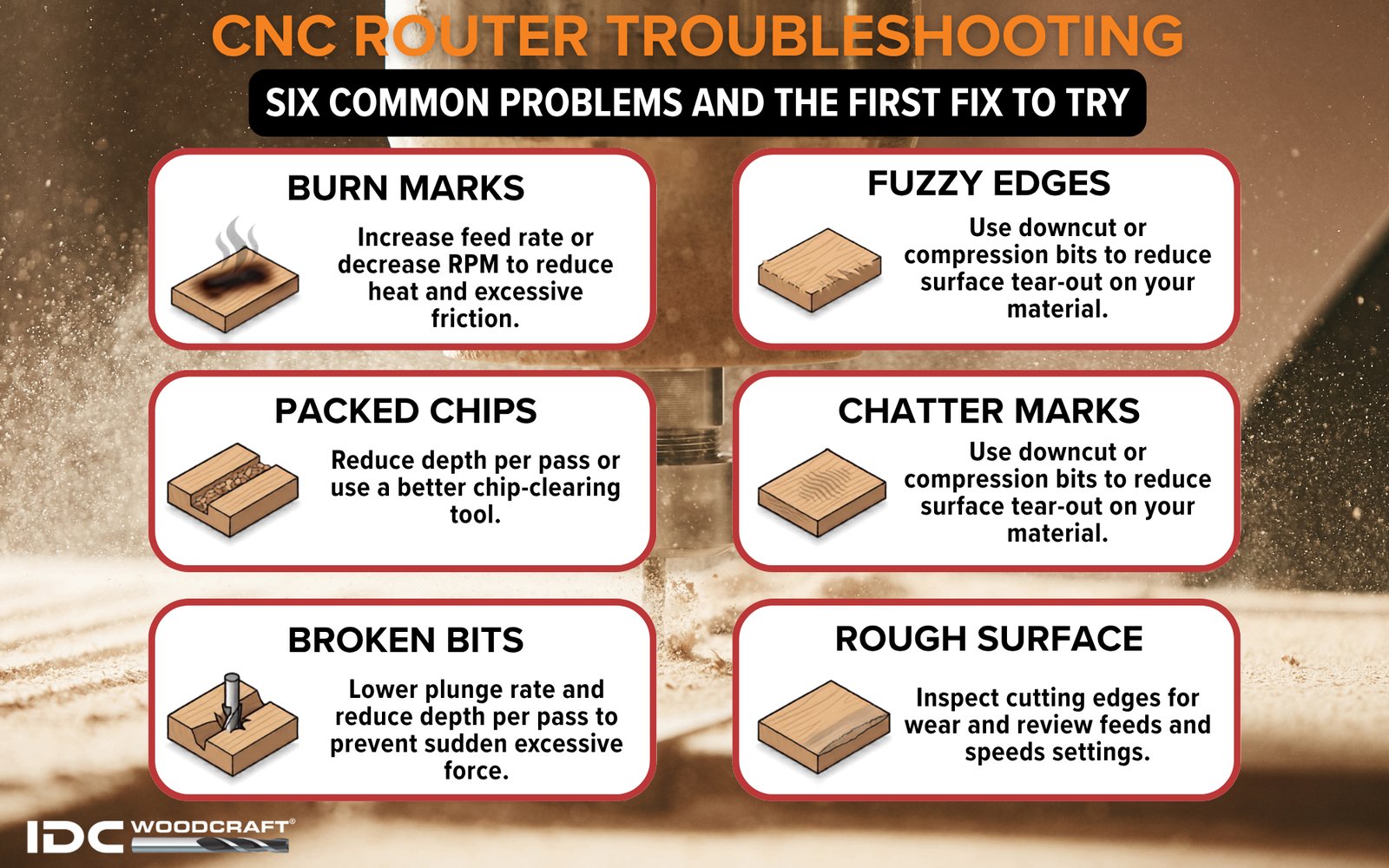
Visual indicators of trouble include black or brown burn marks on the wood, which indicate the bit is spinning too fast and burning the surface rather than cutting it.
If you notice excessive vibration or chatter marks on the wood surface, lower the speed. Vibration isn’t just a sign of a bad finish; it’s a sign that the router is vibrating off the guide, which could cause a deviation in your cut depth or path. Always make your adjustments in small increments.
Can You Use Fixed Speed Routers?
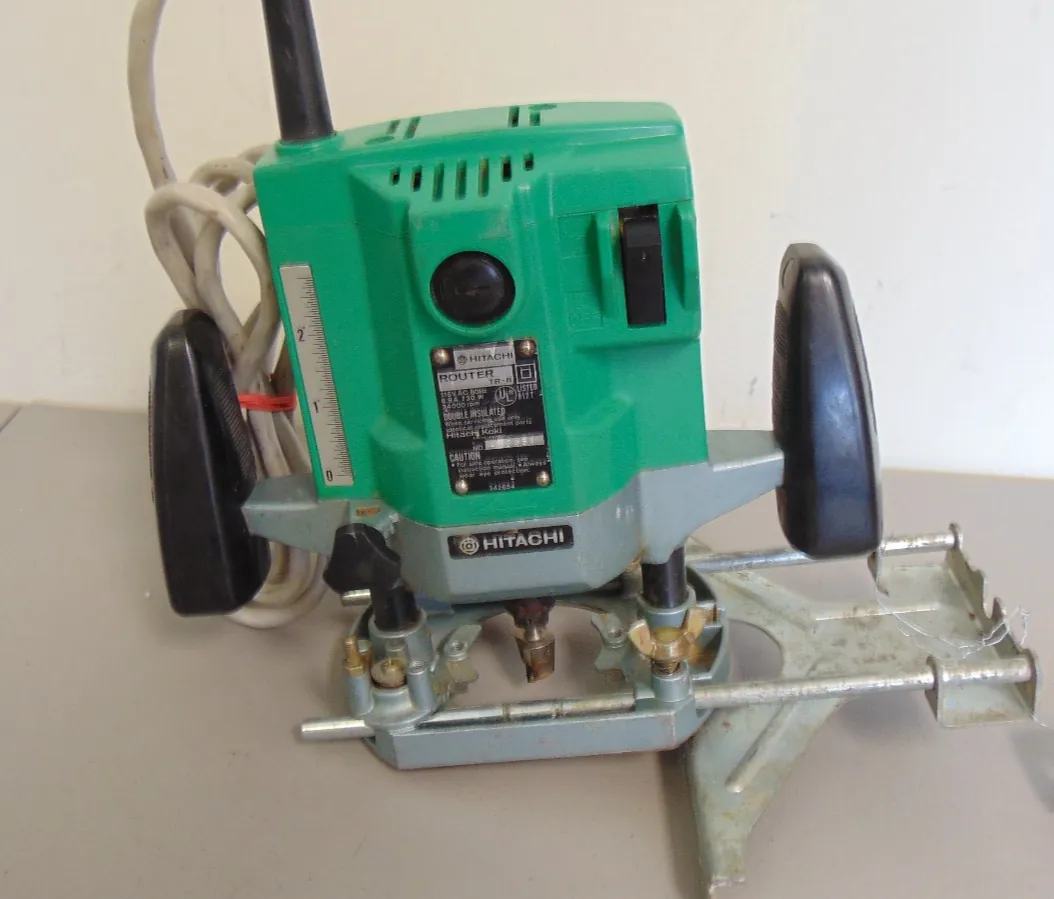
Many older or entry-level routers are fixed-speed, meaning they run at a constant 22,000 to 24,000 RPM. While these tools are perfectly capable of many tasks, they limit your versatility. If you find yourself frequently using large bits, a fixed-speed router will be difficult to manage safely. For those working with a wide variety of bits, investing in a variable speed controller or upgrading to a plunge router with built-in electronic speed control is a wise choice.
Pro Tip: If you’re using a fixed-speed router, make multiple shallow passes rather than one deep pass to reduce the load on the motor and prevent the bit from overheating during the cut.
Adjusting for Bit Condition
A sharp bit is a safe bit. When a bit begins to dull, you might be tempted to increase the speed to get a “cleaner” cut. This is a mistake. Increasing the speed on a dull bit only increases the heat, which accelerates the breakdown of the carbide edges.
If you find that you must constantly adjust your speed dial to get a smooth cut, it’s a sign that your bits need to be sent for professional sharpening or replaced entirely.
Bit maintenance is just as important as speed settings. Clean your bits regularly using a specialized pitch and resin remover to ensure that sap and dust buildup don’t increase friction, which in turn causes the router to work harder and generate more heat.
Safety Protocols for Router Use
Regardless of your speed setting, personal protective equipment is non-negotiable. Always wear safety glasses or a face shield, as routers create a high volume of wood chips and dust. Hearing protection is also essential, as the high-speed motors operate at decibel levels that can cause long-term damage.
- Always verify your speed setting before turning the router on.
- Ensure the bit is seated correctly in the collet, with at least 3/4 of the shank inserted.
- Check the workpiece for nails, screws, or other debris that could shatter a bit.
- Use a vacuum dust collection system to keep the bit clear of chips.
Related guides
- Plunge Router vs Fixed-Base Router: Which One to Choose
- 10 Best Plunge Routers for Woodworking: Top Picks for Every Shop
- Fixed-Base vs Plunge Router: Which One Do You Need?
Frequently Asked Questions
Does a larger bit need a faster speed?
No, a larger bit requires a slower speed. Because the outer diameter of a large bit travels a greater distance in a single rotation than a small bit, higher speeds would cause the peripheral edge to move dangerously fast. This results in excessive vibration, overheating, and potential bit breakage. Always consult the manufacturer’s chart for the maximum RPM rating of your specific bit size.
Why is my router burning the wood?
Burning is almost always caused by too much friction. This occurs if your speed is set too high for the material, if you’re moving the router too slowly along the wood, or if your bit is dull. Try increasing your feed rate slightly or lowering the RPM setting on your router. If the problem persists, check if your bit is clogged with resin and clean it thoroughly.
What happens if I set the speed too low?
Setting the speed too low for a small-diameter bit results in a poor finish. The bit will take large, choppy bites out of the wood rather than shaving it smoothly, leading to “chatter” marks. Additionally, if the motor is underpowered at low speeds, it may bog down, causing the cut to stall and potentially damaging the router’s internal electronics or burning the motor out under load.
Should I change speeds while cutting?
You should never change the speed setting while the router bit is engaged in the material. Doing so can cause the bit to grab the wood, leading to kickback or an uneven cut profile. Always set your desired speed, turn the router on, and let it reach full speed before slowly lowering the bit into the wood. Perform your test cuts on scrap material to confirm the setting is correct.
How do I know if my router is variable speed?
Look for a numbered dial, usually located on the top or the side of the router motor housing. If you see numbers ranging from 1 to 6, your router has electronic variable speed control. If the tool has only an on/off switch, it’s a fixed-speed model. If you’re unsure, check the model number on the manufacturer’s website to confirm the specifications of your specific unit.
Conclusion
To ensure your success, start by identifying the maximum RPM rating for the specific router bit you intend to use, which is typically laser-etched on the shank. Once you have confirmed this, dial your router to a mid-range setting and perform a test cut on a piece of scrap wood of the same species to evaluate the cut quality and heat generation.