Oscillating Tool Blade Compatibility: Universal, OIS, and Starlock
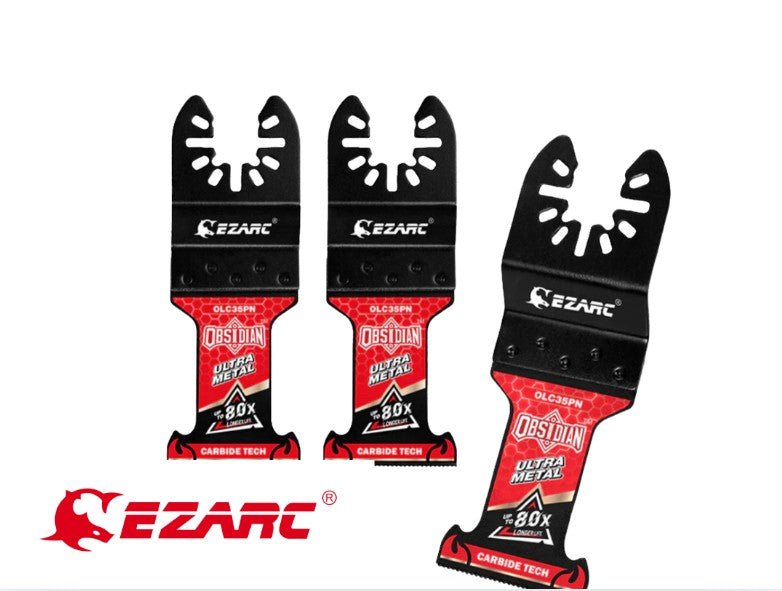
Most oscillating tools use either an open-ended, pin-based system or a tool-less, star-shaped connection to attach blades. The three main standards are universal fit, which uses a slotted design for various brands, the older oscillating interface system, and the modern starlock mechanism that locks blades in place with a click.
Understanding Universal, OIS, and Starlock Oscillating Tool Compatibility
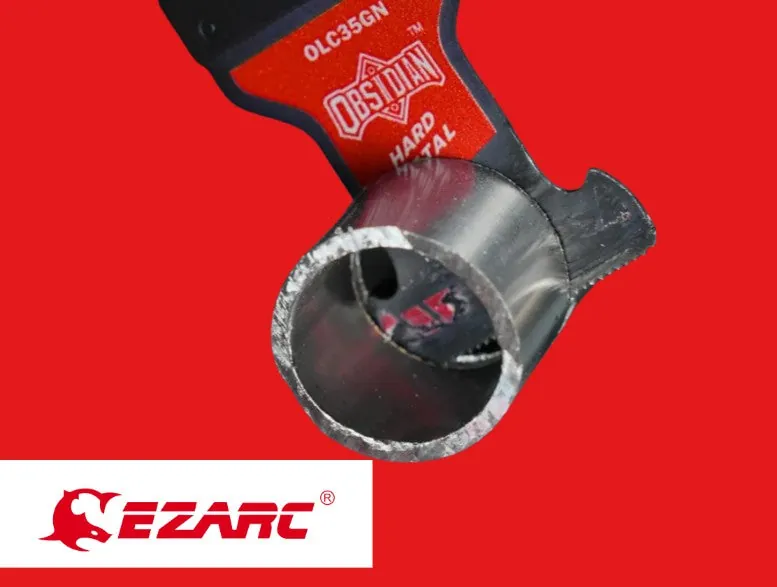
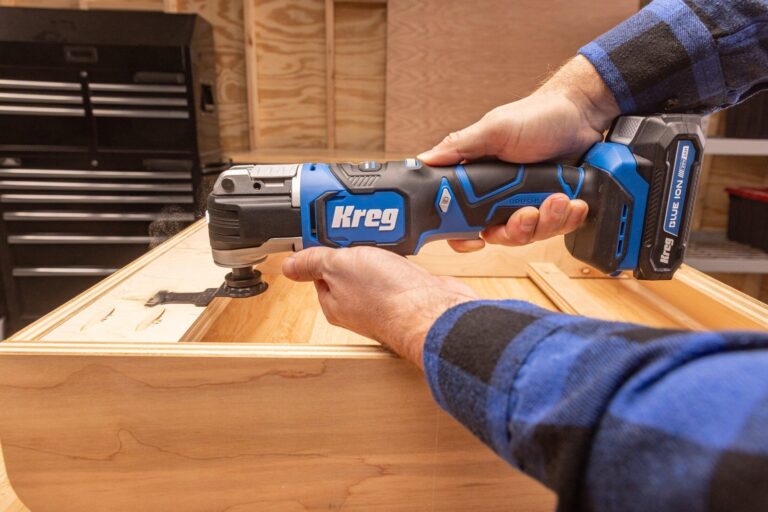
Selecting the right blade for your oscillating tool depends on the specific connection type your machine uses. While some older tools require a bolt and washer to secure the accessory, most modern devices use a quick-change lever. You need to identify which category your tool belongs to before buying replacement blades to avoid wasting money on parts that won’t fit your spindle.
Comparison of Blade Connection Types
| Connection Type | Attachment Method | Best For |
|---|---|---|
| Universal Fit | Slotted or open-ended | Older tools, budget brands |
| OIS | Pin-based interface | Professional-grade legacy tools |
| Starlock | Snap-in, tool-less | High-torque, fast changes |
The universal fit system is designed to be compatible with many different tool brands by using a standardized hole pattern. However, the fit can sometimes be loose, leading to vibration or shifting during heavy cuts. If you own a tool that uses the older pin-based interface, you’ll often need an adapter to use modern accessories. Starlock is a proprietary system that provides a very secure, rigid connection, but it’s typically limited to specific premium tool lines.
How to Check Your Tool’s Compatibility
You don’t need to guess which blade to buy if you follow these steps to verify your tool’s requirements. Checking your specific model number against the manufacturer’s official documentation is the safest way to ensure the blade will seat correctly.
Locate the model name on the side of your tool housing or the sticker near the battery port. If the sticker is worn away, check the underside of the handle for a stamped serial number.
Examine the tool head to see if it has a protruding star-shaped pattern, simple pins, or a flat surface with a central bolt. A star-shaped mount indicates a Starlock system, which isn’t backward compatible with older, flat-mount blades.
Consult the manufacturer website to see if your tool supports the newer Starlock system or if it’s restricted to universal slotted blades. If your tool uses a bolt-on attachment, you must use an adapter plate for modern quick-change blades.
Test the fit by lining up the holes on the blade with the attachment points on the tool before fully locking it down. If the blade wobbles more than a millimeter before tightening, the arbor size is incorrect and will cause dangerous vibration.
Listen for a click if your tool is designed for snap-in accessories, as this confirms the blade is properly seated. If you feel resistance before the click, stop immediately; forcing it can strip the internal drive pins, a repair that often costs more than the tool itself.
Always verify the blade depth and material rating for your task. A blade rated for wood will dull rapidly and may lose teeth if used on hardened steel.
Avoiding Common Compatibility Mistakes
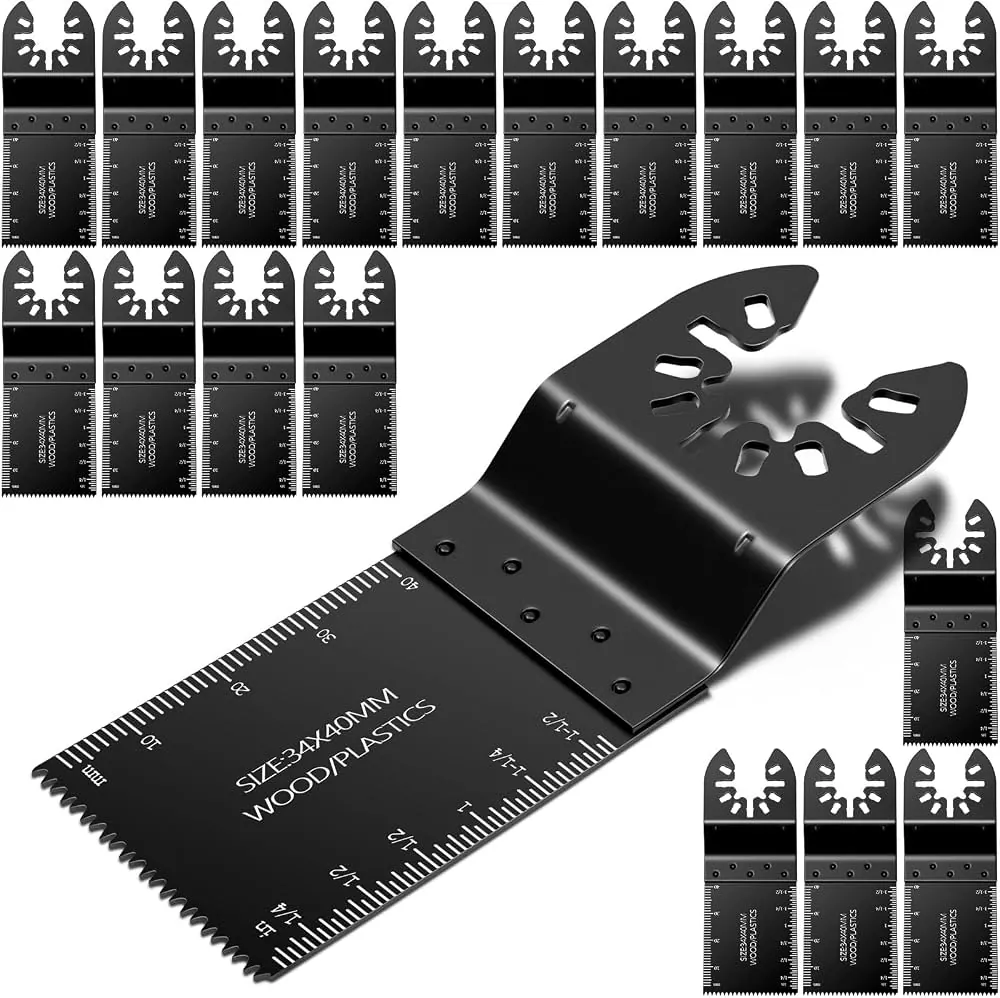
One mistake users often make is assuming that all “universal” blades will fit every tool perfectly. While the slots might align, the depth of the blade or the thickness of the mounting area can vary, which might prevent the locking lever from closing fully. Always ensure the blade sits flush against the tool head. If you have to force the lever or if the blade wobbles after tightening, stop immediately and check for debris or misalignment.
If you’re performing precision cuts, use blades designed for the specific material you’re cutting. Using a high-mass blade on a low-torque tool creates excessive chatter, which ruins the cut and prematurely wears out the tool’s internal bearings.
Another issue involves using adapters. While adapters allow you to use older accessories on newer tools, they can increase the distance between the motor and the blade. This added length reduces the rigidity of the cut and can cause the blade to bend under pressure. If the blade flexes during operation, switch to a direct-mount accessory to regain control. Ensure all attachments are secured according to the manufacturer’s instructions to prevent injury from flying debris.
Related guides
- Circular Saw Blade Size and Arbor Compatibility Guide
- 10 Best Oscillating Multi-Tools for DIYers and Pros Reviewed
- Impact Driver Battery Compatibility: Can You Mix Tool Batteries?
Frequently Asked Questions
Can I use a starlock blade on a universal tool?
No, starlock blades are designed for a proprietary snap-in system and won’t lock onto a standard universal or pin-based oscillating tool. Attempting to modify the blade to fit can compromise the structural integrity of the accessory and lead to dangerous failure during use.
Do I always need an adapter for older tools?
You only need an adapter if your tool uses a specific pin-based interface that doesn’t match the universal slotted hole pattern found on most modern blades. Check your owner’s manual to see if your specific tool model requires a proprietary adapter for third-party accessories.
Is it safe to use universal blades on premium tools?
It’s safe as long as the blade matches the attachment mechanism and is securely locked in place. However, you might notice more vibration or less efficient cutting compared to using the premium brand’s own proprietary blades, which are often engineered for a tighter, more rigid fit.
Conclusion
Check your tool’s manual to confirm which specific blade interface is required before making a purchase. If you frequently switch between different cutting tasks, consider upgrading to a tool that supports a tool-less quick-change system to save time and ensure a secure fit for every application.