Trim Router Bit Keeps Slipping? Simple Collet Fixes That Work
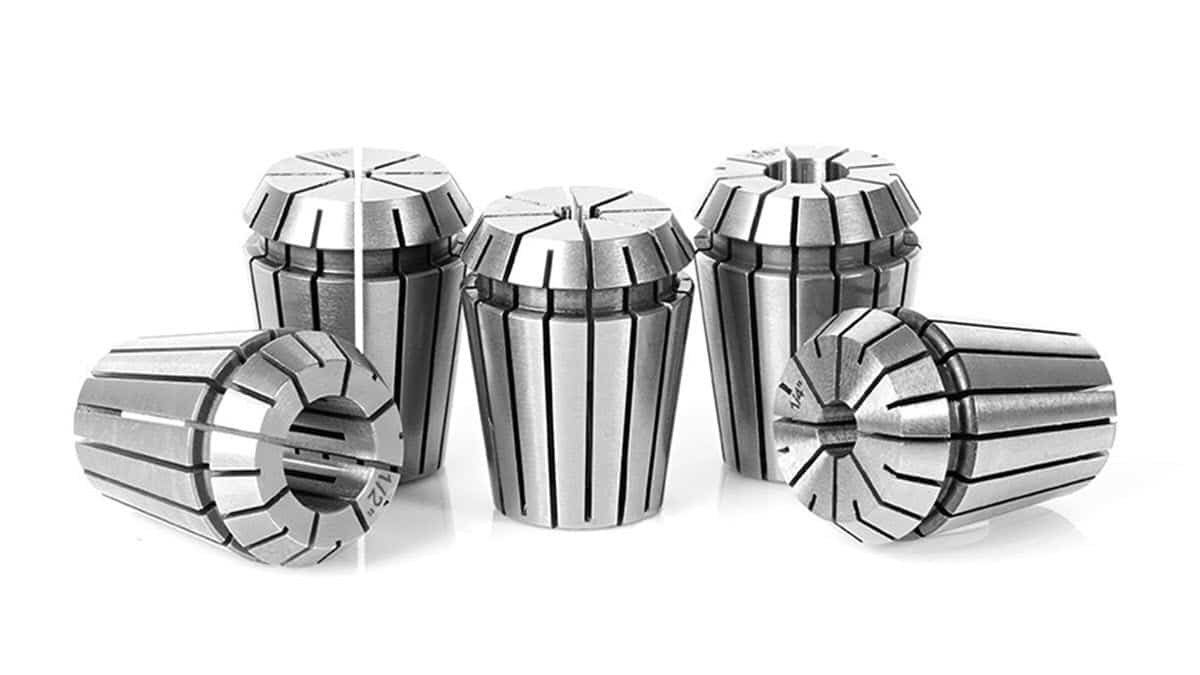
You can stop a trim router bit from slipping by cleaning the collet of all resin and debris, then ensuring the shank is fully seated before tightening the nut. The most common cause is a buildup of wood pitch inside the collet, which prevents the metal from gripping the bit shank firmly. If your trim router bit keeps slipping? Collet checks and fixes will help you secure the tool and prevent dangerous vibrations.
Why your router bit keeps slipping
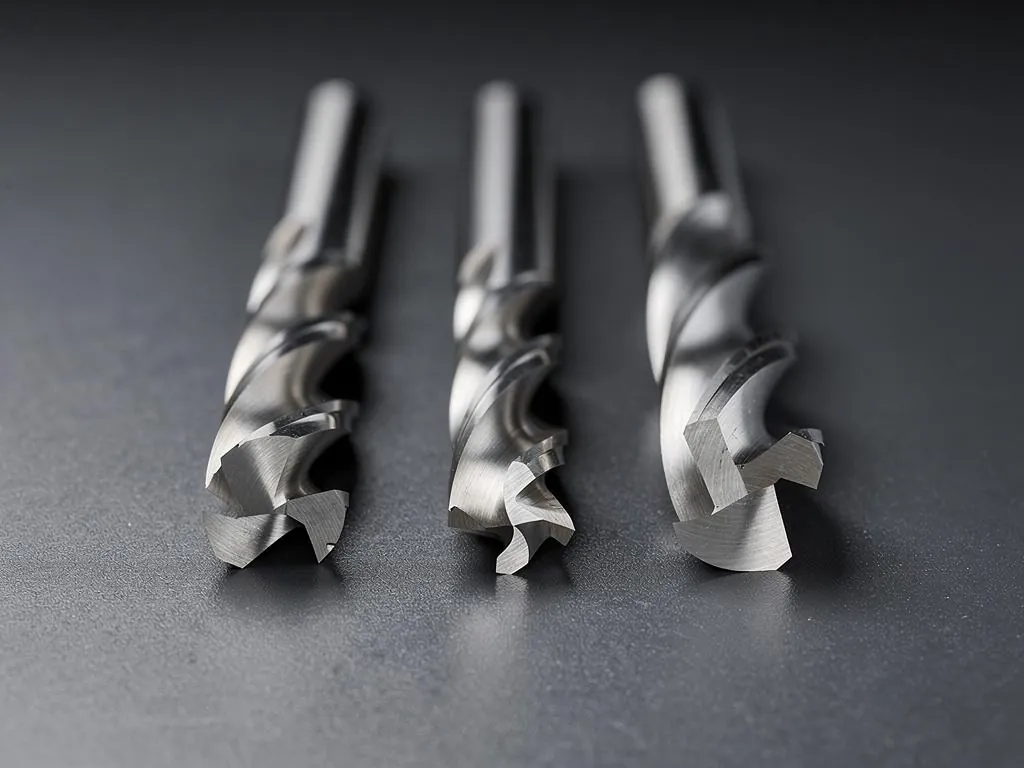
The primary reason a router bit slips is a lack of friction between the collet and the bit shank. When wood dust and sticky resin from your project enter the collet, they create a slick film that acts like a lubricant. Even if you tighten the nut with significant force, the bit will eventually slide out during a cut because the metal surfaces aren’t making direct, clean contact.
Another frequent cause is overtightening or damaging the collet nut. If the threads are stripped or the collet has developed a permanent deformation from being tightened without a bit inside, it can’t compress evenly around the shank. This uneven pressure means the bit might hold for a moment but will wiggle loose once the motor reaches high speed. Always ensure your collet is free of rust and that the nut spins freely by hand before you use a wrench.
Clean the collet and nut
If your bit keeps sliding, the first step is to remove the collet from the router for a deep cleaning. Use a stiff nylon brush or a brass wire brush to scrub the inside of the collet and the threads of the nut. Many woodworkers use a dedicated solvent to dissolve dried resin, but a simple wipe with a dry cloth often removes the loose dust causing the issue.
After cleaning, inspect the inner walls of the collet for any scoring or deep scratches. If you see bright, shiny spots or metal burrs, the collet is likely worn out and needs a replacement. If the collet is damaged, it will never hold a bit safely regardless of how much you tighten it.
Seat the bit correctly
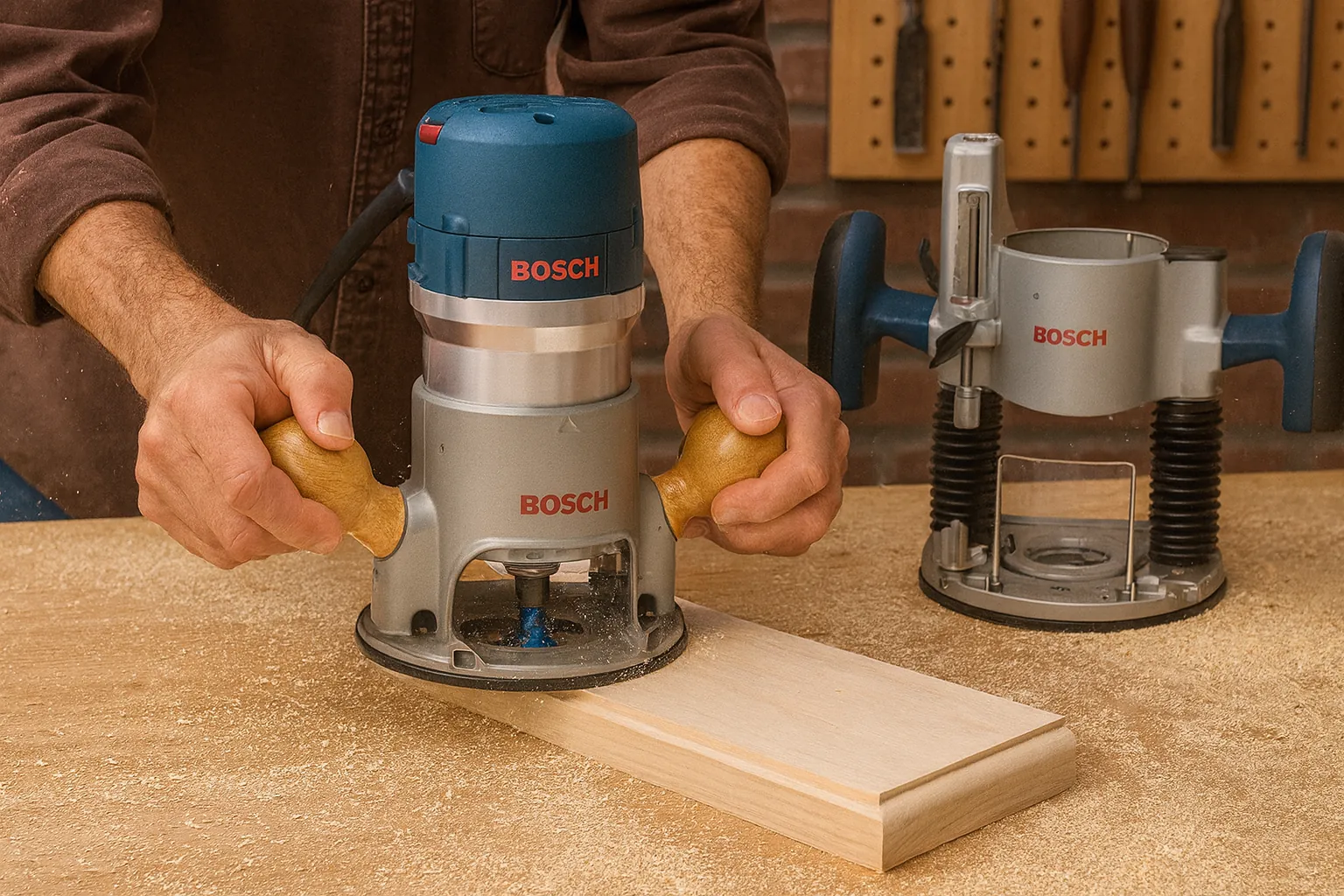
Many people make the mistake of pushing the bit all the way to the bottom of the collet and then pulling it out slightly. While this prevents the bit from “bottoming out,” it reduces the surface area available for the collet to grip. Instead, insert the bit until it hits the bottom, then pull it back about 1/8 of an inch. This small gap ensures the collet compresses on the shank rather than against the bottom of the motor housing.
If you’re working with small trim routers that use 1/4-inch bits, verify that your shank isn’t undersized. Some budget-friendly bits have shanks that measure slightly less than the standard, which makes them impossible to secure. If the bit shank feels loose inside the collet even before you tighten the nut, the bit itself is the problem. Use a digital caliper to check that your bit shanks are exactly 1/4 inch or 1/2 inch as required by your collet size.
Replace the collet assembly
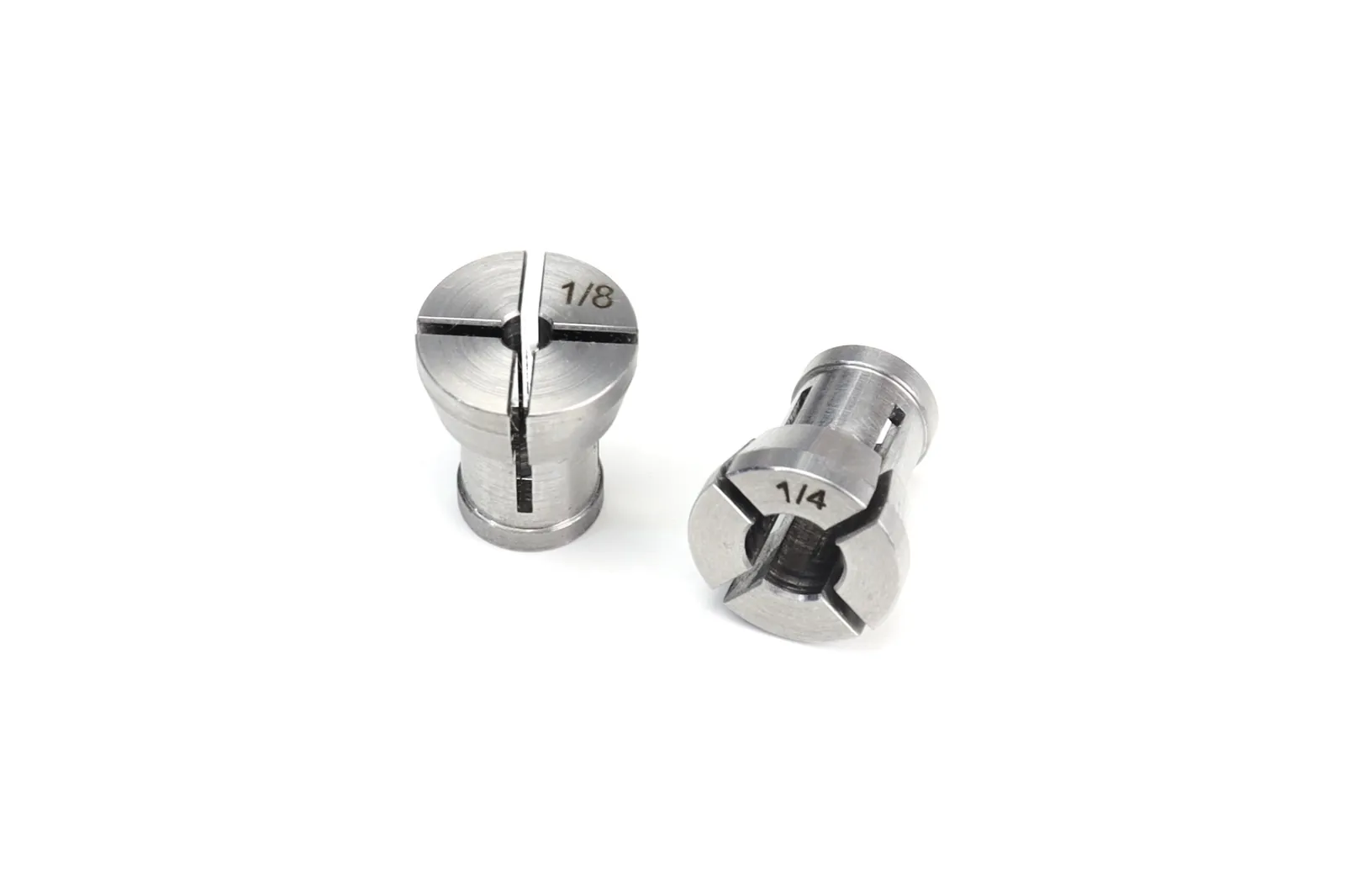
If cleaning and proper seating don’t stop the movement, the metal in the collet has likely lost its spring tension. Over time, the metal fatigues and stops compressing tightly against the bit shank, especially if the collet has been subjected to frequent heat cycles. This is a common issue for routers that have seen heavy use over several years.
When you buy a replacement, ensure you get a collet specifically designed for your router model. Using a generic or “close enough” collet is a major safety risk, as it may not be machined to the correct tolerances for your specific spindle.
If you notice the bit still vibrates or slips after installing a brand-new collet, the spindle shaft itself might be bent. This is a serious mechanical failure, and you should contact the manufacturer’s service department for a professional repair rather than attempting to force the bit to hold.
Avoid common mistakes
- Tightening without a bit: Never tighten an empty collet, as this can crush the fingers of the collet and ruin its ability to grip future bits.
- Using lubricants: Never put oil or grease on the collet or bit shank, as this completely removes the friction needed to hold the tool in place.
- Over-tightening with extensions: Avoid using long cheater bars on your wrenches, as you can easily strip the threads or snap the collet nut.
- Ignoring heat: If your bit is hot to the touch after a cut, it’s slipping; stop immediately and let it cool before checking the collet.
Prevent future slippage
Maintaining your router is the best way to ensure your bits stay in place during every project. Check your collet tension every time you change a bit to keep your workflow safe and efficient.
| If you’re doing this | Do this instead | Why |
|---|---|---|
| Leaving dust in the collet | Blow it out with compressed air | Dust acts as a lubricant for the bit |
| Tightening with one wrench | Use two wrenches if the design allows | It prevents the motor shaft from spinning |
| Using old, rusty bits | Clean or replace rusted shanks | Rust prevents a smooth, tight grip |
| Forcing a tight fit | Clean the collet and shank | Debris is likely causing the resistance |
Related guides
- Fix Hammer Drill Chuck Slipping With These Simple Steps
- Impact Driver Bit Keeps Slipping or Falling Out: Quick Fixes
- Cordless Drill Chuck Keeps Slipping: How to Fix the Grip
Frequently asked questions
How long should a router collet last?
A high-quality collet can last for several years of hobbyist use, but it depends entirely on how often you change bits and how much force you apply when tightening. If you notice you’re having to tighten the nut harder than usual to keep the bit from slipping, that’s your signal that the metal has fatigued and needs a replacement.
Is it safe to use a bit that slips?
No, it’s never safe to use a bit that slips, as it can be ejected from the router at high speeds. A loose bit will cause extreme vibration, which ruins your workpiece and poses a serious risk of injury to the operator. If your bit moves even slightly during a test cut, stop the machine and fix the collet immediately.
Why does my router bit get hot?
Your router bit gets hot because it’s slipping inside the collet, which creates friction and heat instead of cutting the wood. If the bit isn’t held firmly, the motor will spin while the bit drags, generating enough heat to burn the wood and potentially damage the temper of the steel. Always check the collet if you smell burning wood.
How tight should the collet nut be?
The nut should be tightened until you feel firm resistance, typically requiring about 1/4 to 1/2 of a turn past finger-tight with a wrench. Don’t use excessive force, as you can damage the threads or deform the collet. If the bit still slips at this tension, the collet is likely dirty or worn out rather than needing more force.
Can I fix a stripped collet nut?
No, you can’t fix a stripped collet nut, and you should replace it immediately. A stripped nut can’t provide the uniform pressure needed to hold a router bit, and attempting to use it anyway is dangerous. Always purchase an original equipment manufacturer (OEM) part for your specific router to ensure the threads match perfectly and maintain safety standards.
Conclusion
If your bit still feels loose after these adjustments, it’s time to inspect the collet for hairline cracks or permanent deformation. Don’t risk your safety with damaged parts; replacing a worn-out collet is an inexpensive way to ensure your router runs smoothly and stays reliable for all your future woodworking projects.