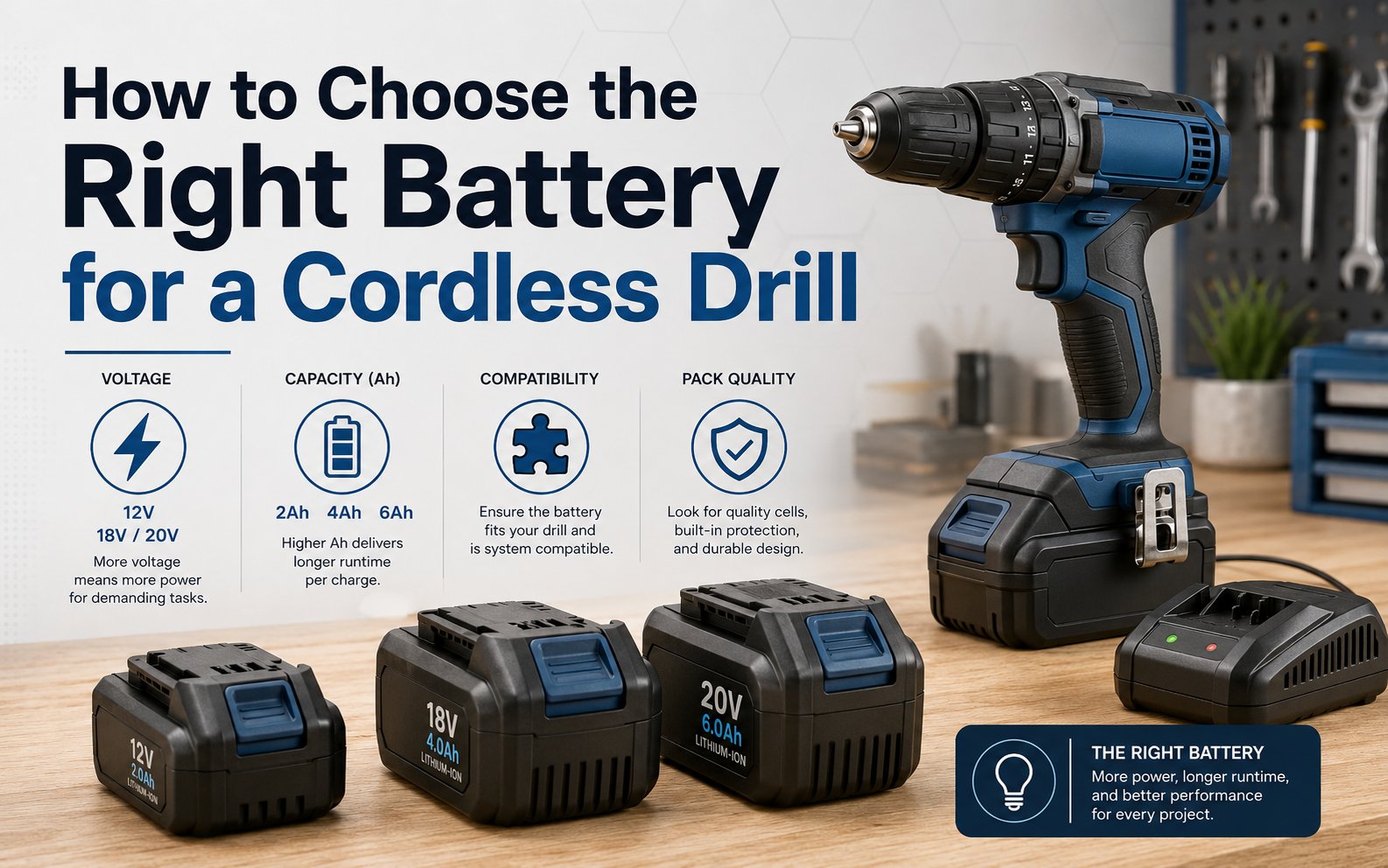
Impact Driver Battery Life: Runtime and Ah Capacity Explained
A standard 18-volt impact driver can run for 30 to 60 minutes of continuous, heavy-duty work on a 5.0Ah battery. The actual runtime depends heavily on the torque required for the task and the ambient temperature during use.
Factors Affecting Impact Driver Battery Runtime
Your runtime is determined by the balance between the energy stored in the battery and the power demand of your tool. If you’re driving small screws into soft pine, a battery will last much longer than when you’re driving large lag bolts into pressure-treated lumber.
| How you use it | How often | What tells you it’s due |
|---|---|---|
| Light assembly | Weekly | Battery feels light |
| General home repair | Monthly | Motor slows down |
| Frequent DIY projects | Weekly | LED flashes rapidly |
| Heavy construction | Daily | Battery stops abruptly |
| Professional daily use | Constant | Tool loses torque |
Consequences of Ignoring Maintenance
When you skip proper charging habits, you start to see a drop in performance fairly quickly. The first sign is a noticeable loss of “punch” or torque, meaning the driver struggles to set screws that it previously handled with ease. This happens because the cells inside the lithium-ion pack begin to lose their ability to hold a full charge.
After a few months of improper storage or deep discharging, you’ll notice the battery takes less time to charge but dies much faster during use. Eventually, the internal controller board may disable the pack entirely to prevent a fire hazard if the cells become unbalanced.
Signs Your Battery Is Failing
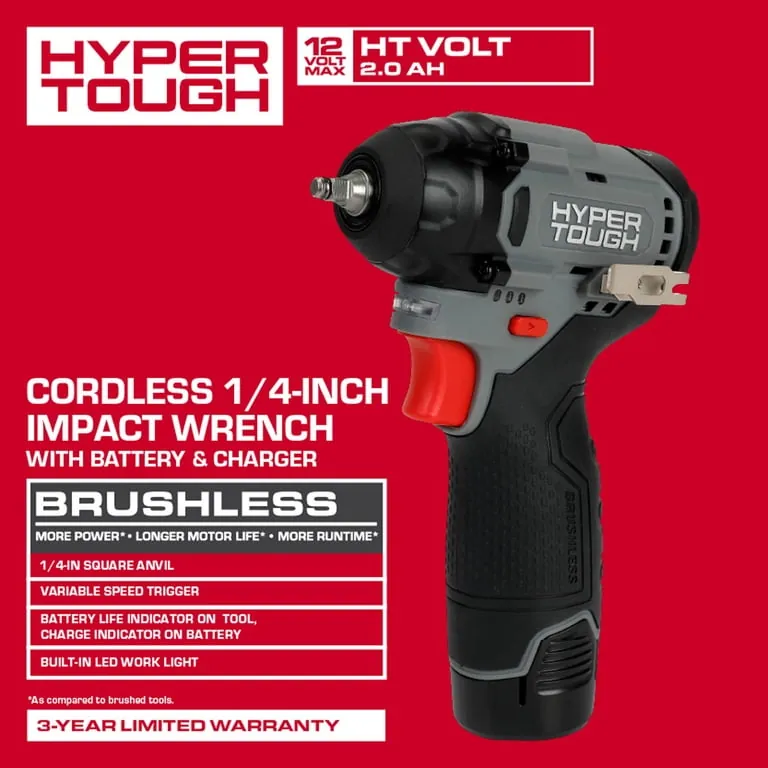
- Sudden power loss: The tool stops immediately rather than slowing down gradually under load.
- Fast charge times:
- Physical swelling: The battery casing looks slightly rounded or bulging, signaling internal chemical breakdown.
- Excessive heat: The pack becomes hot to the touch after only a few minutes of light use.
- Voltage drop: The driver struggles to turn even when the battery indicator shows a full charge.
- Corrosion on pins: White or green buildup on the metal contacts prevents a clean electrical connection.
Effort Required for Maintenance
Maintaining your batteries requires very little time but consistent attention. You should aim to keep the batteries in a cool, dry place when not in use, as extreme heat is the primary enemy of lithium-ion chemistry. Charging takes roughly 45 to 90 minutes depending on your specific charger model and battery capacity.
The most significant effort is simply remembering to remove the battery from the tool after you finish your work. If you leave the battery attached, even a tiny parasitic draw from the tool’s electronic trigger can drain the cells over several weeks.
Habits to Extend Battery Life
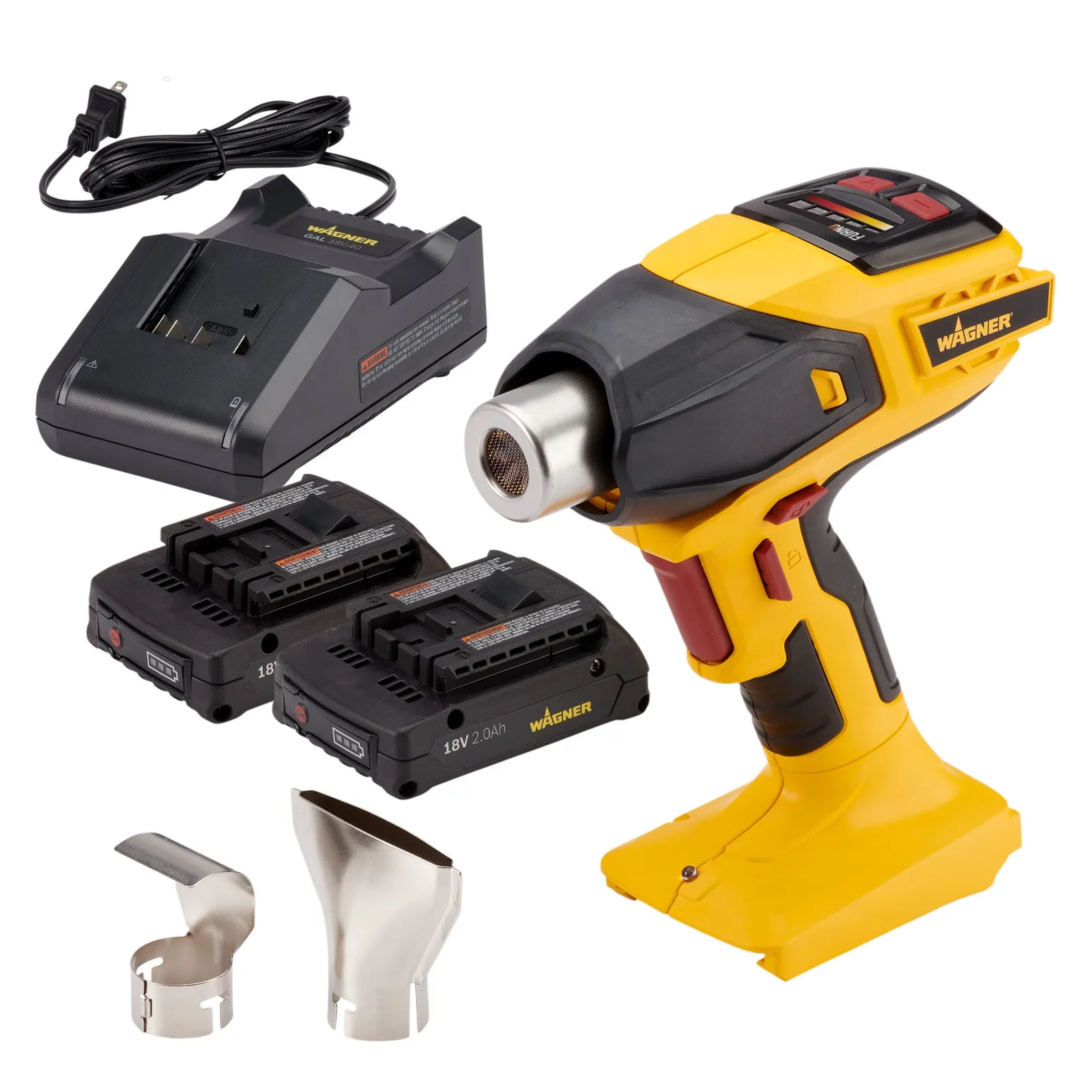
- Avoid full depletion: Stop using the tool as soon as you notice a significant drop in speed to prevent cell damage.
- Store at room temperature: Keep batteries in a cool, dry place at room temperature to maintain optimal chemical stability inside the cells.
- Charge before storage: Never store a battery completely empty for long periods, as self-discharge can push the voltage below the recovery threshold.
- Cool down first: Wait 10 minutes for a hot battery to reach room temperature before placing it on the charger.
Related guides
- Impact Driver vs Impact Wrench: Key Differences and Uses
- 10 Best Impact Drivers for Automotive Work: Our Expert Picks
- Best Impact Drivers for DIYers: Picks for Different Jobs
Frequently asked questions
How long does an impact driver battery last?
A high-quality 5.0Ah battery typically lasts for 300 to 500 full charge cycles before the capacity drops below 80% of its original rating. This assumes you’re using a genuine manufacturer charger and avoiding extreme temperature conditions during storage.
Does a higher Ah rating mean more power?
No, a higher Ah rating simply means more runtime, not more power. The voltage of the battery, such as 18V or 20V, determines the maximum power and torque the impact driver can produce under a heavy load.
Is it safe to leave batteries on the charger?
Modern smart chargers are designed to stop charging once the battery is full, but leaving them plugged in for months isn’t recommended. For the best longevity, remove the battery from the charger once the indicator light shows a full charge.
Why is my battery hot after use?
Batteries get hot because internal resistance creates heat during the chemical discharge process. If the battery is too hot to touch, let it sit for at least 15 minutes before attempting to charge it to prevent permanent cell damage.
What happens if I use a knock-off battery?
Generic or knock-off batteries often lack the internal thermal protection circuits found in original equipment. This increases the risk of the battery overheating or failing to communicate with the tool’s motor controller, which can void your tool’s warranty.
How do I know if my battery is dead?
Your battery is likely dead if the charger refuses to recognize it or if the battery voltage drops instantly when you pull the trigger. Check the metal contacts for debris; if they’re clean and the charger still flashes an error, the internal cells have failed.
Conclusion
Start by testing your battery with a known working tool to confirm the issue isn’t the driver itself. If the tool still fails to run, check the battery contacts for any visible damage or dirt that might be blocking the connection. If the battery remains unresponsive after a full charge cycle, it’s time to recycle the unit and replace it with a genuine manufacturer-approved pack.