Why Your Trim Router Is Burning Wood and How to Fix It
The most common reason why your trim router is burning wood is that the feed rate is too slow, causing the bit to dwell in one spot and create friction heat. You can fix this by moving the tool across the surface at a steady, faster pace. If the wood still shows dark marks, check for a dull router bit or too much depth in a single pass.
Why your trim router is burning wood
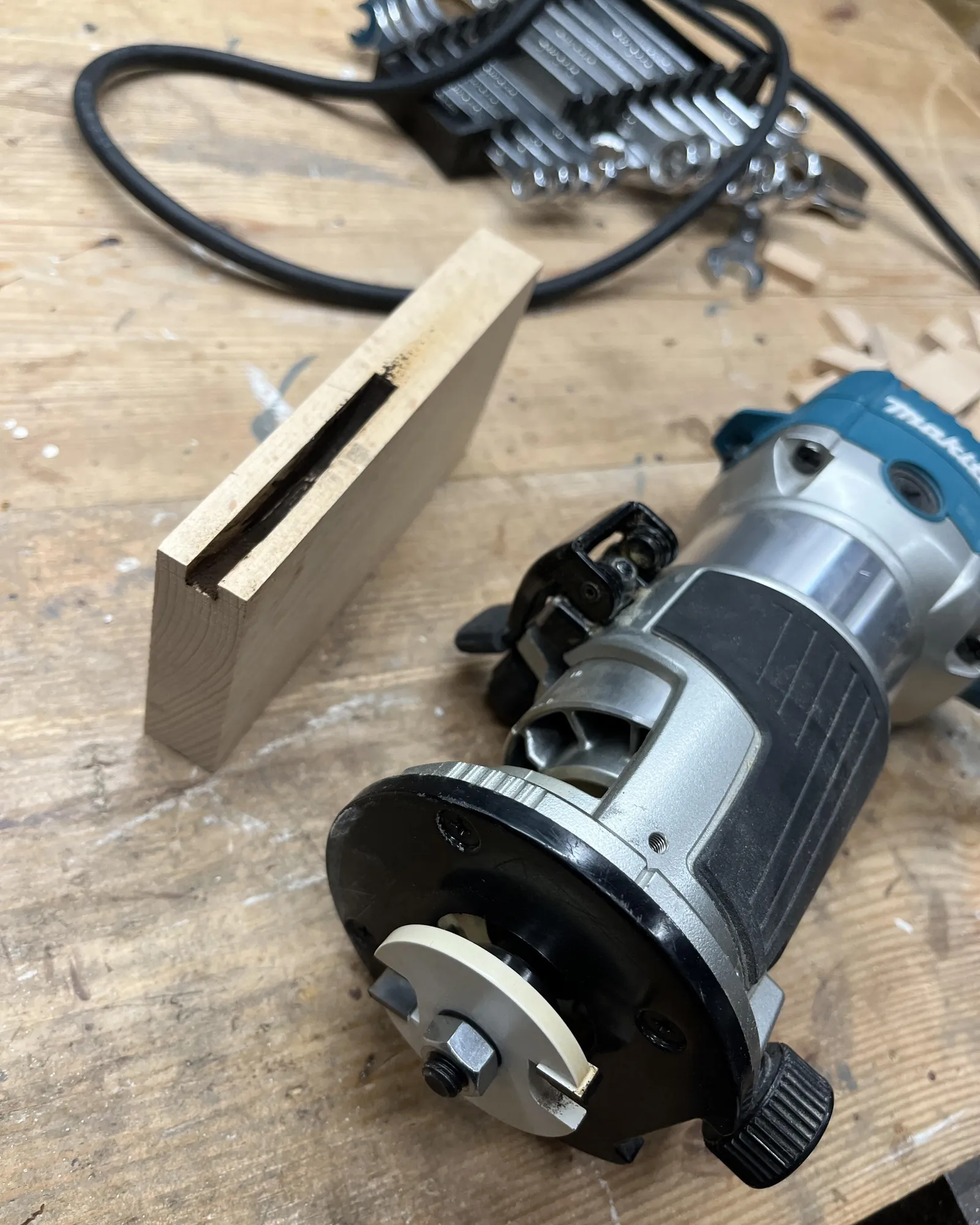
Burn marks appear because wood is a poor conductor of heat. When a router bit spins at high speeds—often between 15,000 and 30,000 rotations per minute—it generates massive amounts of friction. If that energy doesn’t escape, it chars the wood fibers. This usually happens because the bit isn’t clearing the material fast enough, or because the bit itself has lost its sharp edge.
Another factor is the type of wood you choose. Dense hardwoods like cherry, maple, or walnut are much more prone to burning than softer woods like pine. If you’re working with these species, the heat builds up faster, and even a minor hesitation in your movement will leave a permanent black streak.
Adjust your feed speed and movement
The most effective way to stop burning is to increase your feed rate. You must keep the router moving in a fluid, continuous motion from the start of the cut to the end. If you stop or slow down, the bit stays in contact with the same fibers for too long, turning the wood into charcoal. Aim for a confident, steady pace that feels natural but firm.
If you’re a beginner, practice on a scrap piece of the same wood species first. You’ll feel how much pressure is needed to keep the tool moving without forcing it. If the router feels like it is “jumping” or vibrating, you’re likely pushing too hard, but if it’s burning, you’re definitely going too slow. If your speed feels correct and you’re still seeing burns, the issue is likely the bit, not your technique.
Use sharp bits and correct depths
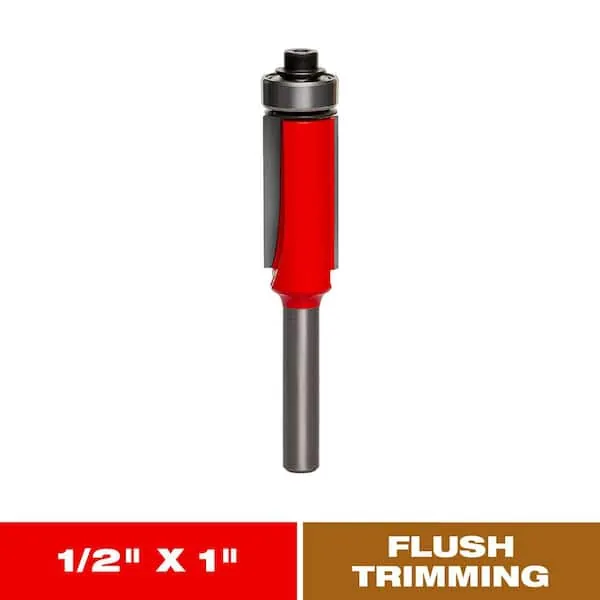
A dull bit is the silent enemy of a clean cut. When the carbide edges are worn down, they stop slicing through the wood and start rubbing against it instead. This rubbing creates heat instantly, regardless of how fast you move the tool. If you notice you have to push harder than usual to get the router through the wood, the bit is likely dull and needs to be replaced.
You should also limit your depth of cut per pass. Trying to remove too much material at once forces the router to work harder and traps chips in the cut, which increases friction. For most trim routers, try taking no more than 1/8 inch of material per pass. If you need to remove more, do it in several shallow steps. This keeps the bit cool and ensures the wood chips have enough room to clear the work area.
Change your bit type for hardwoods
When working with dense, heat-sensitive woods, the geometry of your bit matters. Up-cut bits are great for clearing chips, but they can sometimes leave a rougher edge. Down-cut bits leave a cleaner top surface but trap heat inside the cut, which often leads to burning. If you’re consistently burning your project, try switching to a fresh, high-quality carbide-tipped bit with a different flute design.
If you find that even a new bit burns the wood, your router’s speed setting might be too high for the diameter of the bit you’re using. Larger bits require slower speeds to prevent the outer edge from moving too fast. If your router has a variable speed dial, check the manufacturer’s manual for the recommended setting for your specific bit size. If you can’t find the manual, a slower setting is almost always safer for preventing heat buildup.
Common mistakes to avoid
Stopping your router in a corner or at the end of a cut generates intense, localized friction that burns the wood instantly. If you must pause, lift the bit clear of the workpiece entirely.
Resin and sap buildup on your bits creates heat, which dulls the steel and causes tear-out.
Never attempt full-depth passes on hardwoods. Limit your depth of cut to 1/8 inch per pass to prevent the motor from stalling or the bit from snapping.
Routing against the grain forces the cutter to lift fibers rather than slice them, leading to jagged edges. If you feel the router pulling aggressively to the left or right, you’re likely fighting the grain.
How to stop it from happening again
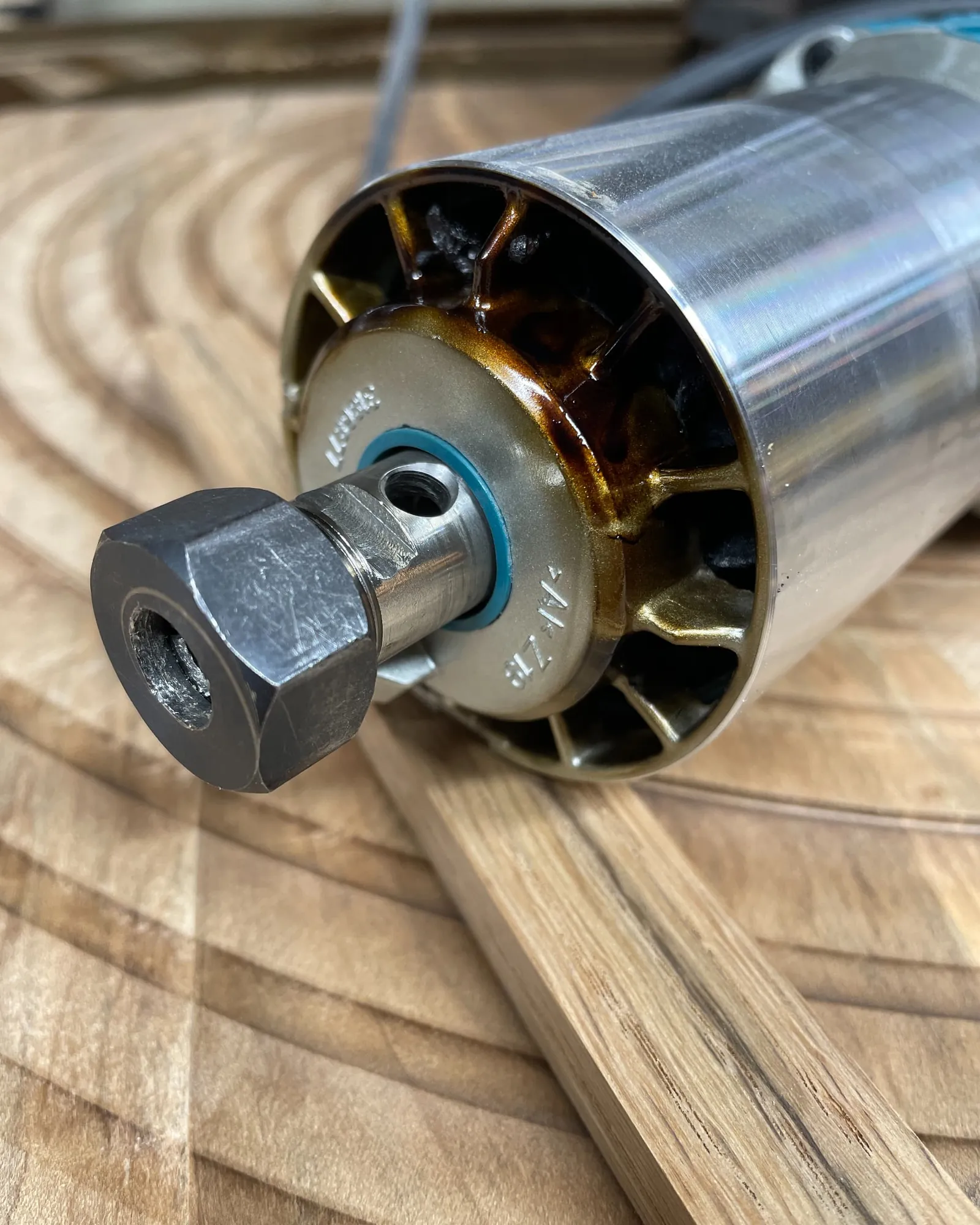
You can prevent future burn marks by adjusting your technique before you start the cut. If you’re doing this, do that instead:
| If you’re doing this | Do this instead | Why |
|---|---|---|
| Pausing mid-cut | Keep moving at a steady pace | Prevents friction heat buildup |
| Cutting full depth at once | Use multiple shallow passes | Reduces load on the motor |
| Pushing a dull bit | Replace or sharpen the bit | Sharp edges cut, dull ones rub |
| Using the highest speed | Lower the speed for large bits | High speed causes excess friction |
Related guides
- Trim Router vs. Plunge Router: Differences and Which to Buy
- 10 Best Router Bits for a Trim Router: Essential Profiles
- Cordless vs. Corded Trim Routers: Which Makes More Sense?
Frequently asked questions
Can a router bit be sharpened?
Yes, a router bit can be sharpened, but it’s often better to replace it. Professional sharpening services can restore the edge, but the cost of shipping and labor often nears the price of a new bit. For most home users, buying a high-quality replacement is the most cost-effective and reliable solution.
How do I know if my bit is dull?
You’ll know the bit is dull if you feel more resistance than usual while pushing the router. A sharp bit should glide through the wood with minimal effort. If you see burn marks even when moving at a fast, steady speed, or if the wood surface looks torn rather than smooth, the bit is likely dull.
Is it safe to sand out burn marks?
Yes, it’s safe to sand out light burn marks, but it requires extra effort. Use a medium-grit sandpaper, such as 120-grit, to remove the charred material, then finish with a finer grit like 220. If the burn is very deep, you may need to use a hand plane or a scraper to level the wood first.
How often should I replace router bits?
It varies based on the hardness of the wood you use and the frequency of your projects. If you work primarily with hardwoods like maple, your bits will dull faster than if you use soft pine. Watch for a decline in cut quality and increased heat, which are the primary signs that your bit needs replacing.
Why does my router smoke?
Your router is smoking because the friction between the bit and the wood is generating enough heat to burn the material. This is a clear warning sign that you’re moving too slowly, your bit is dull, or you’re taking too deep a cut. Stop immediately, unplug the unit, and check the bit for resin or wear.
What speed should I use for a trim router?
The speed depends on the diameter of the bit, as larger bits require lower speeds to maintain a safe surface footage. Always check the bit packaging or the router manual for a speed chart. If you don’t have one, start at a lower speed and increase it only if the cut quality is poor.
Conclusion
Keeping your workspace clean and your bits sharp makes every project feel smoother. You’ll find that when your tools are well-maintained, you don’t have to worry about those frustrating scorch marks anymore. Take a moment to inspect your collection today, and you’ll be ready to start your next build with total confidence.