Can You Use a Trim Router in a Router Table? Safety Guide
Yes, you can use a trim router in a router table, but only if the machine has enough power for the bit size you intend to use. Small laminate trimmers lack the torque for heavy-duty tasks and can overheat if pushed beyond their design limits. You should check your specific router’s manual to confirm it’s compatible with table-mounting hardware before starting your installation.
Router Table Compatibility and Use Cases
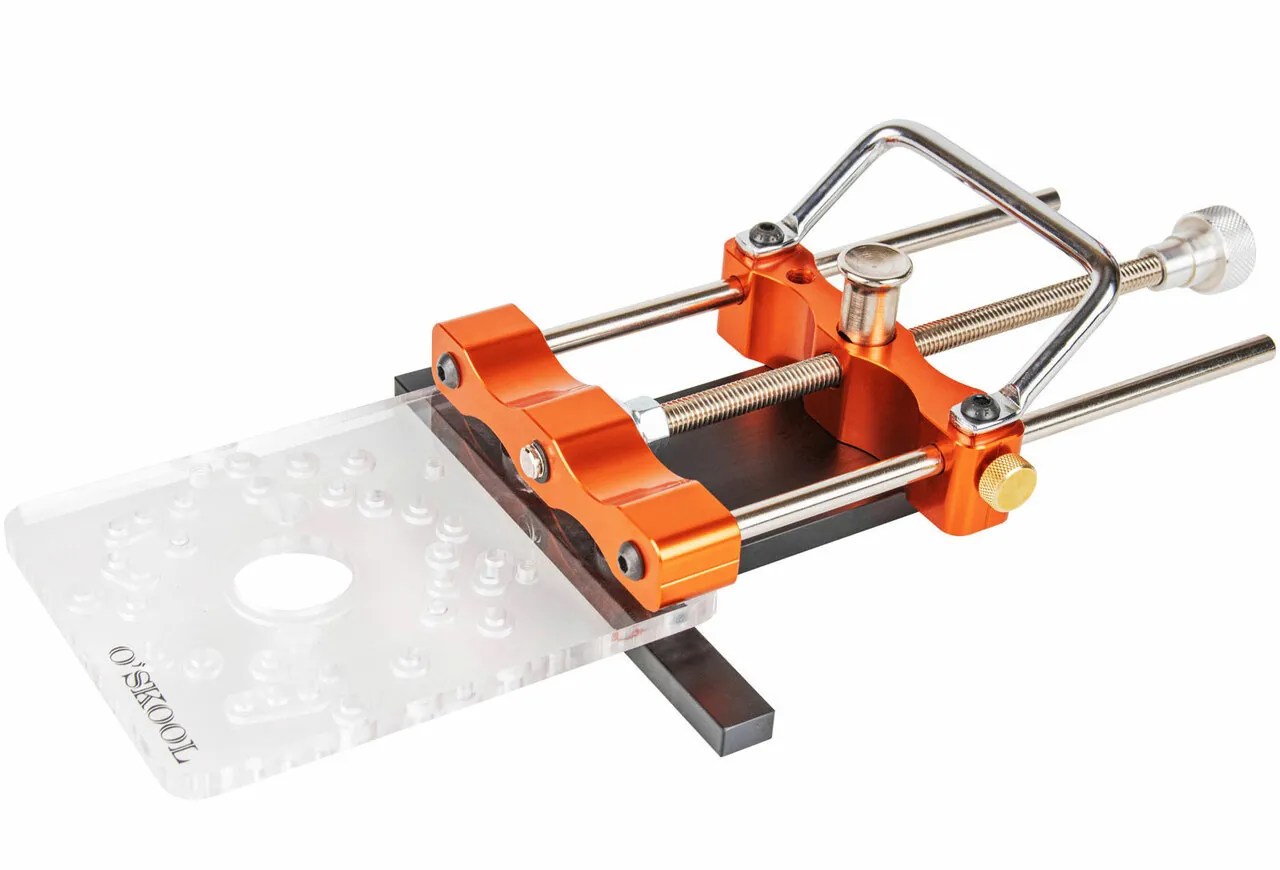
The ability to mount a trim router depends on its base design and the power it provides. Most trim routers are designed for handheld work, so they may not have the features needed for consistent table use.
| Your situation | Answer | Why |
|---|---|---|
| Light edge profiling | Yes | These cuts require very little torque |
| Large panel raising | No | This stresses the small internal motor |
| Long production runs | No | Small motors overheat without frequent breaks |
| Using 1/4 inch bits | Yes | These bits match the tool’s collet size |
| Using 1/2 inch bits | No | Most trim routers lack this collet size |
| Occasional small dadoes | Yes | It works for shallow, narrow grooves |
Factors That Decide Router Capability
The primary factor determining if a trim router works in a table is the motor’s horsepower and the collet size. Most trim routers feature motors between 1.0 and 1.25 horsepower, which is sufficient for light trimming but insufficient for heavy stock removal.
When you mount a router in a table, you often use larger bits that require more torque to maintain a constant speed. If the motor lacks the power to turn the bit under load, it will bog down, causing burning on your wood and potential damage to the motor windings.
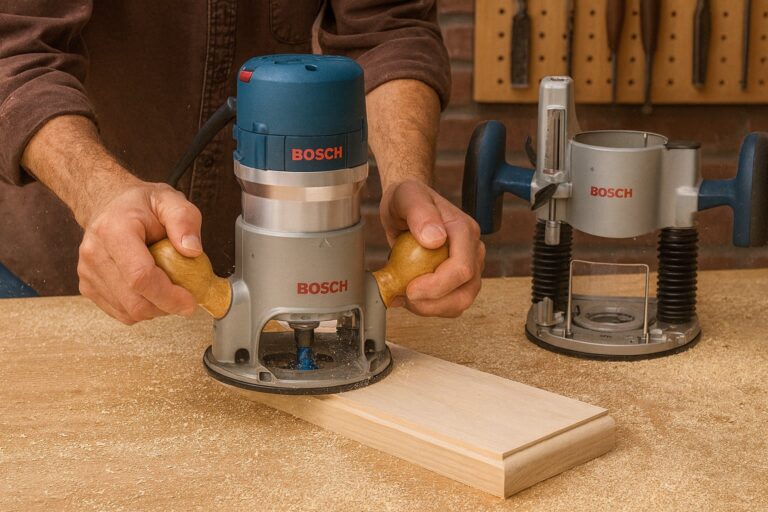
Another factor is the base mounting system. Handheld trim routers often have unique base patterns that don’t align with standard universal router table plates. You might need to drill new holes in your table insert or buy an adapter plate to secure the unit safely. If the router doesn’t mount firmly, the vibrations can cause the height to shift during a cut, leading to uneven edges.
The Consumer Product Safety Commission emphasizes that all power tools must be used according to the manufacturer’s specified setup instructions to prevent mechanical failure. If the tool is designed for handheld use only, the housing might not have the correct ventilation for table-mounted operation.
Steps for Table Installation
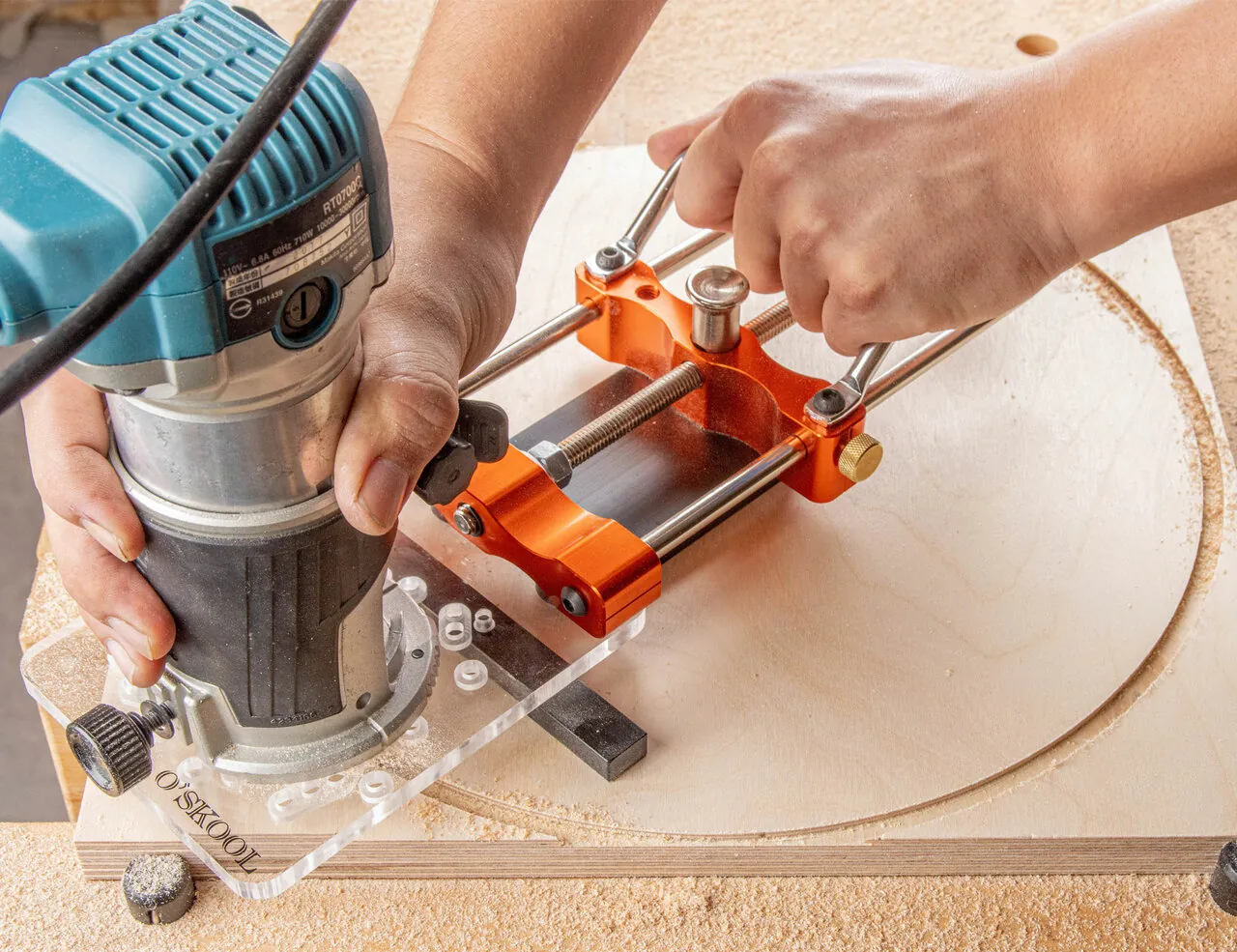
- Verify the mounting holes. Check the base of your router against the pre-drilled holes on your router table insert. If they don’t match, use a template to mark and drill new holes in the insert plate.
- Remove the handheld base. Unscrew the plastic sub-base from the router motor housing so you can attach the motor directly to the table plate.
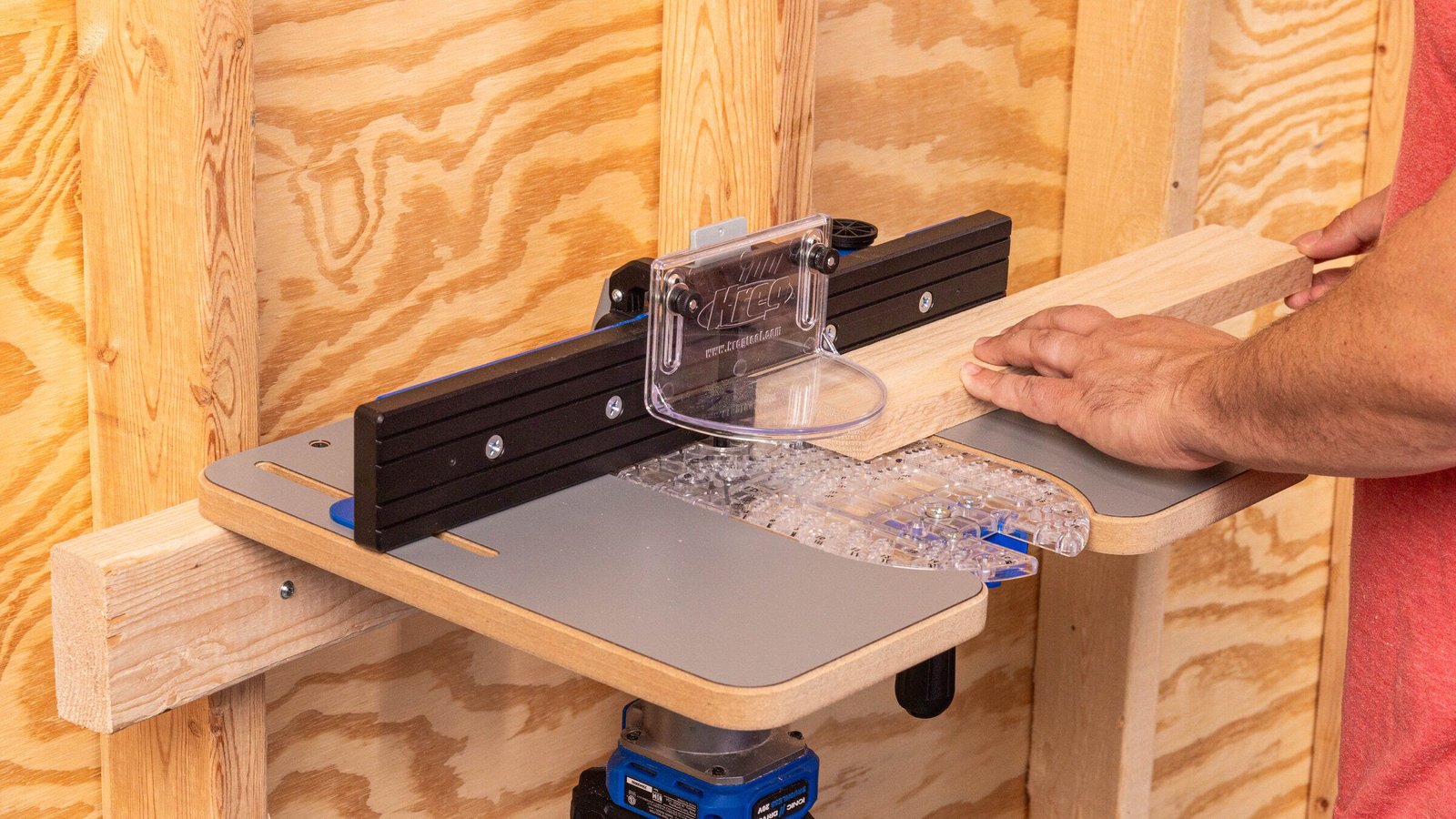
- Attach the motor securely. Fasten the motor housing to the underside of the table insert using the manufacturer’s recommended bolts. Ensure the router is perfectly centered in the opening to avoid uneven cuts.
- Install the height adjustment mechanism. If your trim router lacks an above-the-table adjustment feature, you must reach under the table to adjust the bit height. Test the lock to ensure it holds the motor firmly in place.
- Attach a safety guard. Install a clear plastic guard over the bit area on the table top. This prevents debris from flying toward your face while you work.
The Mistake People Make
The most common mistake is attempting to use large-diameter bits, such as panel raisers or wide molding bits, with a small trim router. These bits have a high surface area and require significant torque to spin at the thousands of revolutions per minute needed for a clean cut. Forcing a small motor to spin a large bit causes the tool to stall, which ruins the wood surface and risks burning out the motor.
A trim router lacks the mass to dampen vibration, meaning large bits will chatter, leaving unsightly burn marks that require extra sanding. If the wood smells like scorched pine, you’re already damaging the bit’s temper and the motor’s internal windings.
When to Stop and Get Help
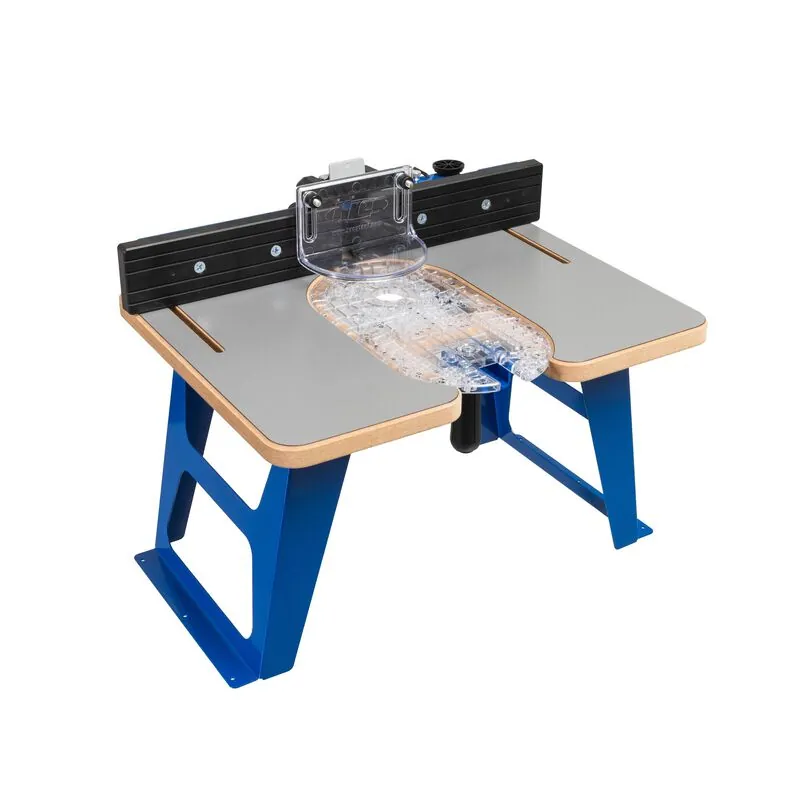
You should stop using your setup if you notice the following issues that indicate the router isn’t suited for the job:
- Excessive vibration: If the table shakes during operation, the mount isn’t secure enough to handle the motor’s torque.
- Burning wood: If the wood shows dark, charred marks, the motor is struggling and lacks the power for that specific cut.
- Frequent thermal trips: If the router shuts off automatically, it’s overheating; contact a professional repair service or stop using the table setup.
- Insecure mounting: If the router moves within the base during a pass, it’s a safety hazard that requires a professional-grade router lift or a dedicated table router.
Related guides
- Trim Router vs. Plunge Router: Differences and Which to Buy
- 10 Best Router Bits for a Trim Router: Essential Profiles
- Cordless vs. Corded Trim Routers: Which Makes More Sense?
Frequently asked questions
Can you use any trim router in a router table?
No, you can only use trim routers that have a flat, removable base that allows for secure mounting. Many small trimmers have integrated, non-removable bases that prevent them from being bolted to a table insert. Check your specific manual to see if the motor housing is designed for base removal.
How deep can I cut with a trim router in a table?
Because trim routers have smaller motors, they can’t handle the heavy load of a deep cut in a single pass without stalling or damaging the internal components.
Is it safe to use a trim router upside down?
Yes, it’s safe as long as the router is securely mounted to a plate and the bit is tightened properly. The primary danger comes from using bits that are too large for the motor or failing to secure the height adjustment lock, which can cause the bit to shift during use.
What happens if the router stalls in the table?
If the router stalls, turn off the power immediately and unplug the tool. A stalled motor draws excessive current, which can quickly melt internal wiring or blow a fuse. Wait for the motor to cool completely before inspecting the bit and your wood for obstructions.
How often should I check the mounting bolts?
You should check the mounting bolts before every use of the router table. Vibration from the motor can loosen these bolts over time, which creates play in the router and leads to inaccurate cuts. If the bolts feel loose, tighten them with a wrench before you start your project.
Does it matter which bits I use?
Yes, it matters because large bits create more resistance that can overwhelm a trim router’s small motor. You must stick to bits with a shank size that matches your router’s collet, usually 1/4 inch, and keep the cutting diameter small to prevent the motor from bogging down during your cuts.
Conclusion
Start by checking your router’s manual to ensure it supports base removal for table mounting. If it does, mount the motor securely and test it with a small bit to ensure the vibration is minimal. If the router bogs down or the table shakes during your first test cut, stop immediately and use a full-sized fixed-base router instead.